← Back
Intense Black Tiger Stare Wallpaper
100% free AI image Animal
9/19/2025, 12:14:00 AM AI 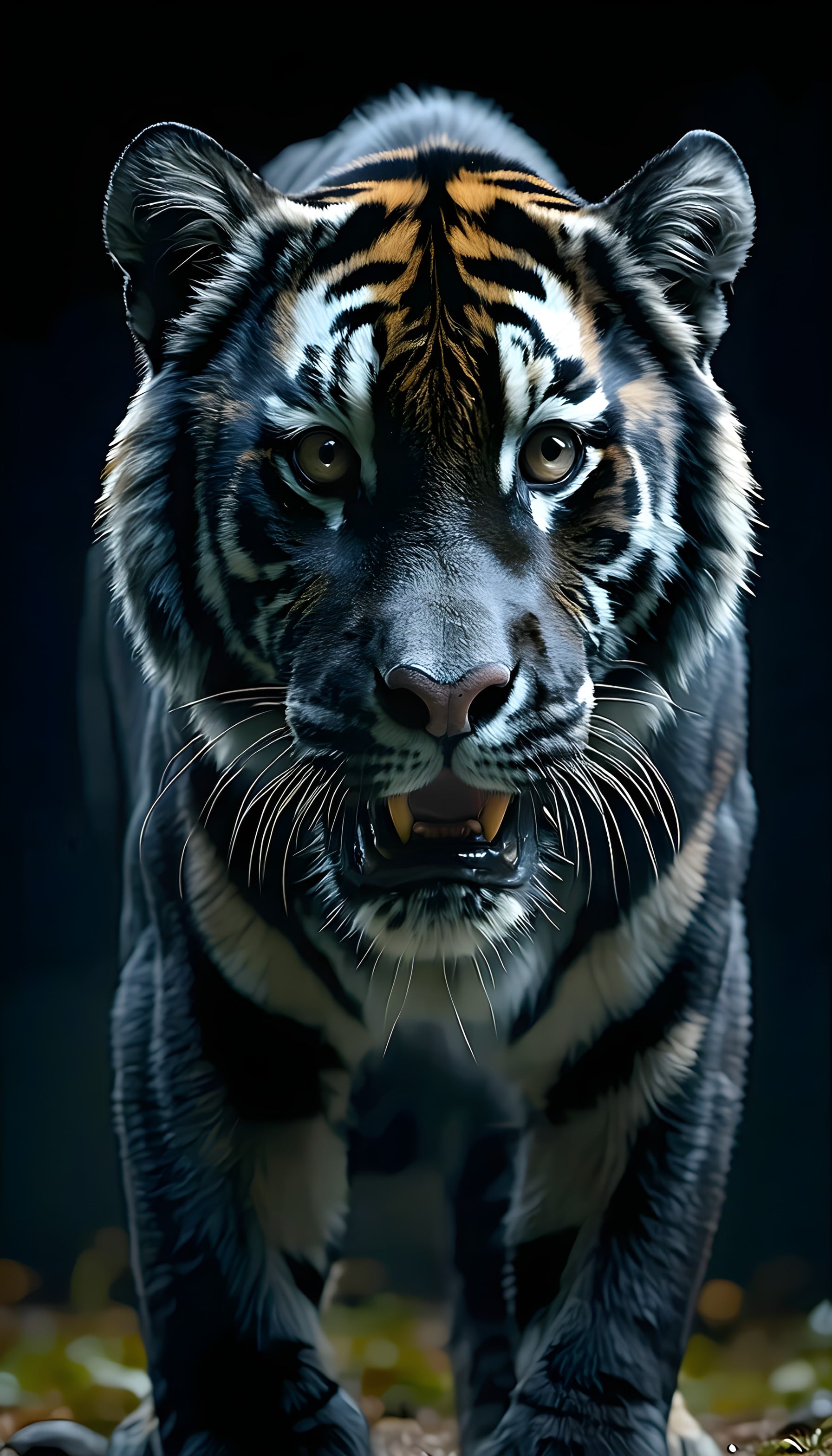
6 0
100% free · personal & commercial use · no attribution required (License)
If the download doesn’t start, press and hold the image to save it.
How to set as wallpaper
- iPhone: open Photos → tap the image → Share → Use as Wallpaper.
- Android: open Gallery → tap the image → menu (⋮) → Set as wallpaper.
About this wallpaper
A powerful black tiger stares directly forward, its face partially illuminated against a dark background, suggesting a nocturnal or deep jungle setting. The fur displays striking dark blue-grey and white stripes, accented with hints of warm amber on the forehead and ears, creating a dramatic contrast. The sharp detail of its fur and intense yellow-brown eyes convey a sense of raw wilderness, making it suitable for a phone lock screen for those who appreciate wildlife and a bold aesthetic.
Style: dark realism Mood: intense and powerful Best for: lock screen
Color palette — dark, cool, and earthy tones with amber accents
Tap a color to copy its hex code.
Wallpaper details
- Aspect ratio
- 9:16 (portrait)
- Format
- JPG
- Best for
- lock screen
- License
- Free — personal & commercial, no attribution
Quality & safety reviewed How images are vetted
How to set it as your wallpaper
- Choose a size from the download button and save the image.
- On iPhone or iPad, choose the saved image in Settings → Wallpaper. On Android, use Photos or Gallery to set it as wallpaper.
- Adjust the position and fit for your screen. Edges may be cropped depending on your device’s aspect ratio.


