← Back
Neon Tiger Alleyway: Vibrant Cityscape Wallpaper
100% free AI image Animal
11/23/2025, 2:54:26 PM AI 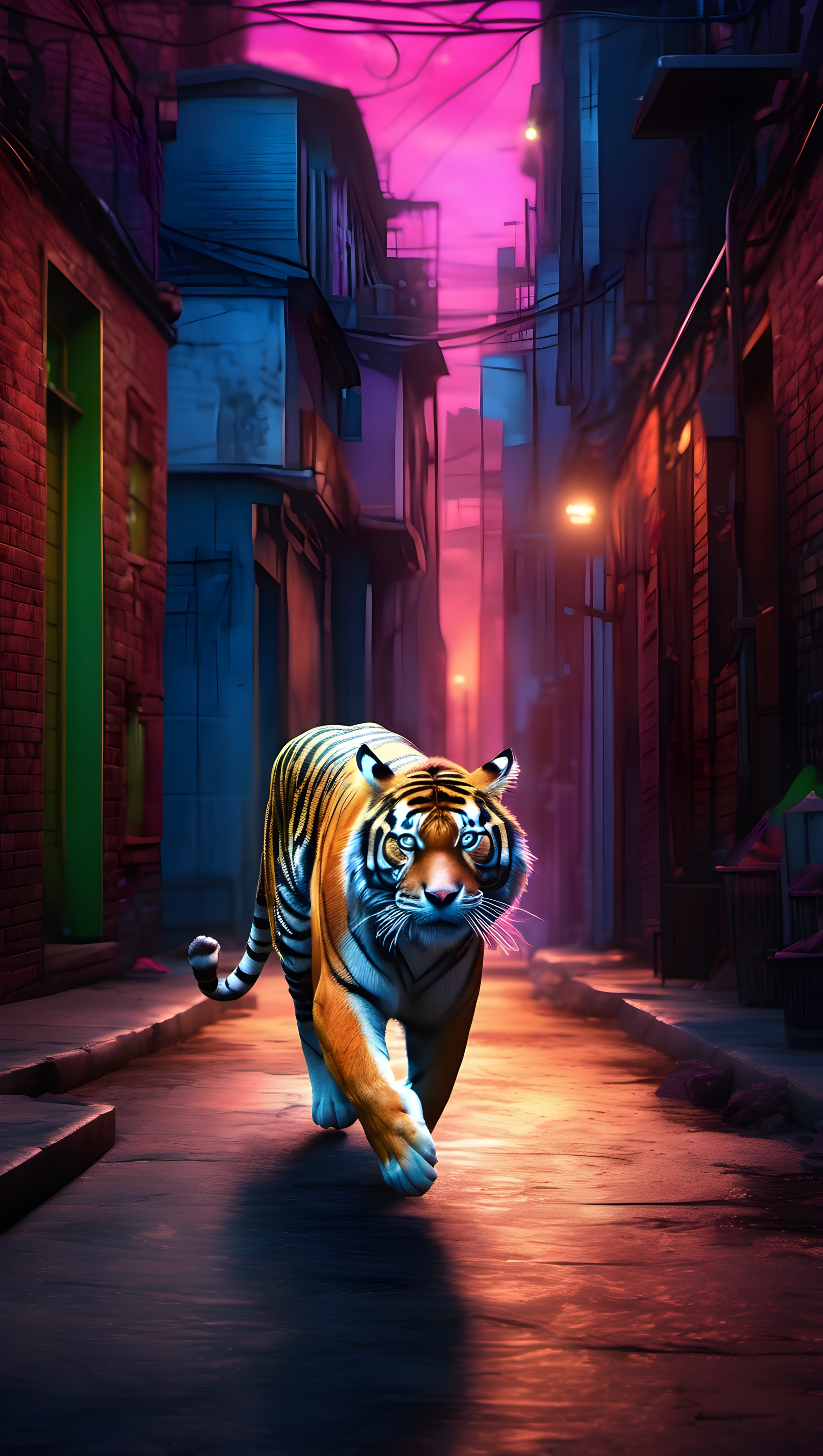
7 0
100% free · personal & commercial use · no attribution required (License)
If the download doesn’t start, press and hold the image to save it.
How to set as wallpaper
- iPhone: open Photos → tap the image → Share → Use as Wallpaper.
- Android: open Gallery → tap the image → menu (⋮) → Set as wallpaper.
About this wallpaper
A majestic tiger strides confidently down a narrow, neon-lit alleyway, its vibrant orange and black stripes contrasting with the cool blue and intense fuchsia tones of the urban environment. The scene is bathed in an atmospheric glow from unseen light sources, casting dramatic shadows and highlighting the tiger's piercing blue eyes. Rendered in a distinct digital art style, this wallpaper is ideal for phone screens where a bold and unique aesthetic is desired.
Style: neon digital art Mood: bold and adventurous Best for: aesthetic phone background
Color palette — vibrant neon urban palette
Tap a color to copy its hex code.
Wallpaper details
- Aspect ratio
- 9:16 (portrait)
- Format
- JPG
- Best for
- aesthetic phone background
- License
- Free — personal & commercial, no attribution
Quality & safety reviewed How images are vetted
How to set it as your wallpaper
- Choose a size from the download button and save the image.
- On iPhone or iPad, choose the saved image in Settings → Wallpaper. On Android, use Photos or Gallery to set it as wallpaper.
- Adjust the position and fit for your screen. Edges may be cropped depending on your device’s aspect ratio.


