← Back
Majestic Tiger Portrait Wildlife Phone Wallpaper
100% free AI image Animal
8/21/2025, 3:13:13 PM AI 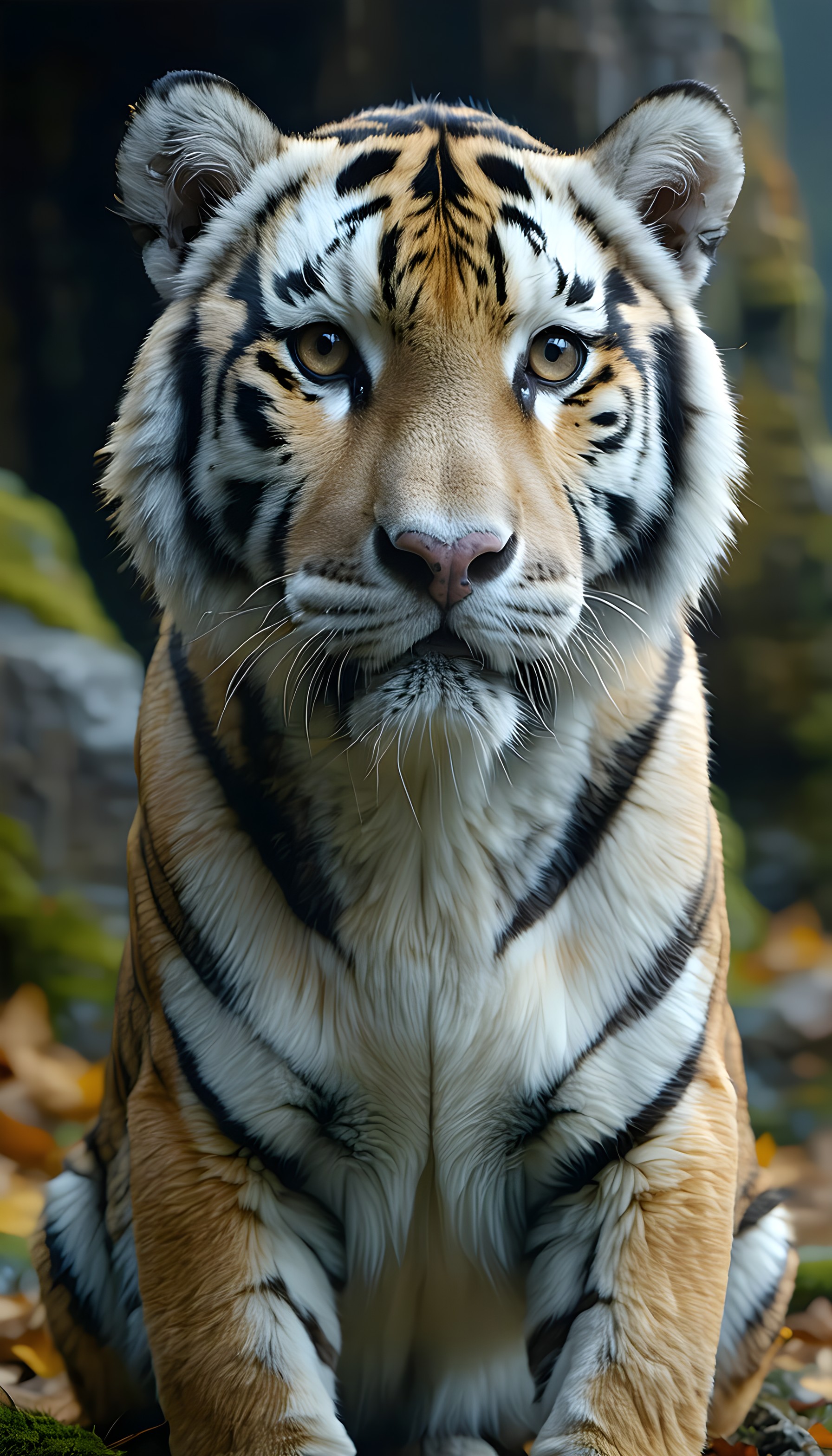
6 0
100% free · personal & commercial use · no attribution required (License)
If the download doesn’t start, press and hold the image to save it.
How to set as wallpaper
- iPhone: open Photos → tap the image → Share → Use as Wallpaper.
- Android: open Gallery → tap the image → menu (⋮) → Set as wallpaper.
About this wallpaper
An awe-inspiring close-up portrait captures a majestic tiger sitting calmly, its gaze direct and powerful. The soft, natural light beautifully illuminates its expressive golden eyes and intricate striped fur, creating a powerful yet serene atmosphere. Rich amber, creamy white, and striking black tones dominate the frame, contrasted by subtle hints of lush green and earthy brown in the blurred forest background. Perfect for nature lovers and those seeking a bold yet elegant mobile background, this wallpaper will bring a touch of the wild to any phone screen.
Style: Realistic animal photography Mood: Majestic and focused Best for: aesthetic phone background
Color palette — Warm earth tones with striking contrast
Tap a color to copy its hex code.
Wallpaper details
- Aspect ratio
- 9:16 (portrait)
- Format
- JPG
- Best for
- aesthetic phone background
- License
- Free — personal & commercial, no attribution
Quality & safety reviewed How images are vetted
How to set it as your wallpaper
- Choose a size from the download button and save the image.
- On iPhone or iPad, choose the saved image in Settings → Wallpaper. On Android, use Photos or Gallery to set it as wallpaper.
- Adjust the position and fit for your screen. Edges may be cropped depending on your device’s aspect ratio.


