← Back
Dark Storm Clouds Over City Skyline
100% free AI image Cityscape
9/25/2025, 3:04:58 PM AI 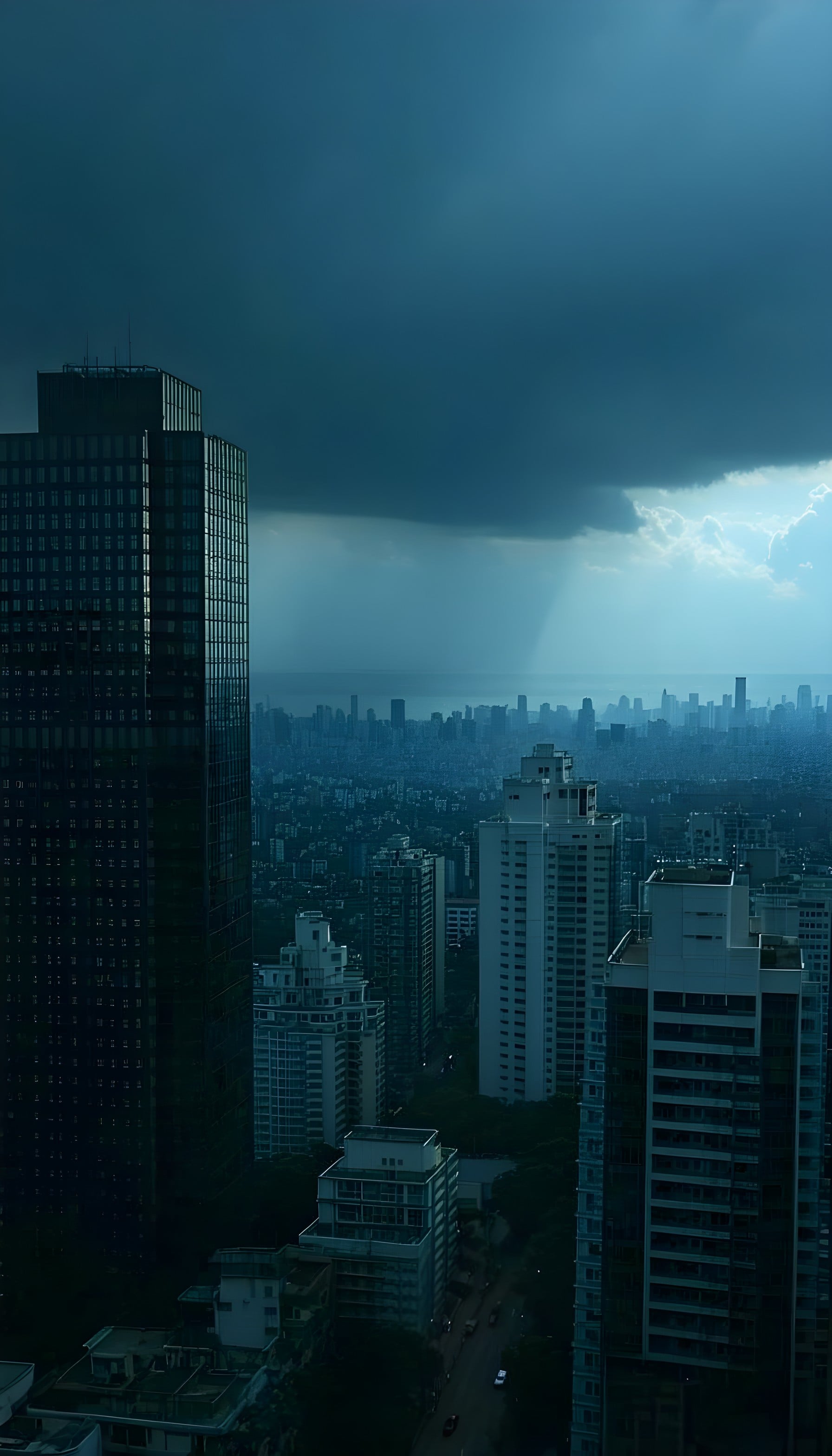
2 0
100% free · personal & commercial use · no attribution required (License)
If the download doesn’t start, press and hold the image to save it.
How to set as wallpaper
- iPhone: open Photos → tap the image → Share → Use as Wallpaper.
- Android: open Gallery → tap the image → menu (⋮) → Set as wallpaper.
About this wallpaper
A dense urban cityscape stretches beneath a dramatic, heavy storm cloud, with a distinct ray of light breaking through the distant horizon. The atmosphere is moody and somber, dominated by deep blues and grays that transition into lighter, hazy blues in the distance, suggesting a vast metropolitan area meeting the sea. The visual style is realistic photography, capturing the raw, imposing beauty of nature's power over human structures. This wallpaper is suitable for a phone lock screen, offering a sophisticated and reflective background.
Style: realistic photography Mood: dramatic and calm Best for: lock screen
Color palette — cool stormy blues and grays
Tap a color to copy its hex code.
Wallpaper details
- Aspect ratio
- 9:16 (portrait)
- Format
- JPG
- Best for
- lock screen
- License
- Free — personal & commercial, no attribution
Quality & safety reviewed How images are vetted
How to set it as your wallpaper
- Choose a size from the download button and save the image.
- On iPhone or iPad, choose the saved image in Settings → Wallpaper. On Android, use Photos or Gallery to set it as wallpaper.
- Adjust the position and fit for your screen. Edges may be cropped depending on your device’s aspect ratio.


