← Back
Hazy Morning Cityscape with Sunbeams
100% free AI image Cityscape
9/2/2025, 3:04:25 PM AI 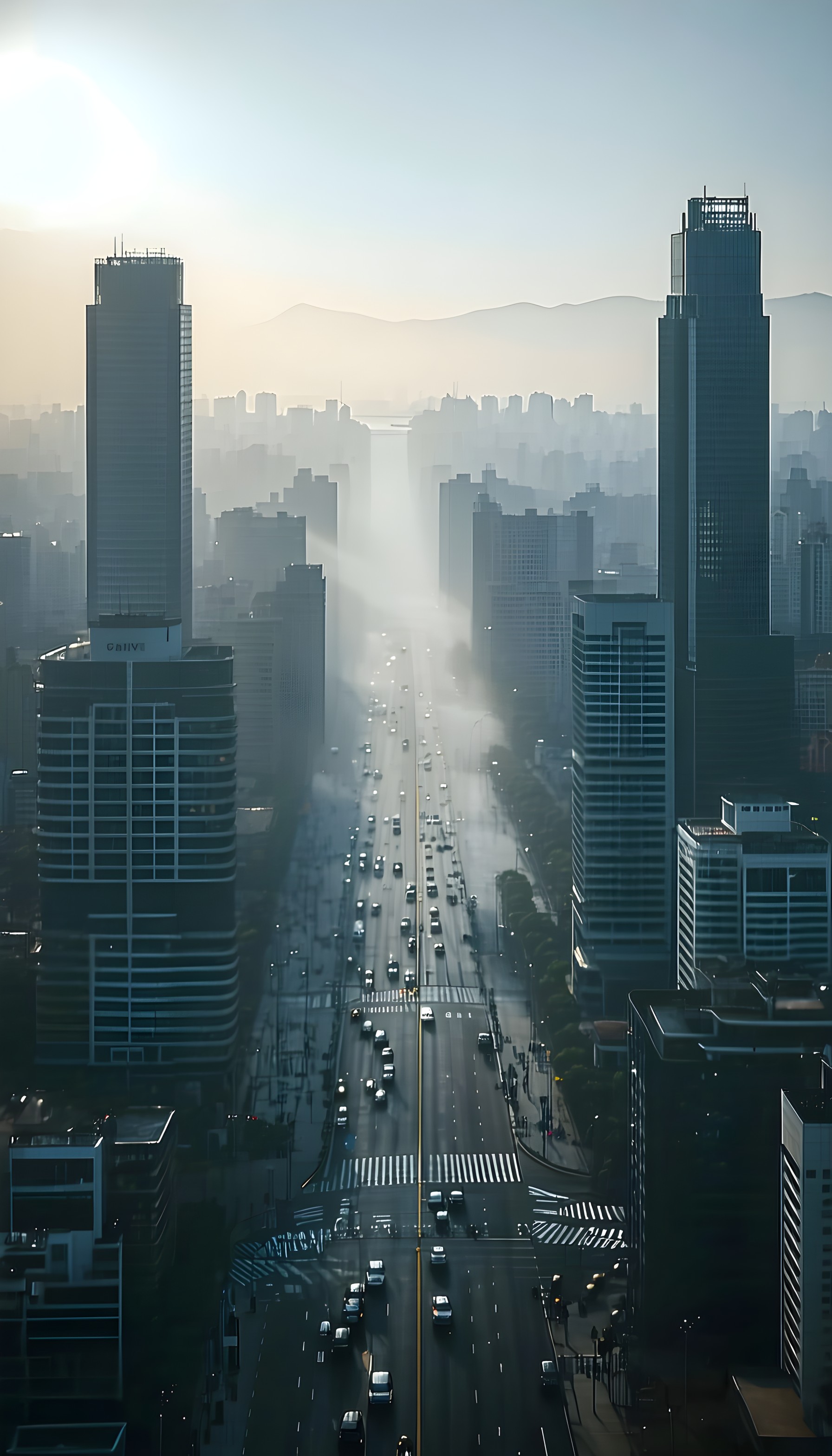
4 0
100% free · personal & commercial use · no attribution required (License)
If the download doesn’t start, press and hold the image to save it.
How to set as wallpaper
- iPhone: open Photos → tap the image → Share → Use as Wallpaper.
- Android: open Gallery → tap the image → menu (⋮) → Set as wallpaper.
About this wallpaper
An aerial perspective captures a bustling city street at what appears to be a misty morning or late afternoon, with dramatic sunbeams piercing through the atmospheric haze. The tall, modern skyscrapers lining the avenue are rendered in cool blues and greys, contrasting with the soft, ethereal glow of the sun. The scene evokes a sense of urban tranquility and scale, suitable for a minimalist or sophisticated phone background that highlights architectural grandeur.
Style: cinematic photography Mood: calm and expansive Best for: aesthetic phone background
Color palette — cool urban hues with warm sun accents
Tap a color to copy its hex code.
Wallpaper details
- Aspect ratio
- 9:16 (portrait)
- Format
- JPG
- Best for
- aesthetic phone background
- License
- Free — personal & commercial, no attribution
Quality & safety reviewed How images are vetted
How to set it as your wallpaper
- Choose a size from the download button and save the image.
- On iPhone or iPad, choose the saved image in Settings → Wallpaper. On Android, use Photos or Gallery to set it as wallpaper.
- Adjust the position and fit for your screen. Edges may be cropped depending on your device’s aspect ratio.


