Urban Street Cityscape Evening Traffic Wallpaper
100% free · personal & commercial use · no attribution required (License)
If the download doesn’t start, press and hold the image to save it.
How to set as wallpaper
- iPhone: open Photos → tap the image → Share → Use as Wallpaper.
- Android: open Gallery → tap the image → menu (⋮) → Set as wallpaper.
About this wallpaper
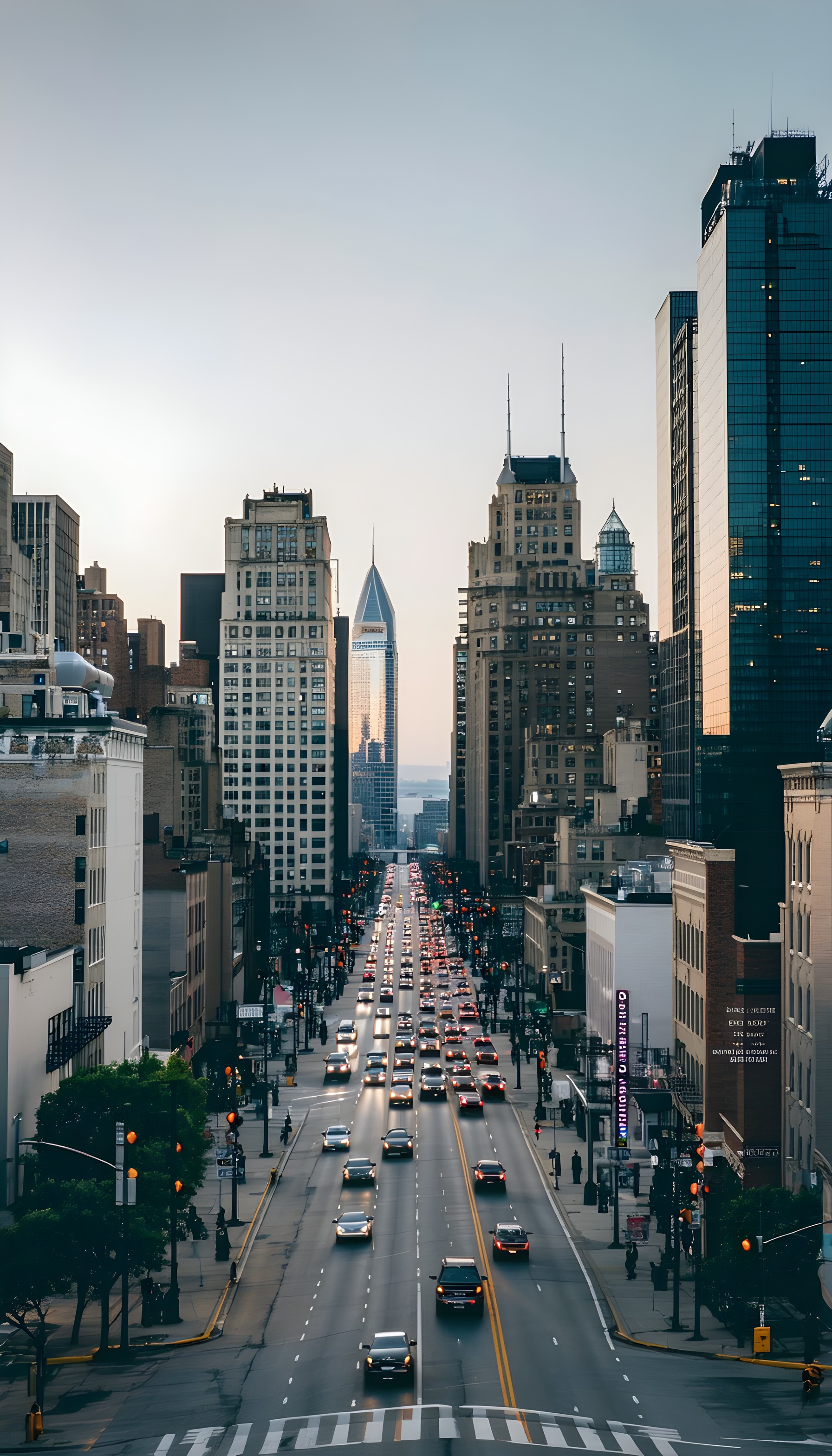
A long urban street stretches into the distance, flanked by tall buildings on both sides, with dense traffic moving in both directions. The scene is bathed in the soft, warm light of either dawn or dusk, casting subtle glows on the buildings and the vehicles' headlights/taillights. Dominant colors include muted grays and browns for the architecture, cool blue tones in the distant sky, and a scattering of warm oranges and reds from the vehicle lights. This realistic cityscape photography lends itself well to a phone lock screen or a background for those who appreciate dynamic urban scenes.
Color palette — muted urban tones with warm accents
Tap a color to copy its hex code.
Wallpaper details
- Aspect ratio
- 9:16 (portrait)
- Format
- JPG
- Best for
- aesthetic phone background
- License
- Free — personal & commercial, no attribution
How to set it as your wallpaper
- Choose a size from the download button and save the image.
- On iPhone or iPad, choose the saved image in Settings → Wallpaper. On Android, use Photos or Gallery to set it as wallpaper.
- Adjust the position and fit for your screen. Edges may be cropped depending on your device’s aspect ratio.


