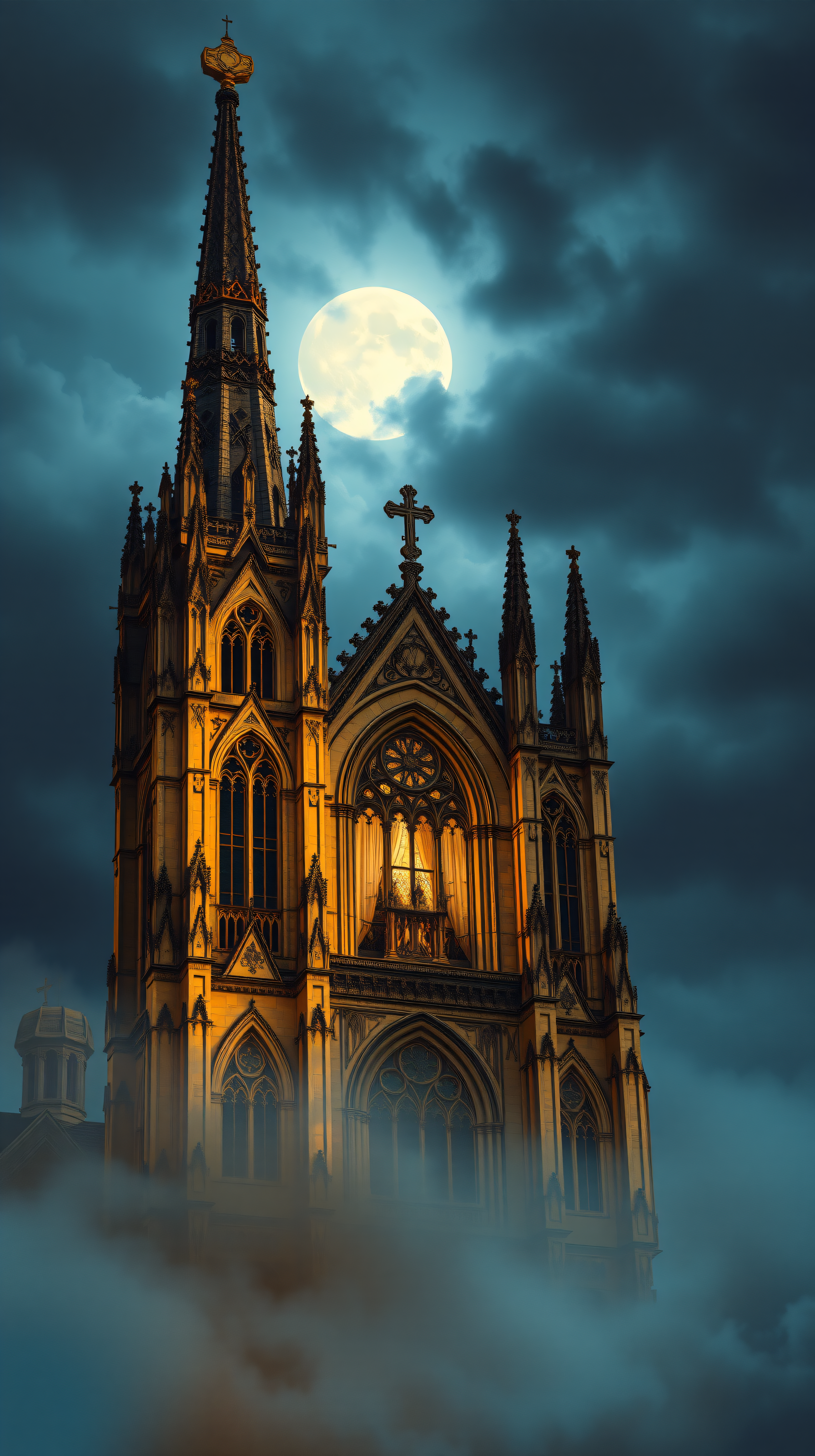
Gothic Cathedral Spire Moonlight
100% free · personal & commercial use · no attribution required (License)
If the download doesn’t start, press and hold the image to save it.
How to set as wallpaper
- iPhone: open Photos → tap the image → Share → Use as Wallpaper.
- Android: open Gallery → tap the image → menu (⋮) → Set as wallpaper.
About this wallpaper
A gothic cathedral with towering spires rises dramatically through swirling mist, illuminated by a large, luminous full moon against a dark, cloudy night sky. The architecture is detailed with intricate carvings and pointed arches, glowing with warm golden light from within and reflecting the moon's serene glow. The dominant colors are deep teals and grays in the sky and mist, contrasted sharply with the vibrant golden hues of the building. This high-contrast, atmospheric image is perfect for a lock screen or a phone background that evokes a sense of mystery and grandeur.
Color palette — contrasting dark blues and warm golds
Tap a color to copy its hex code.
Wallpaper details
- Aspect ratio
- 9:16 (portrait)
- Format
- JPG
- Best for
- aesthetic phone background
- License
- Free — personal & commercial, no attribution
How to set it as your wallpaper
- Choose a size from the download button and save the image.
- On iPhone or iPad, choose the saved image in Settings → Wallpaper. On Android, use Photos or Gallery to set it as wallpaper.
- Adjust the position and fit for your screen. Edges may be cropped depending on your device’s aspect ratio.


