← Back
Moonlit Gothic Ruins: Overgrown Ancient Temple at Night
100% free AI image Gothic
6/12/2026, 7:06:36 PM AI 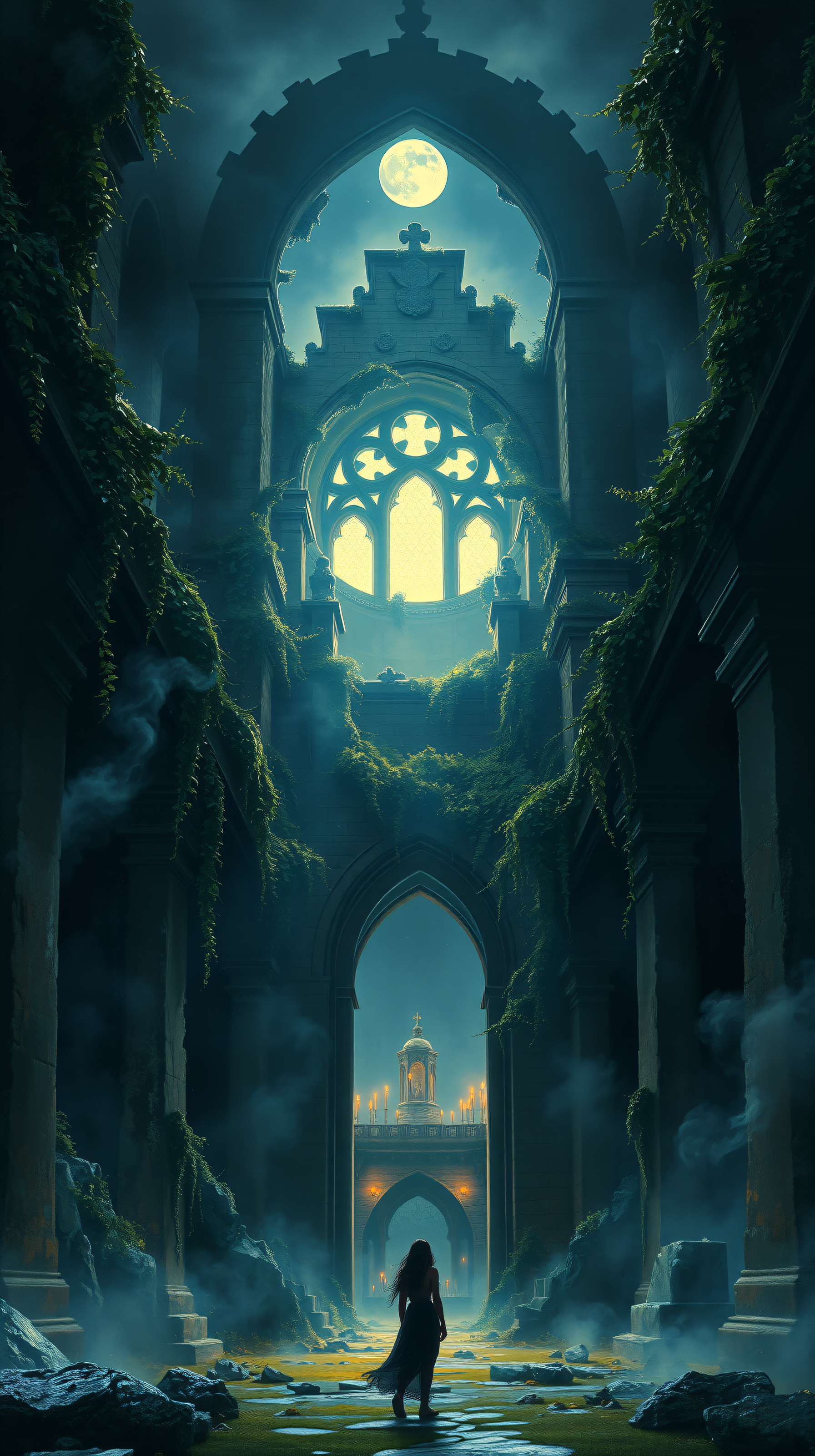
4 0
100% free · personal & commercial use · no attribution required (License)
If the download doesn’t start, press and hold the image to save it.
How to set as wallpaper
- iPhone: open Photos → tap the image → Share → Use as Wallpaper.
- Android: open Gallery → tap the image → menu (⋮) → Set as wallpaper.
About this wallpaper
A dramatic scene unfolds within ancient, ivy-clad gothic ruins, bathed in the ethereal glow of a full moon. Misty air hangs heavy, creating a mystical atmosphere as a lone figure walks towards a distant arched structure with flickering lights. Dominated by deep blues, teals, and dark greens, with accents of glowing yellow from the moon, this wallpaper is perfect for anyone who loves dark fantasy, mysterious landscapes, or a touch of dramatic gothic romance on their phone.
Style: Cinematic Digital Painting Mood: Mysterious and Ethereal Best for: Aesthetic phone background
Color palette — Moody blues and greens with moonlight accents
Tap a color to copy its hex code.
Wallpaper details
- Aspect ratio
- 9:16 (portrait)
- Format
- JPG
- Best for
- Aesthetic phone background
- License
- Free — personal & commercial, no attribution
Quality & safety reviewed How images are vetted
How to set it as your wallpaper
- Choose a size from the download button and save the image.
- On iPhone or iPad, choose the saved image in Settings → Wallpaper. On Android, use Photos or Gallery to set it as wallpaper.
- Adjust the position and fit for your screen. Edges may be cropped depending on your device’s aspect ratio.


