← Back
Foggy City Winter Morning Skyscraper View
100% free AI image Cityscape
6/9/2026, 6:12:49 PM AI 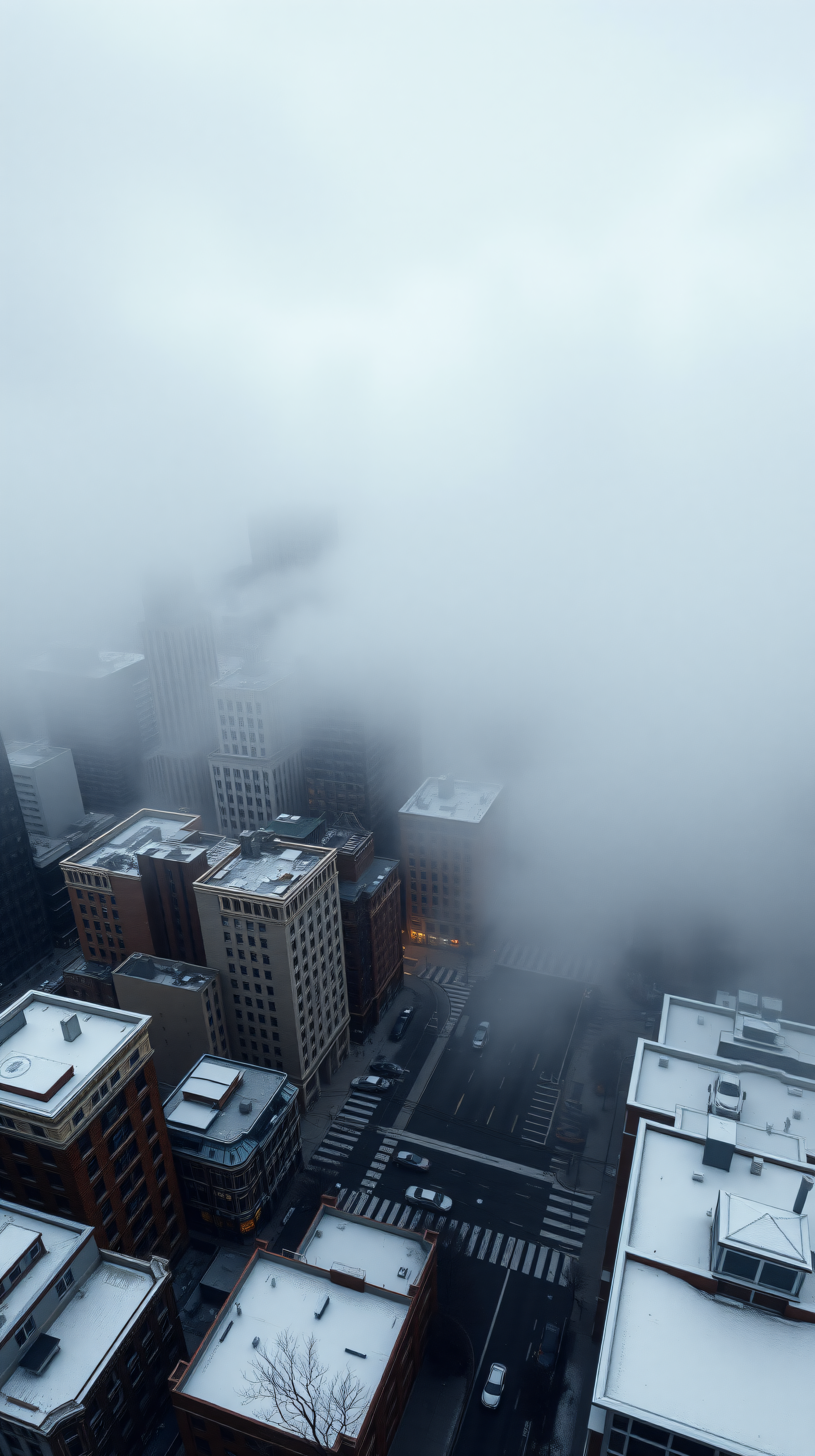
5 0
100% free · personal & commercial use · no attribution required (License)
If the download doesn’t start, press and hold the image to save it.
How to set as wallpaper
- iPhone: open Photos → tap the image → Share → Use as Wallpaper.
- Android: open Gallery → tap the image → menu (⋮) → Set as wallpaper.
About this wallpaper
An aerial view captures a city covered in dense fog on a winter morning, with only the upper portions of buildings and parts of the street below visible through the mist. The dominant colors are cool grays and muted blues from the fog and sky, contrasted with the warmer tones of some building facades and faint streetlights. The atmospheric photographic style creates a sense of peaceful solitude and urban mystery. This wallpaper is ideal for a lock screen or home screen on a phone, offering a tranquil yet intriguing backdrop.
Style: atmospheric photography Mood: calm and mysterious Best for: aesthetic phone background
Color palette — cool muted urban tones
Tap a color to copy its hex code.
Wallpaper details
- Aspect ratio
- 9:16 (portrait)
- Format
- JPG
- Best for
- aesthetic phone background
- License
- Free — personal & commercial, no attribution
Quality & safety reviewed How images are vetted
How to set it as your wallpaper
- Choose a size from the download button and save the image.
- On iPhone or iPad, choose the saved image in Settings → Wallpaper. On Android, use Photos or Gallery to set it as wallpaper.
- Adjust the position and fit for your screen. Edges may be cropped depending on your device’s aspect ratio.


