← 뒤로
미래 기술 다이얼과 스마트폰 배경화면
100% 무료 AI 이미지 기술
6/12/2026, 6:37:17 PM AI 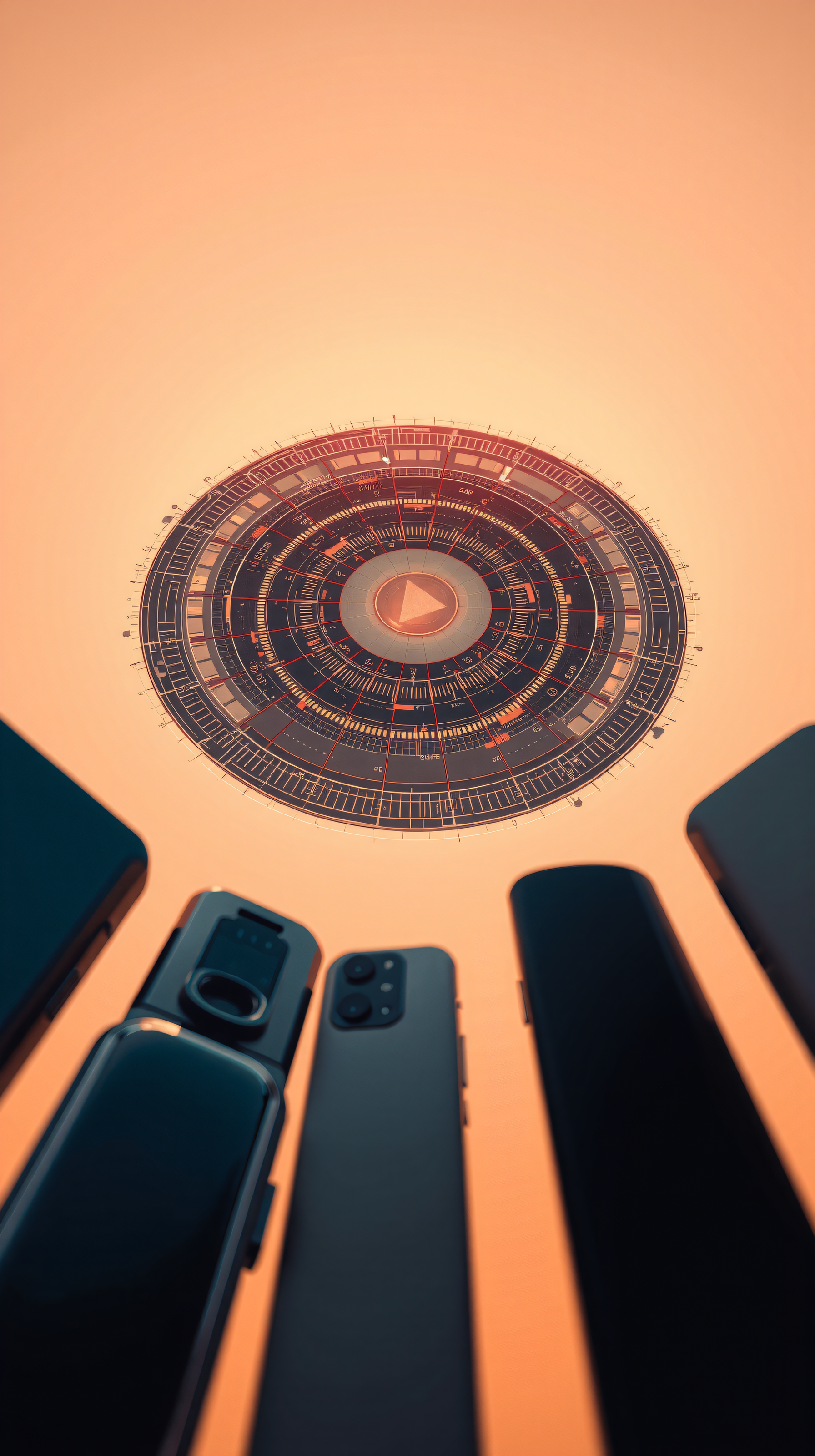
4 0
100% free · personal & commercial use · no attribution required (License)
If the download doesn’t start, press and hold the image to save it.
배경화면으로 설정하는 법
- 아이폰: 사진 앱에서 이미지 열기 → 공유 → 배경화면으로 사용.
- 안드로이드: 갤러리에서 이미지 열기 → 메뉴(⋮) → 배경화면으로 설정.
이 배경화면 소개
미래적인 빛나는 원형 인터페이스와 다양한 현대 스마트폰(폴더블폰, 멀티 카메라 모델 포함)이 어우러진 장면입니다. 따뜻한 오렌지빛이 전체를 감싸며 디지털 일출이나 첨단 디스플레이를 연상시킵니다. 사실적인 제품 렌더링과 추상적인 하이테크 스타일이 결합되어 있어, 특히 다크 모드를 선호하는 기술 애호가들의 휴대폰 배경화면으로 좋습니다.
Style: 3d render, sci-fi Mood: tech-savvy, intriguing Best for: aesthetic phone background
색상 팔레트 — warm orange and dark tones
색을 누르면 HEX 코드가 복사됩니다.
배경화면 상세
- 화면 비율
- 9:16 (세로)
- 형식
- JPG
- 추천 용도
- aesthetic phone background
- 라이선스
- 무료 — 개인·상업용, 출처 표기 불필요
품질·안전 심사 완료 심사 방식 보기
배경화면으로 설정하는 방법
- 다운로드 버튼에서 원하는 크기를 선택해 이미지를 저장하세요.
- iPhone·iPad는 설정 → 배경화면에서, Android는 사진·갤러리 앱에서 저장한 이미지를 배경화면으로 설정하세요.
- 화면에 맞게 위치와 크기를 조절하세요. 기기 비율에 따라 가장자리가 잘릴 수 있습니다.


