← Back
Cosmic Nebula Sky with Serene Clouds Wallpaper
100% free AI image Space
8/30/2025, 12:01:29 AM AI 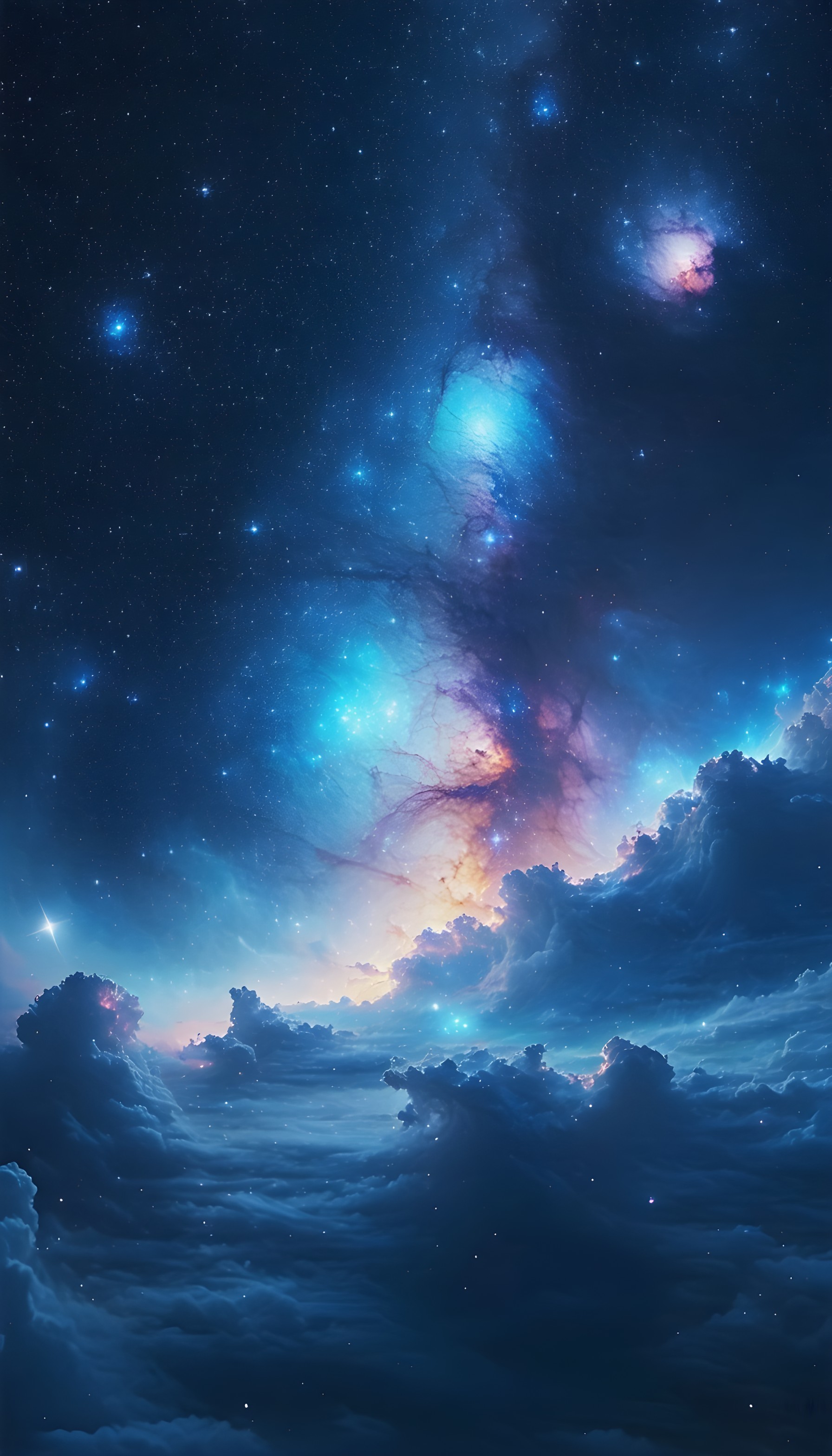
3 0
100% free · personal & commercial use · no attribution required (License)
If the download doesn’t start, press and hold the image to save it.
How to set as wallpaper
- iPhone: open Photos → tap the image → Share → Use as Wallpaper.
- Android: open Gallery → tap the image → menu (⋮) → Set as wallpaper.
About this wallpaper
A vast cosmic sky, filled with glowing nebulae and scattered stars, stretches above a dramatic layer of clouds. The upper portion showcases deep blues and purples with bright cyan and magenta celestial formations. Below, the clouds are rendered in moody dark blues, illuminated by soft golden and pink hues near the horizon, suggesting a distant starlight or sunrise. This dreamy, ethereal digital art style creates a sense of wonder and calm, ideal for a phone lock screen or a contemplative background.
Style: ethereal digital art Mood: calm and dreamy Best for: aesthetic phone background
Color palette — deep blues and vibrant cosmic hues
Tap a color to copy its hex code.
Wallpaper details
- Aspect ratio
- 9:16 (portrait)
- Format
- JPG
- Best for
- aesthetic phone background
- License
- Free — personal & commercial, no attribution
Quality & safety reviewed How images are vetted
How to set it as your wallpaper
- Choose a size from the download button and save the image.
- On iPhone or iPad, choose the saved image in Settings → Wallpaper. On Android, use Photos or Gallery to set it as wallpaper.
- Adjust the position and fit for your screen. Edges may be cropped depending on your device’s aspect ratio.


