← Back
Mystic Portal in Subway Station Wallpaper
100% free AI image Fantasy
8/4/2026, 6:13:38 PM AI 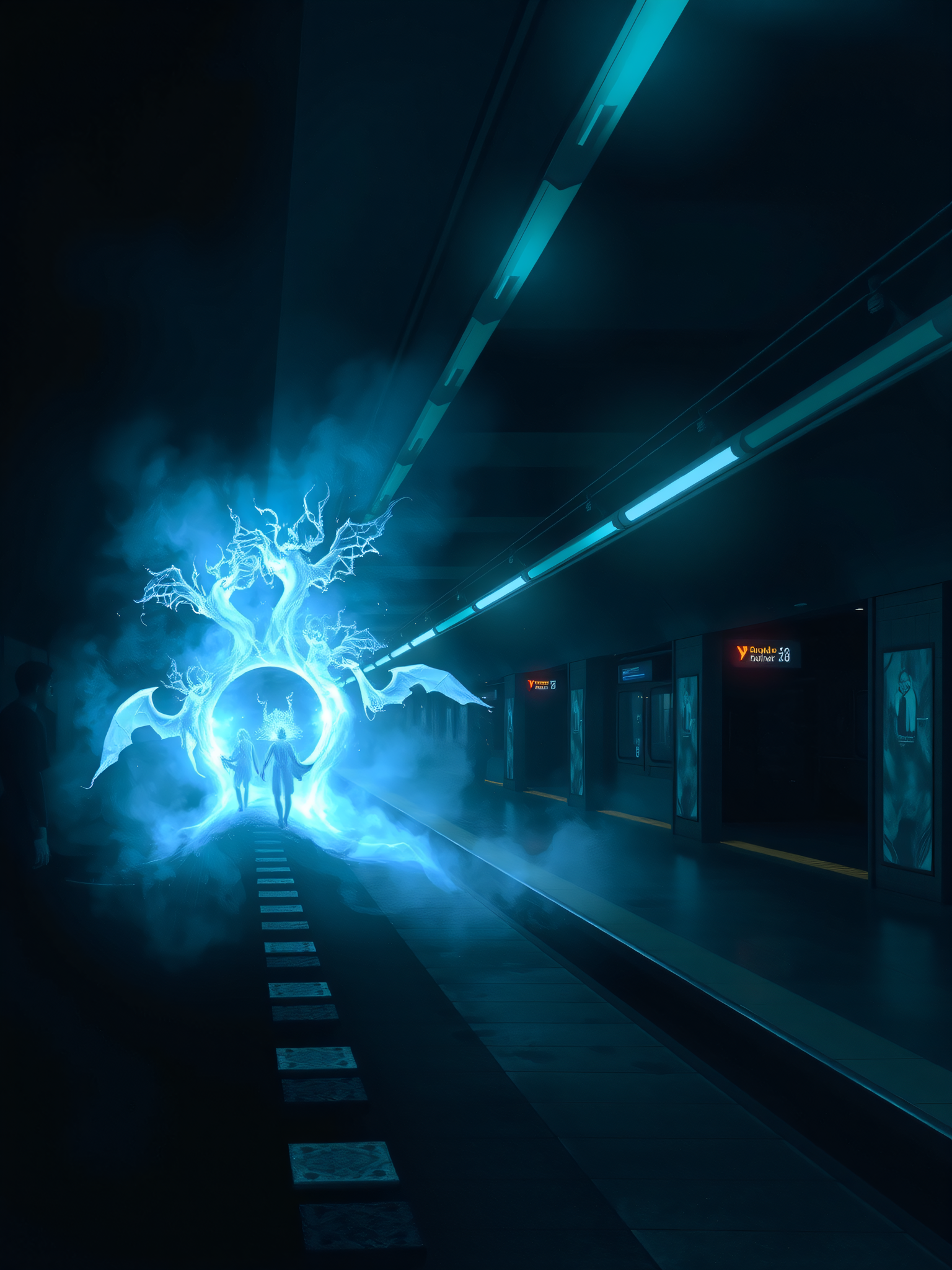
2 0
100% free · personal & commercial use · no attribution required (License)
If the download doesn’t start, press and hold the image to save it.
How to set as wallpaper
- iPhone: open Photos → tap the image → Share → Use as Wallpaper.
- Android: open Gallery → tap the image → menu (⋮) → Set as wallpaper.
About this wallpaper
A dark subway station platform is dramatically illuminated by a glowing blue portal, shaped like a fantastical tree with wing-like extensions. Two silhouetted figures walk hand-in-hand towards the bright, ethereal opening, which seems to shimmer with magical energy. The dominant cool blues and deep indigos create a mysterious and otherworldly atmosphere, rendered with a digital art style that blends realism with fantasy elements. This wallpaper is well-suited for a lock screen or any phone that benefits from a dark, imaginative aesthetic.
Style: digital fantasy art Mood: mysterious and ethereal Best for: aesthetic phone background
Color palette — dark cool tones with vibrant cyan
Tap a color to copy its hex code.
Wallpaper details
- Aspect ratio
- 3:4
- Format
- JPG
- Best for
- aesthetic phone background
- License
- Free — personal & commercial, no attribution
Quality & safety reviewed How images are vetted
How to set it as your wallpaper
- Choose a size from the download button and save the image.
- On iPhone or iPad, choose the saved image in Settings → Wallpaper. On Android, use Photos or Gallery to set it as wallpaper.
- Adjust the position and fit for your screen. Edges may be cropped depending on your device’s aspect ratio.


