← Back
Cosmic Galaxy Beach Night Waves Wallpaper
100% free AI image Space
8/22/2025, 4:58:47 AM AI 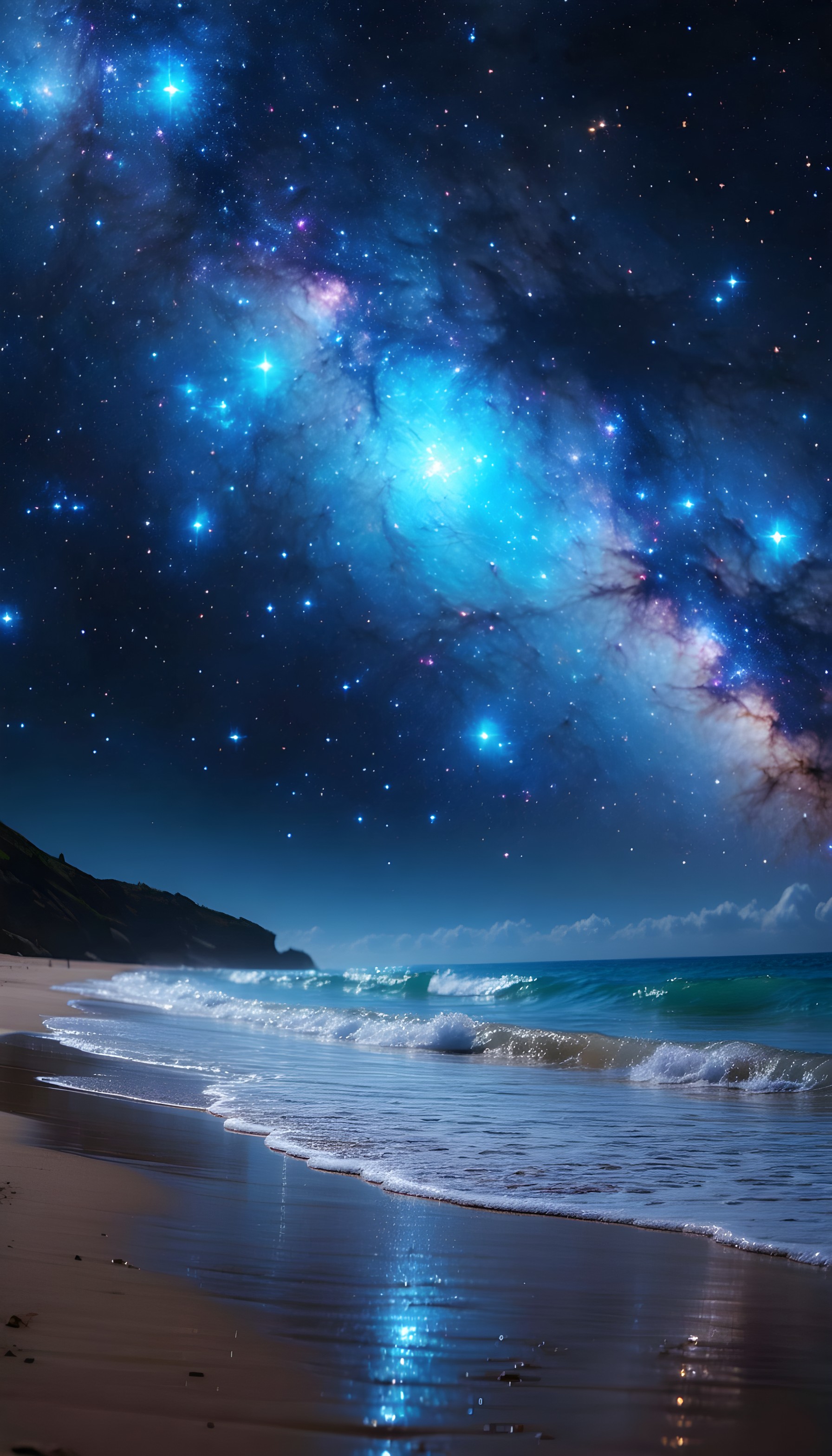
5 0
100% free · personal & commercial use · no attribution required (License)
If the download doesn’t start, press and hold the image to save it.
How to set as wallpaper
- iPhone: open Photos → tap the image → Share → Use as Wallpaper.
- Android: open Gallery → tap the image → menu (⋮) → Set as wallpaper.
About this wallpaper
A vibrant galactic arm, rendered in brilliant blue and purple light, arcs above a tranquil ocean shore under a celestial beach night. Stars punctuate the dark sky, their soft glow reflecting off the gentle rolling waves and wet golden sand. The composition’s palette—a blend of deep cosmic blues, serene aquamarine waters, and earthy beach tones—establishes a magical, otherworldly atmosphere. Intended for use as a phone background, this piece offers an enchanting universe for admirers of space, nature, and surreal dreamscapes, suitable for both lock and home screens.
Style: Surreal fantasy art Mood: Magical and serene Best for: aesthetic phone background
Color palette — Cool cosmic blues with earthy undertones
Tap a color to copy its hex code.
Wallpaper details
- Aspect ratio
- 9:16 (portrait)
- Format
- JPG
- Best for
- aesthetic phone background
- License
- Free — personal & commercial, no attribution
Quality & safety reviewed How images are vetted
How to set it as your wallpaper
- Choose a size from the download button and save the image.
- On iPhone or iPad, choose the saved image in Settings → Wallpaper. On Android, use Photos or Gallery to set it as wallpaper.
- Adjust the position and fit for your screen. Edges may be cropped depending on your device’s aspect ratio.


