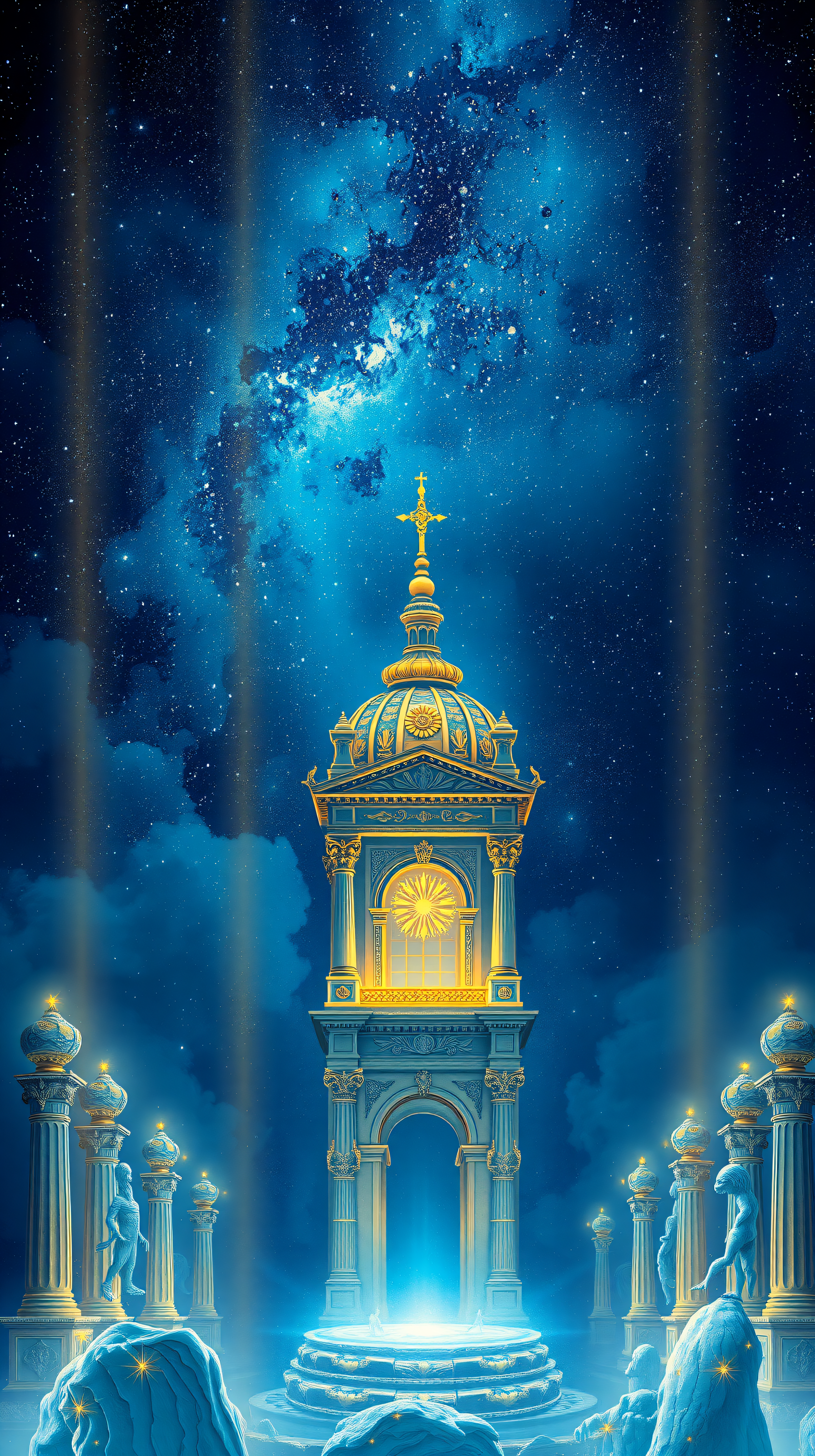
Celestial Temple Clock Tower Fantasy Night Sky
100% free · personal & commercial use · no attribution required (License)
If the download doesn’t start, press and hold the image to save it.
How to set as wallpaper
- iPhone: open Photos → tap the image → Share → Use as Wallpaper.
- Android: open Gallery → tap the image → menu (⋮) → Set as wallpaper.
About this wallpaper
A grand, ornate temple clock tower stands prominently under a vibrant, star-filled night sky. The structure is rendered with rich golden accents against a cool blue base, emanating a soft, luminous glow from its central window and base. Surrounding the main tower are various smaller pillars and formations, also glowing with ethereal light, adding to the mystical atmosphere. This illustrative digital artwork features deep blues and radiant golds, making it an excellent aesthetic choice for a phone lock screen, especially for those who appreciate fantastical and celestial themes.
Color palette — deep blues with radiant gold accents
Tap a color to copy its hex code.
Wallpaper details
- Resolution
- 1792 × 3200 px
- Aspect ratio
- 9:16 (portrait)
- Format
- JPG
- Best for
- Aesthetic phone background
- License
- Free — personal & commercial, no attribution
How to set it as your wallpaper
- Tap Download to save the full-resolution image to your phone.
- iPhone: Settings → Wallpaper → Add New Wallpaper → Photos, then pick this image.
- Android: open the saved image in Photos/Gallery → menu → Set as wallpaper.
- Choose Lock screen, Home screen, or both — the 9:16 format fits edge-to-edge.


