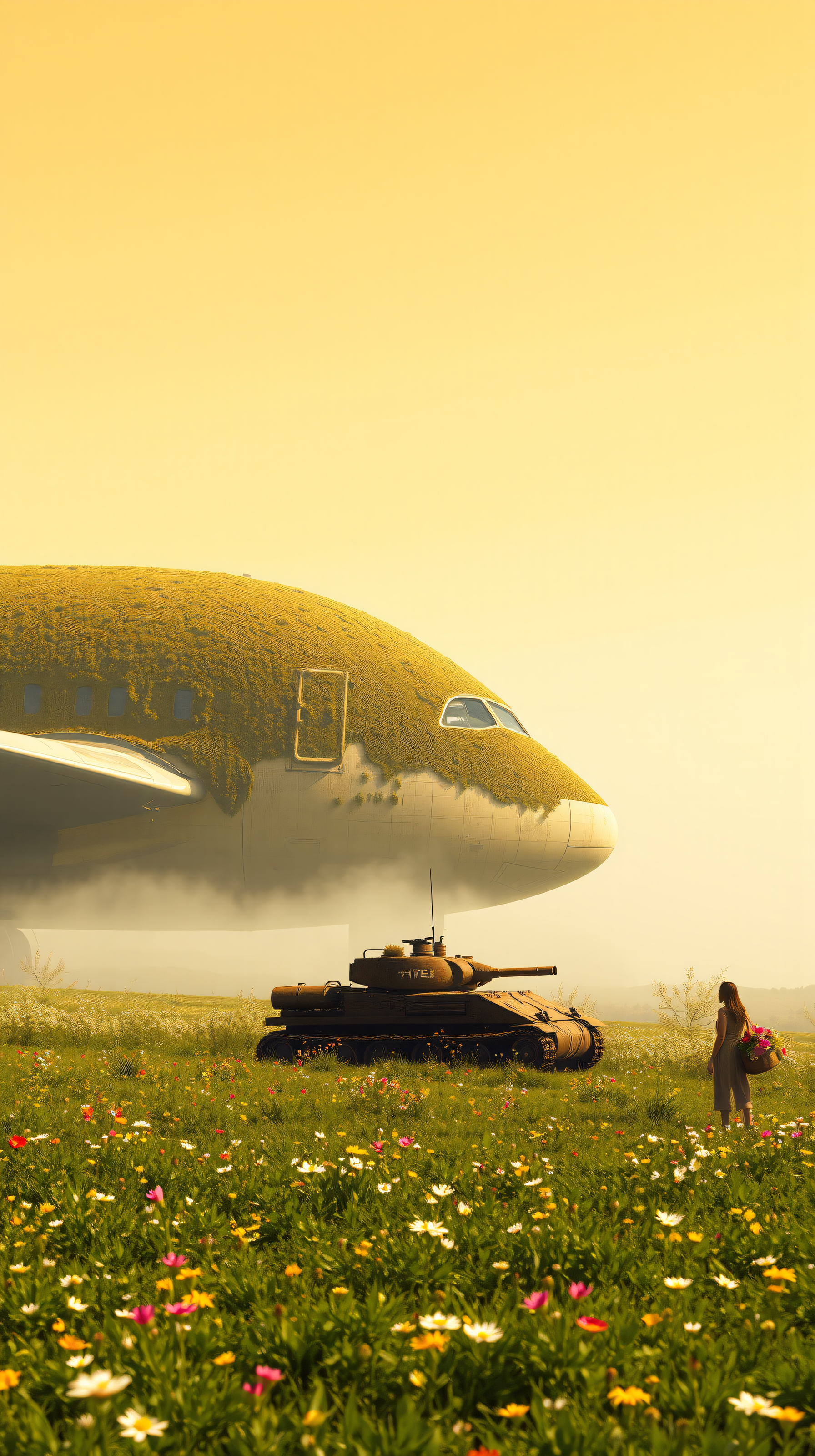
Overgrown Plane and Tank in Wildflower Field
100% free · personal & commercial use · no attribution required (License)
If the download doesn’t start, press and hold the image to save it.
How to set as wallpaper
- iPhone: open Photos → tap the image → Share → Use as Wallpaper.
- Android: open Gallery → tap the image → menu (⋮) → Set as wallpaper.
About this wallpaper
An abandoned airplane and military tank, gracefully reclaimed by lush green vegetation, stand within a field of colorful wildflowers. Bathed in soft, warm golden light, evocative of dawn or dusk, the composition conveys a serene yet powerful atmosphere, highlighting nature's enduring strength and peace. The dominant palette features verdant greens and earthy browns against a golden-yellow sky, punctuated by red, pink, and white blossoms. This surreal and conceptual piece offers a contemplative statement for a phone background or lock screen, appealing to those who appreciate the harmonious blend of human artifacts with the natural world.
Color palette — Warm golden and earthy tones with vibrant floral accents
Tap a color to copy its hex code.
Wallpaper details
- Aspect ratio
- 9:16 (portrait)
- Format
- JPG
- Best for
- Aesthetic Phone Background
- License
- Free — personal & commercial, no attribution
How to set it as your wallpaper
- Choose a size from the download button and save the image.
- On iPhone or iPad, choose the saved image in Settings → Wallpaper. On Android, use Photos or Gallery to set it as wallpaper.
- Adjust the position and fit for your screen. Edges may be cropped depending on your device’s aspect ratio.


