← Back
Northern Lights Winter Fjord with Cherry Blossoms
100% free AI image Nature
6/14/2026, 5:40:40 PM AI 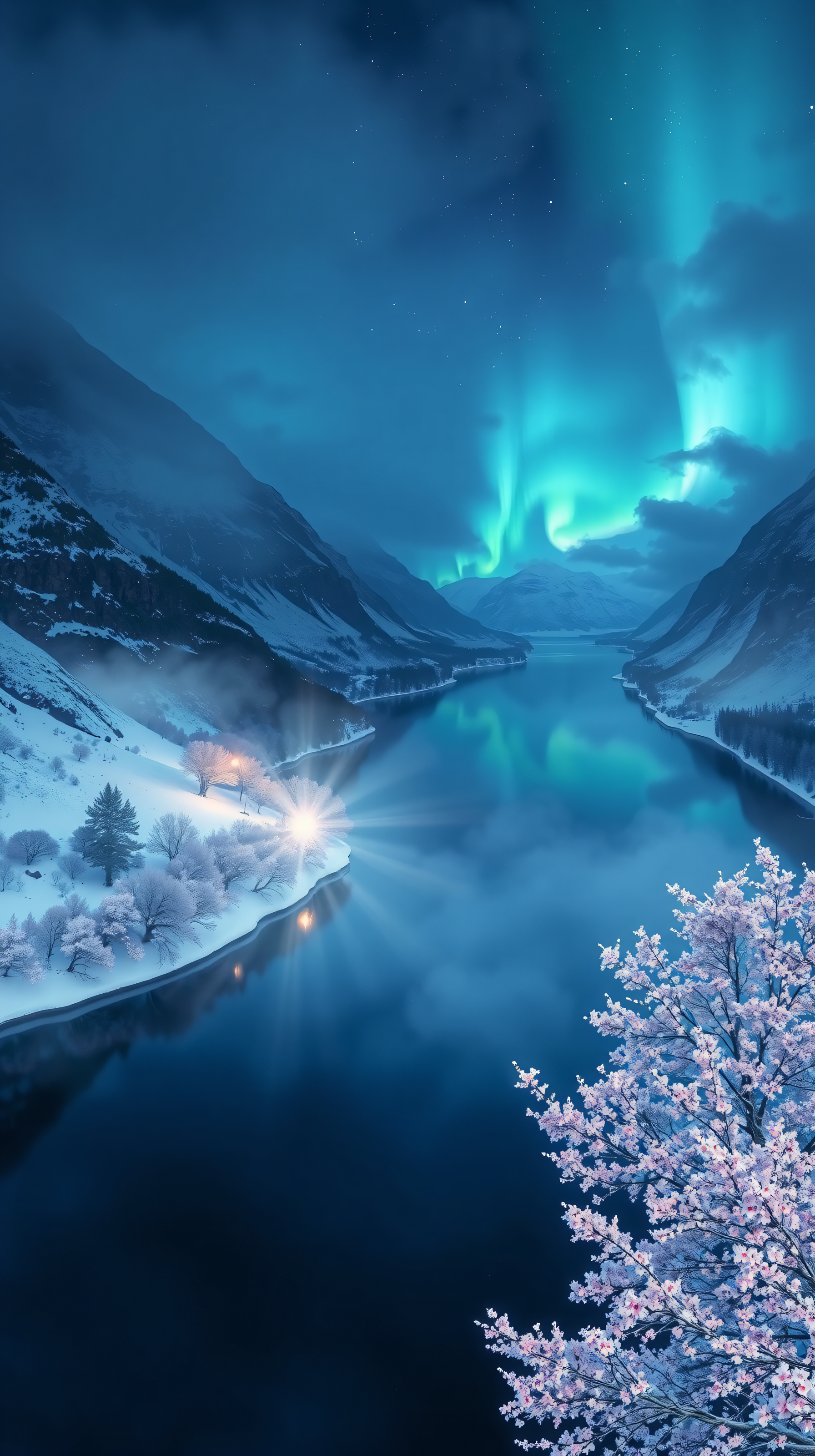
6 0
100% free · personal & commercial use · no attribution required (License)
If the download doesn’t start, press and hold the image to save it.
How to set as wallpaper
- iPhone: open Photos → tap the image → Share → Use as Wallpaper.
- Android: open Gallery → tap the image → menu (⋮) → Set as wallpaper.
About this wallpaper
An enchanting night scene unfolds over a majestic, snow-covered fjord, where the vibrant teal and blue hues of the Northern Lights dance across the sky and reflect softly on the calm water. The surrounding mountains are blanketed in pristine snow, and delicate cherry blossoms bloom in the foreground, creating a striking contrast against the serene winter landscape. A distant warm glow adds a touch of mystery and comfort to this mystical setting. This tranquil and awe-inspiring wallpaper is perfect for those seeking an aesthetic and unique phone background.
Style: Realistic digital painting Mood: Magical and serene Best for: Aesthetic phone background
Color palette — Cool blues with vibrant teal and soft pink accents
Tap a color to copy its hex code.
Wallpaper details
- Aspect ratio
- 9:16 (portrait)
- Format
- JPG
- Best for
- Aesthetic phone background
- License
- Free — personal & commercial, no attribution
Quality & safety reviewed How images are vetted
How to set it as your wallpaper
- Choose a size from the download button and save the image.
- On iPhone or iPad, choose the saved image in Settings → Wallpaper. On Android, use Photos or Gallery to set it as wallpaper.
- Adjust the position and fit for your screen. Edges may be cropped depending on your device’s aspect ratio.


