← Back
Magical Cliffside Castle & Misty River Valley
100% free AI image Fantasy
9/7/2025, 7:05:01 AM AI 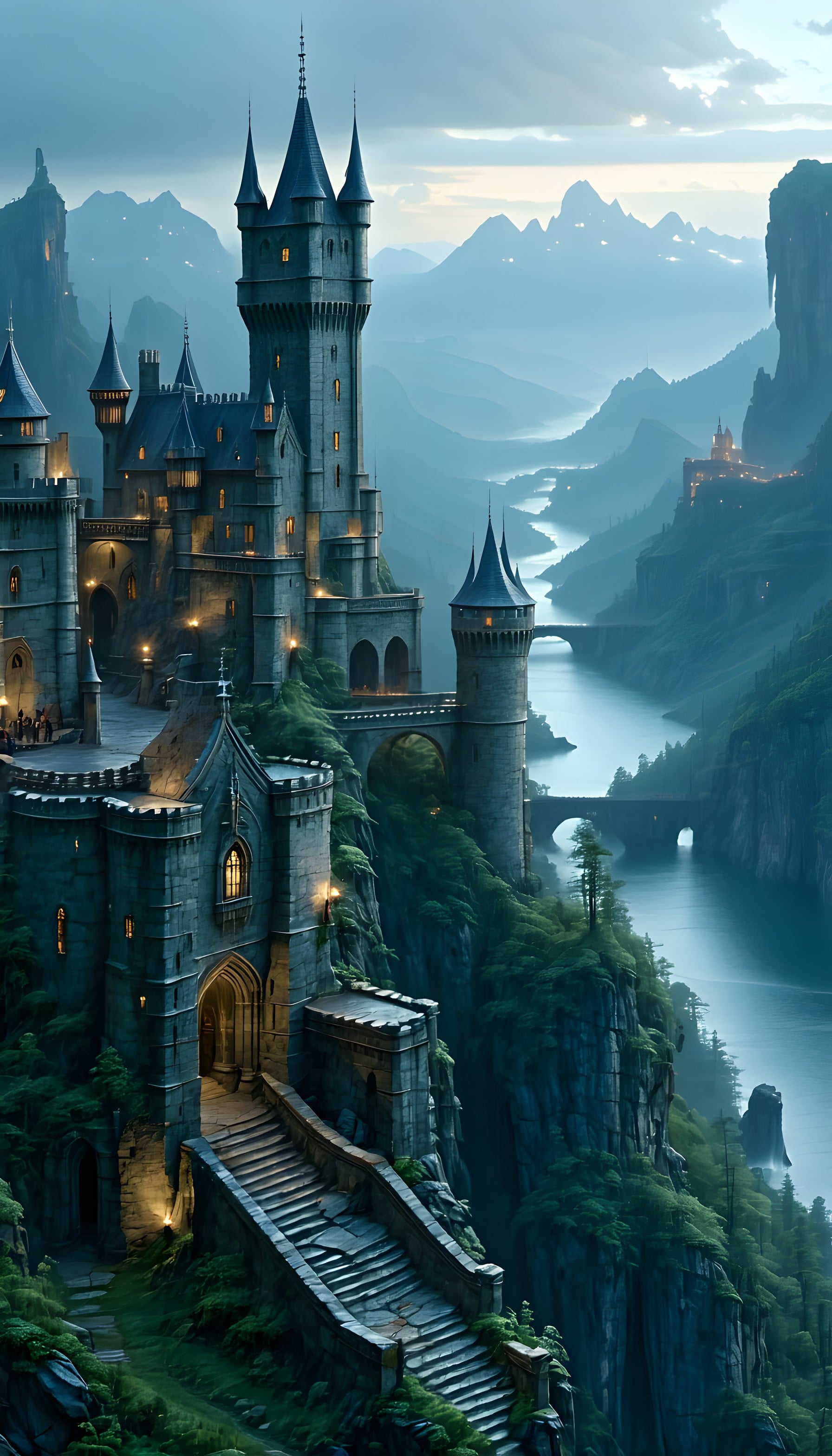
6 0
100% free · personal & commercial use · no attribution required (License)
If the download doesn’t start, press and hold the image to save it.
How to set as wallpaper
- iPhone: open Photos → tap the image → Share → Use as Wallpaper.
- Android: open Gallery → tap the image → menu (⋮) → Set as wallpaper.
About this wallpaper
A fantasy castle, perched on a rugged cliff, overlooks a serene river winding through a misty mountain valley. The ancient stone structure glows with a warm, enchanting light, setting a magical and serene ambiance against the cool twilight sky. Dominant shades of slate grey, deep forest green, and ethereal blues are subtly accented by soft golden window lights. This composition offers an adventurous yet peaceful aesthetic, well-suited as a mobile background for fantasy enthusiasts and dreamers.
Style: Fantasy Digital Painting Mood: Mystical and Serene Best for: aesthetic phone background
Color palette — Cool blues and greens with warm accents
Tap a color to copy its hex code.
Wallpaper details
- Aspect ratio
- 9:16 (portrait)
- Format
- JPG
- Best for
- aesthetic phone background
- License
- Free — personal & commercial, no attribution
Quality & safety reviewed How images are vetted
How to set it as your wallpaper
- Choose a size from the download button and save the image.
- On iPhone or iPad, choose the saved image in Settings → Wallpaper. On Android, use Photos or Gallery to set it as wallpaper.
- Adjust the position and fit for your screen. Edges may be cropped depending on your device’s aspect ratio.


