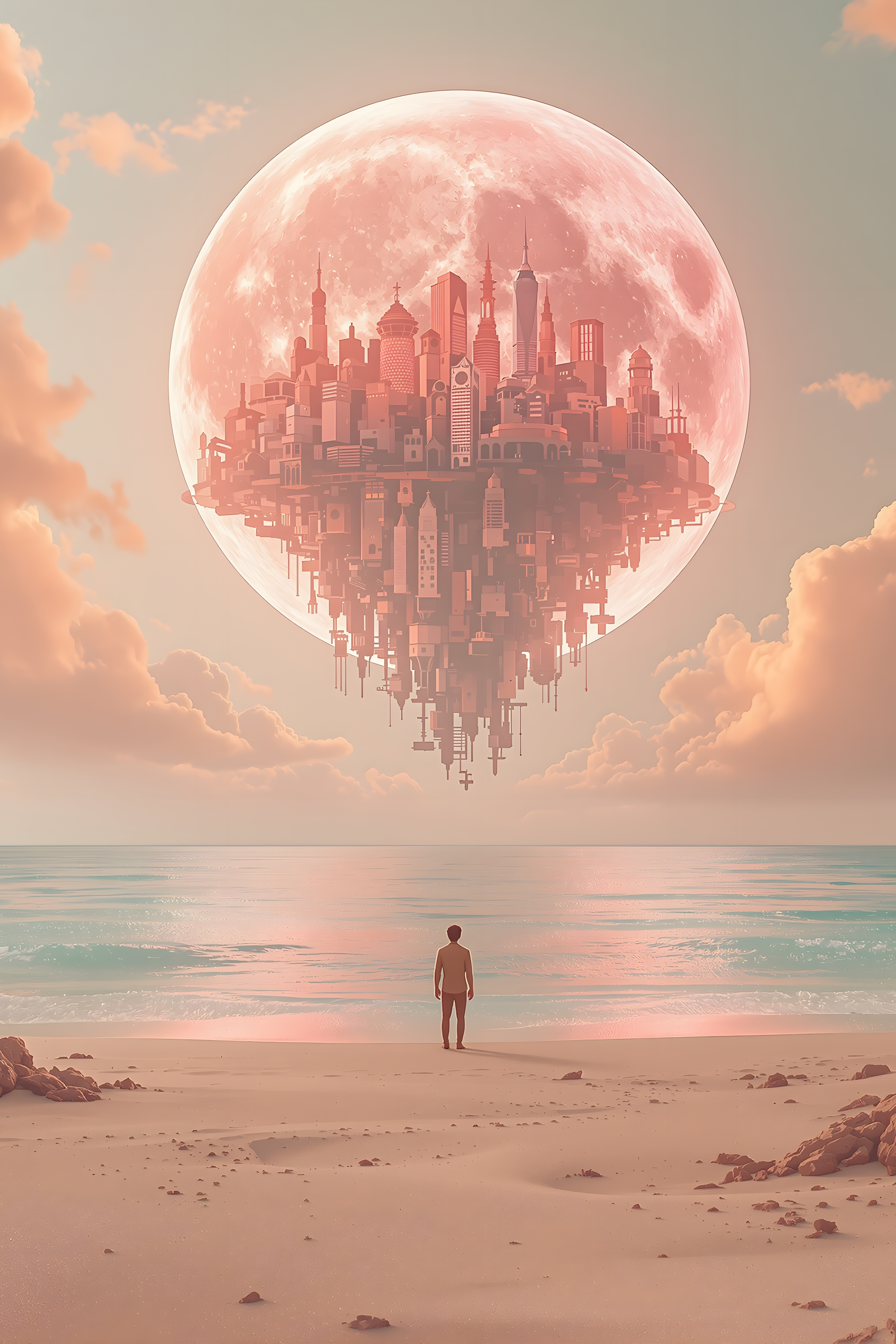
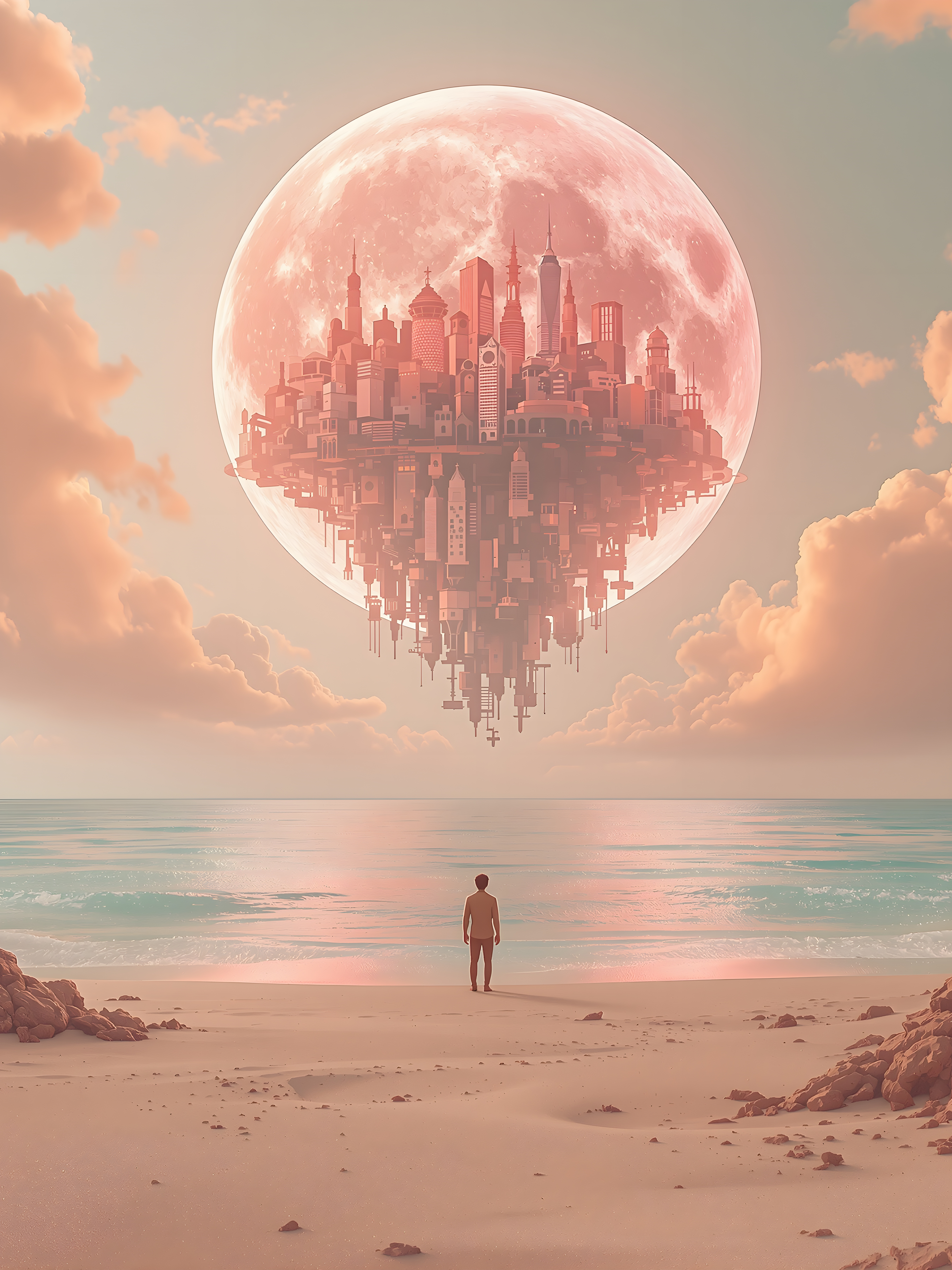
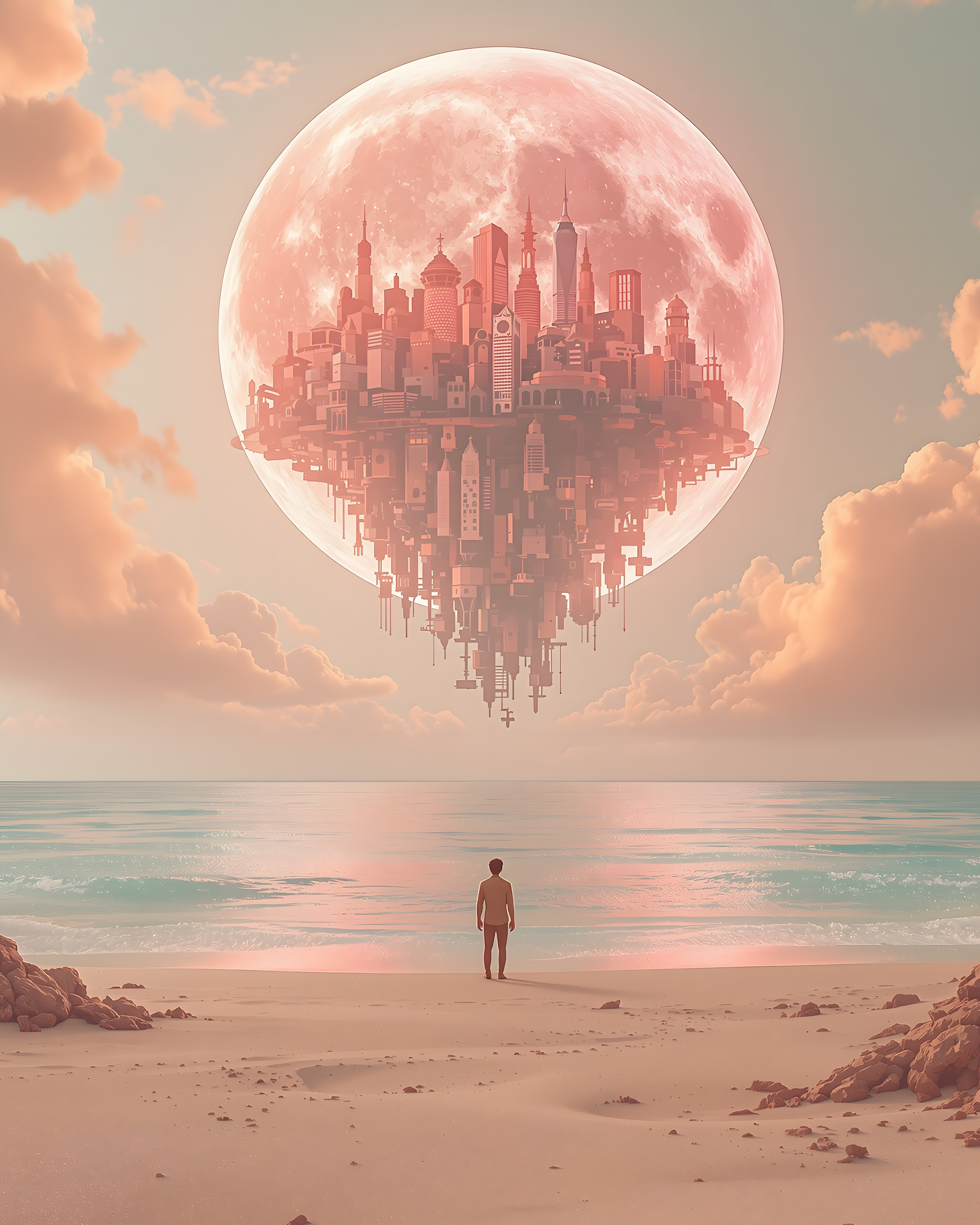
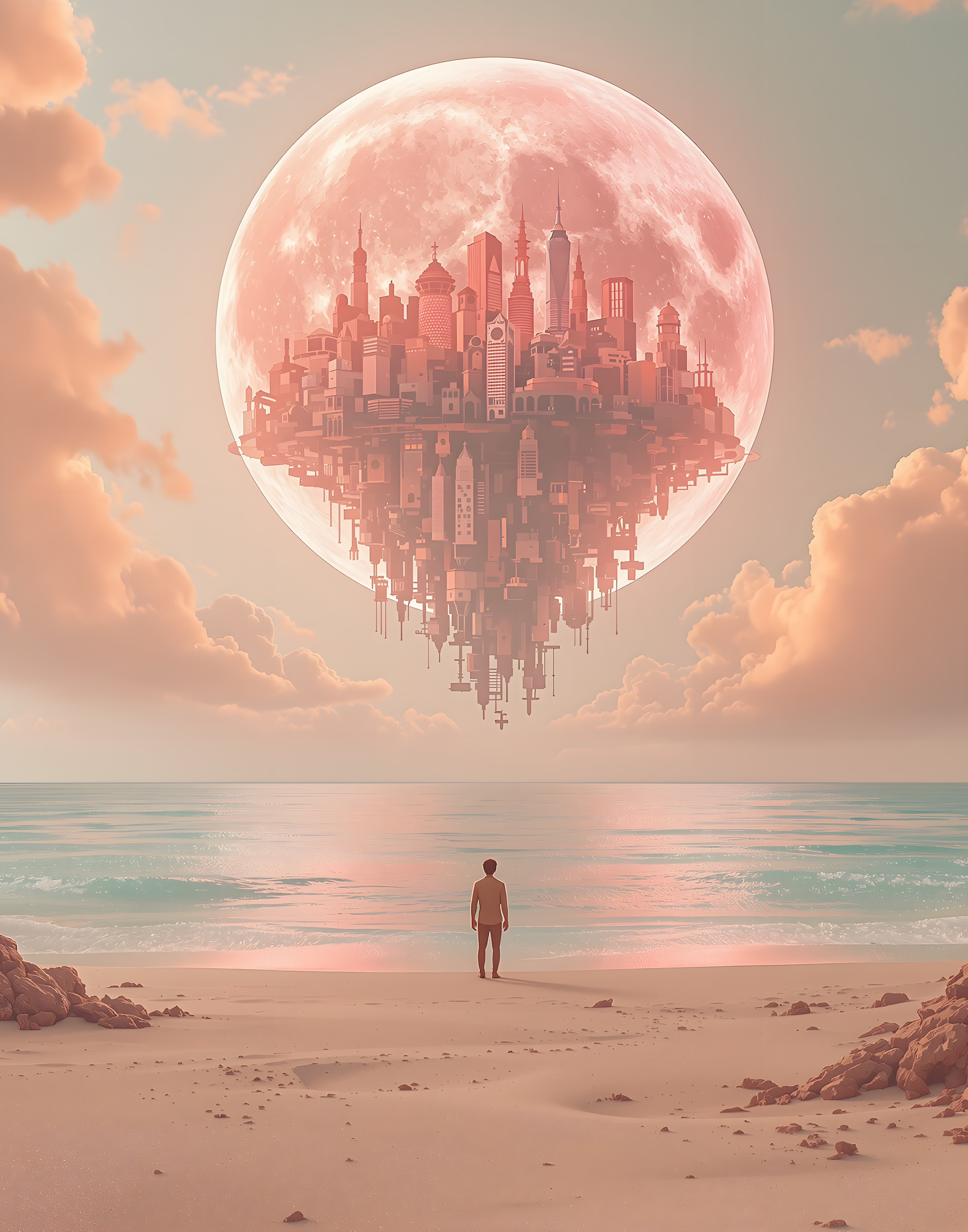
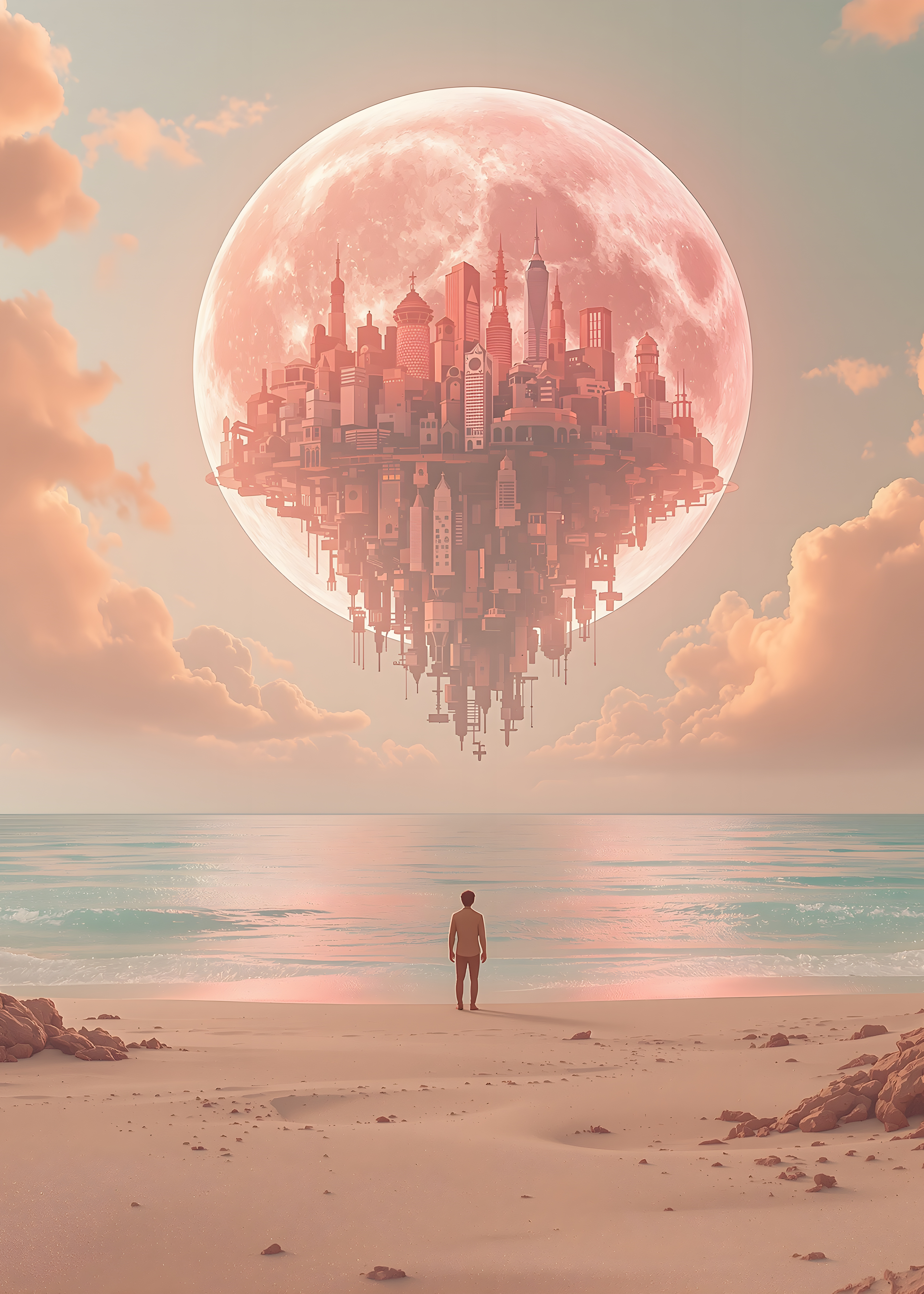
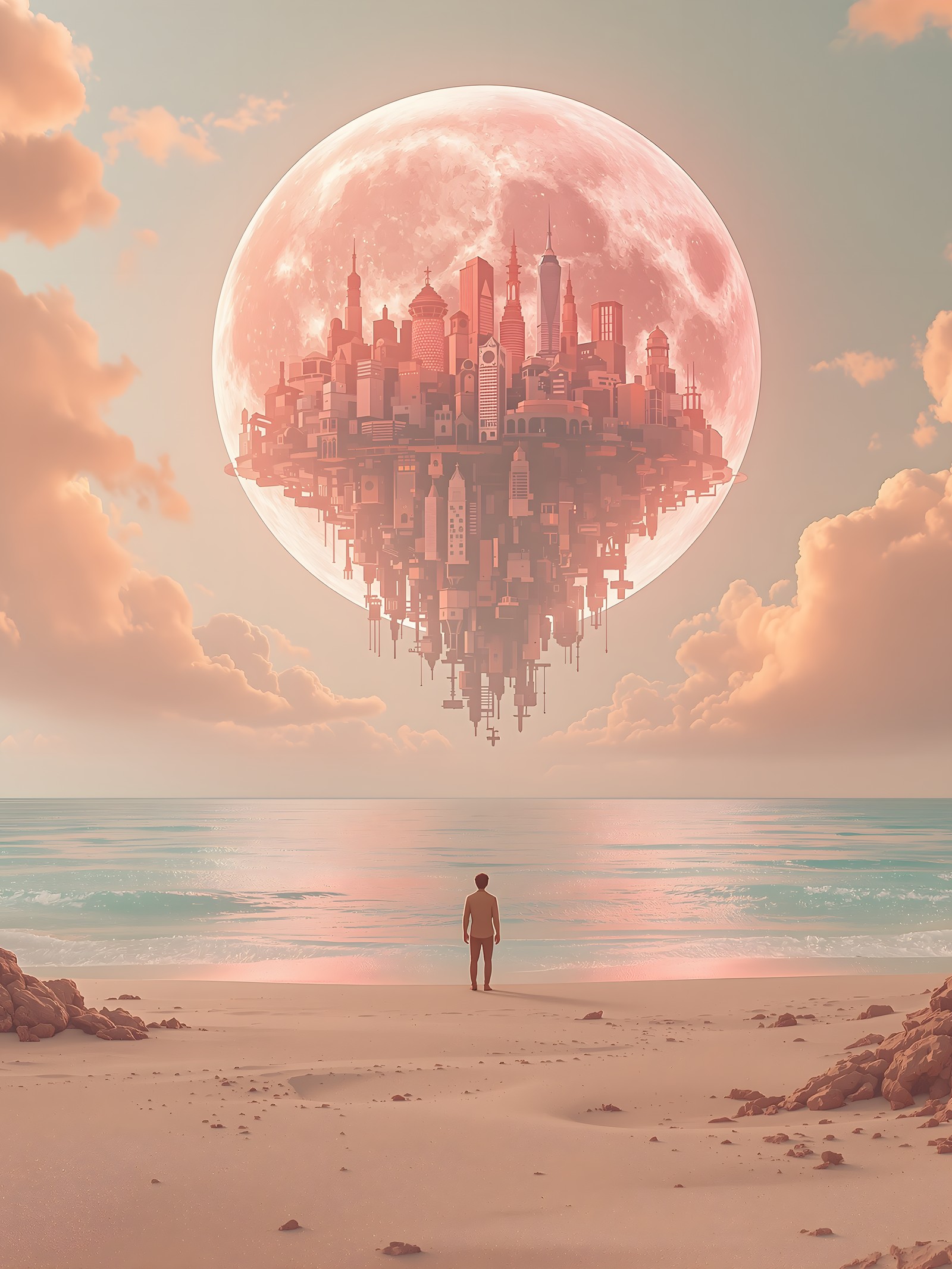
Floating City Moon on Pastel Beach
Download a print size
300 DPI JPG · fits standard frames · crop-free real pixels
Provided as is, with no warranty. AI images can unintentionally resemble existing works — check your own use before printing or selling. Rights holder? Email [email protected] and we will review and remove promptly.
Original master file
The prints above are free under CC0 — no licence needed for any use, commercial included. If you want the untouched original master file (largest pixels, no print crop), ask and we will send it.
We send it by email, usually within a day. Free, like everything else here.
CC0 1.0 · public domain · any use, no attribution required (License)
Provided as is, with no warranty. AI images can unintentionally resemble existing works, so check your own use — especially anything with logos, trademarks or recognisable people.
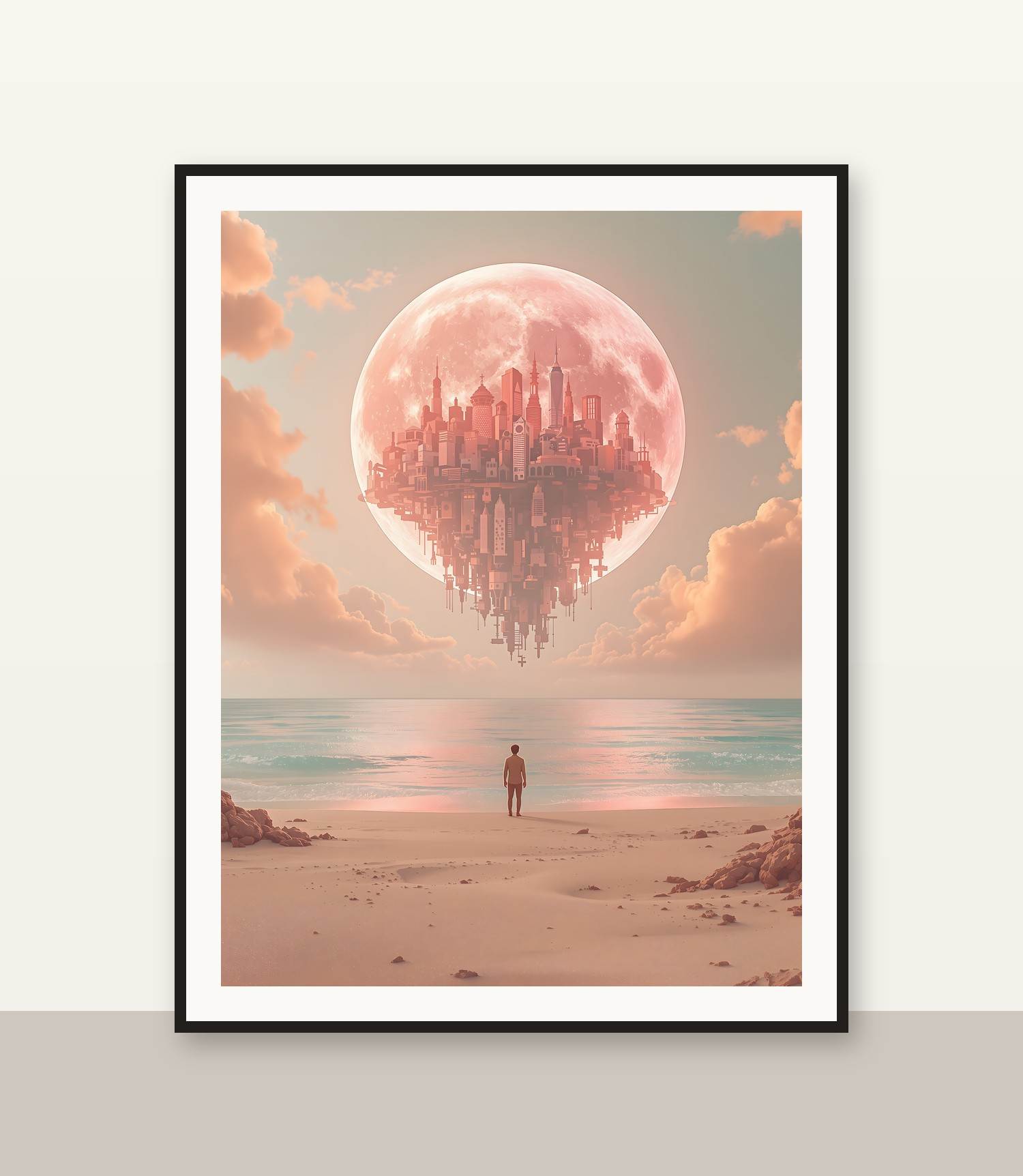
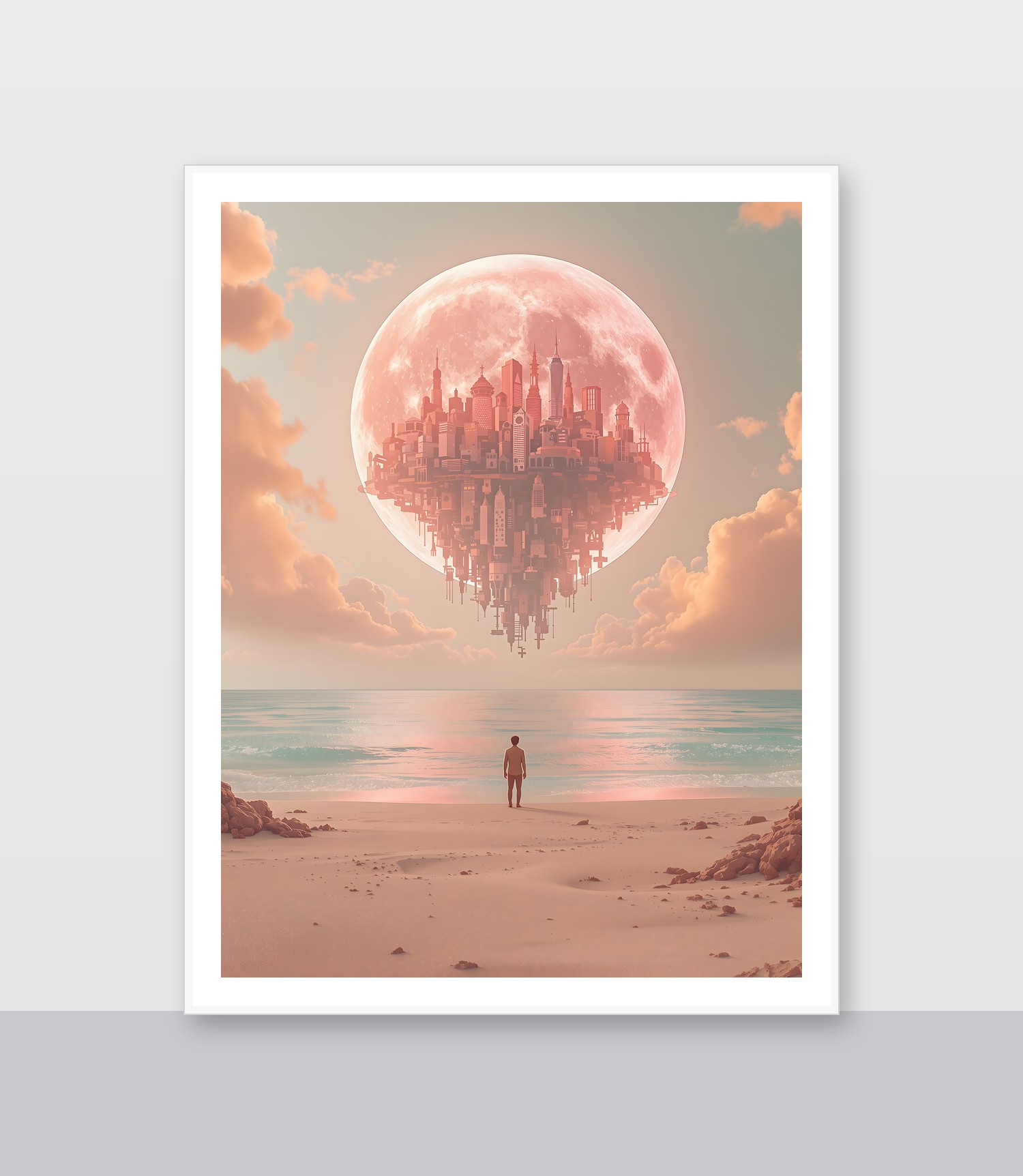
See it framed
About this wallpaper
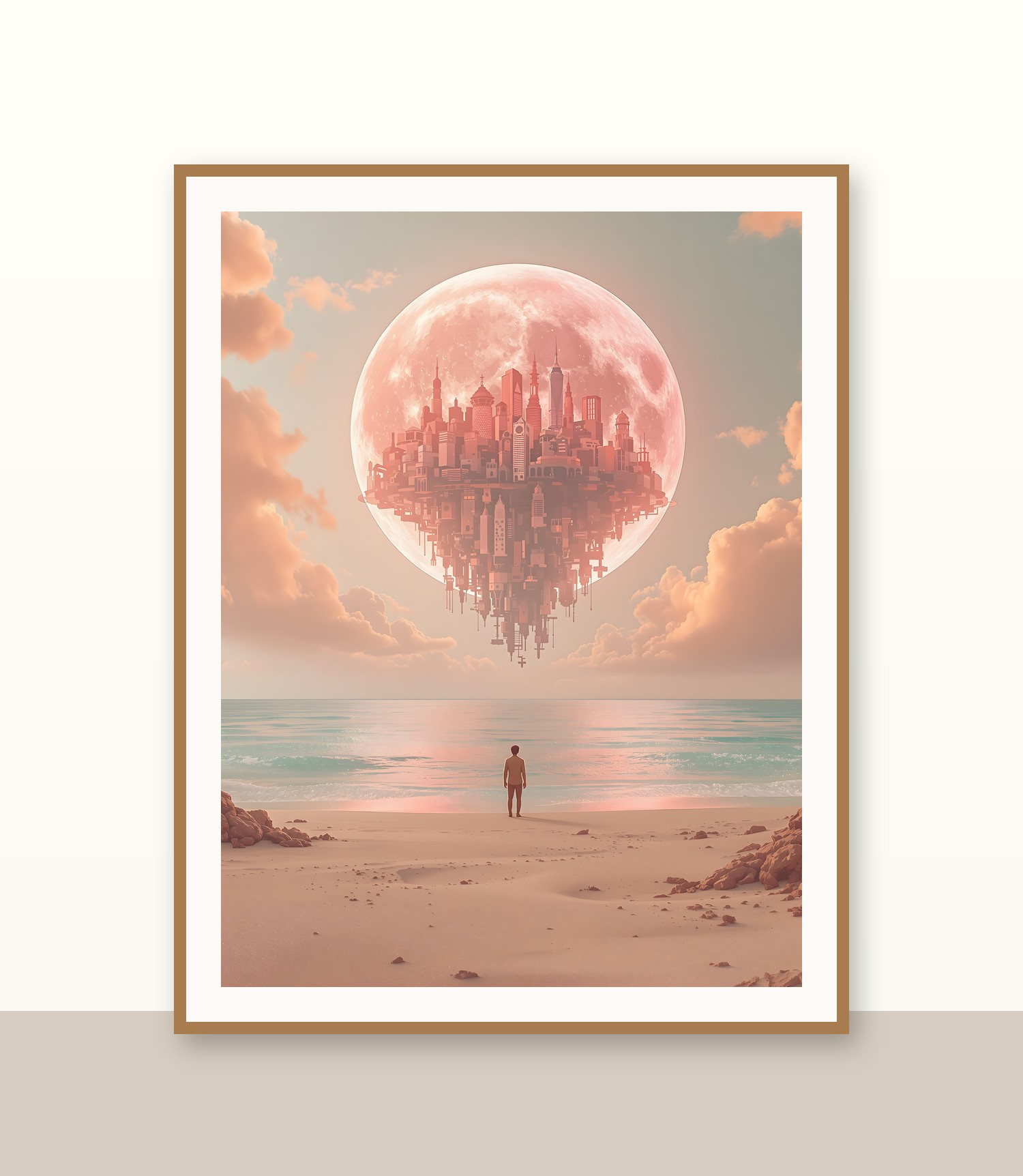
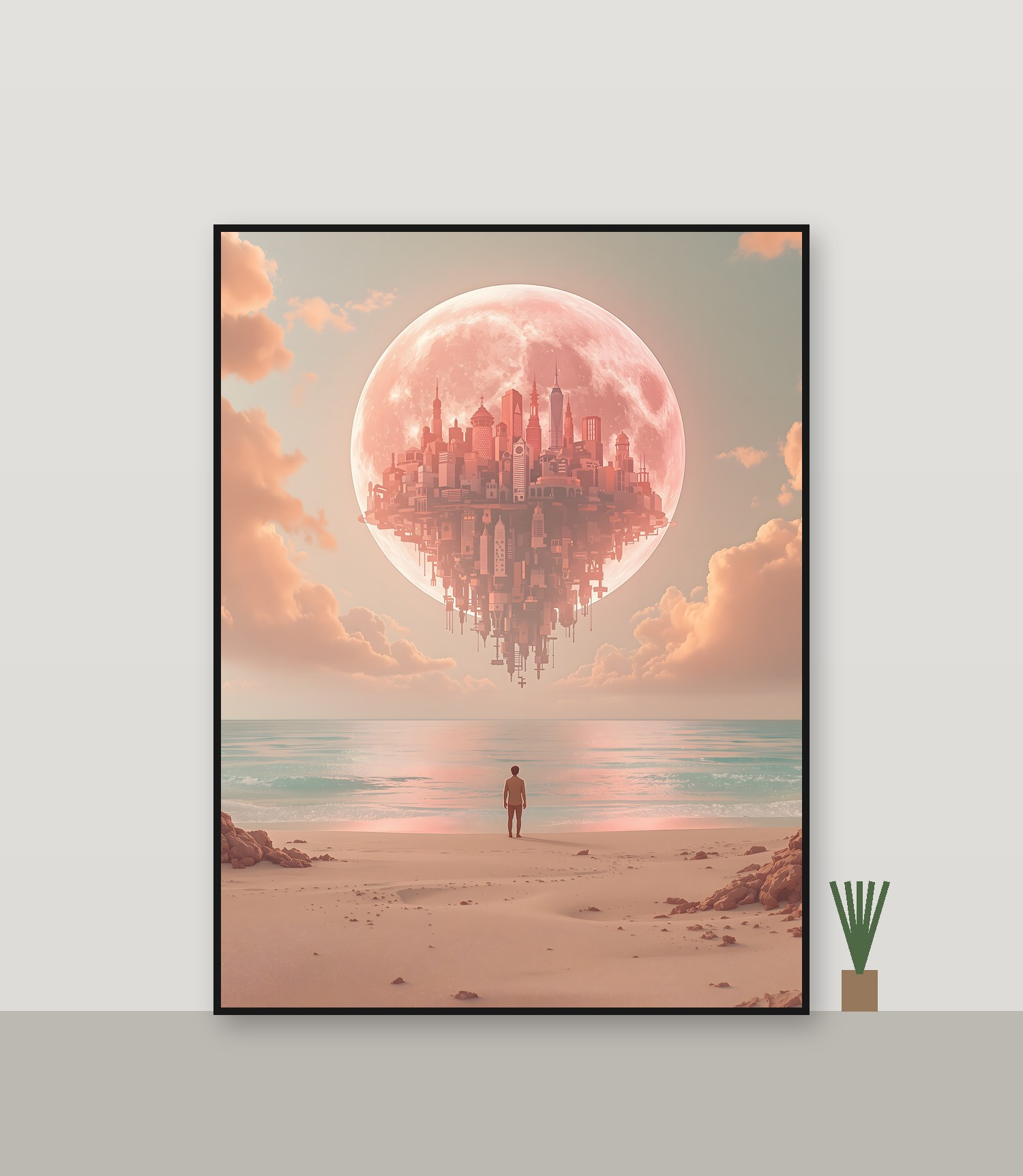
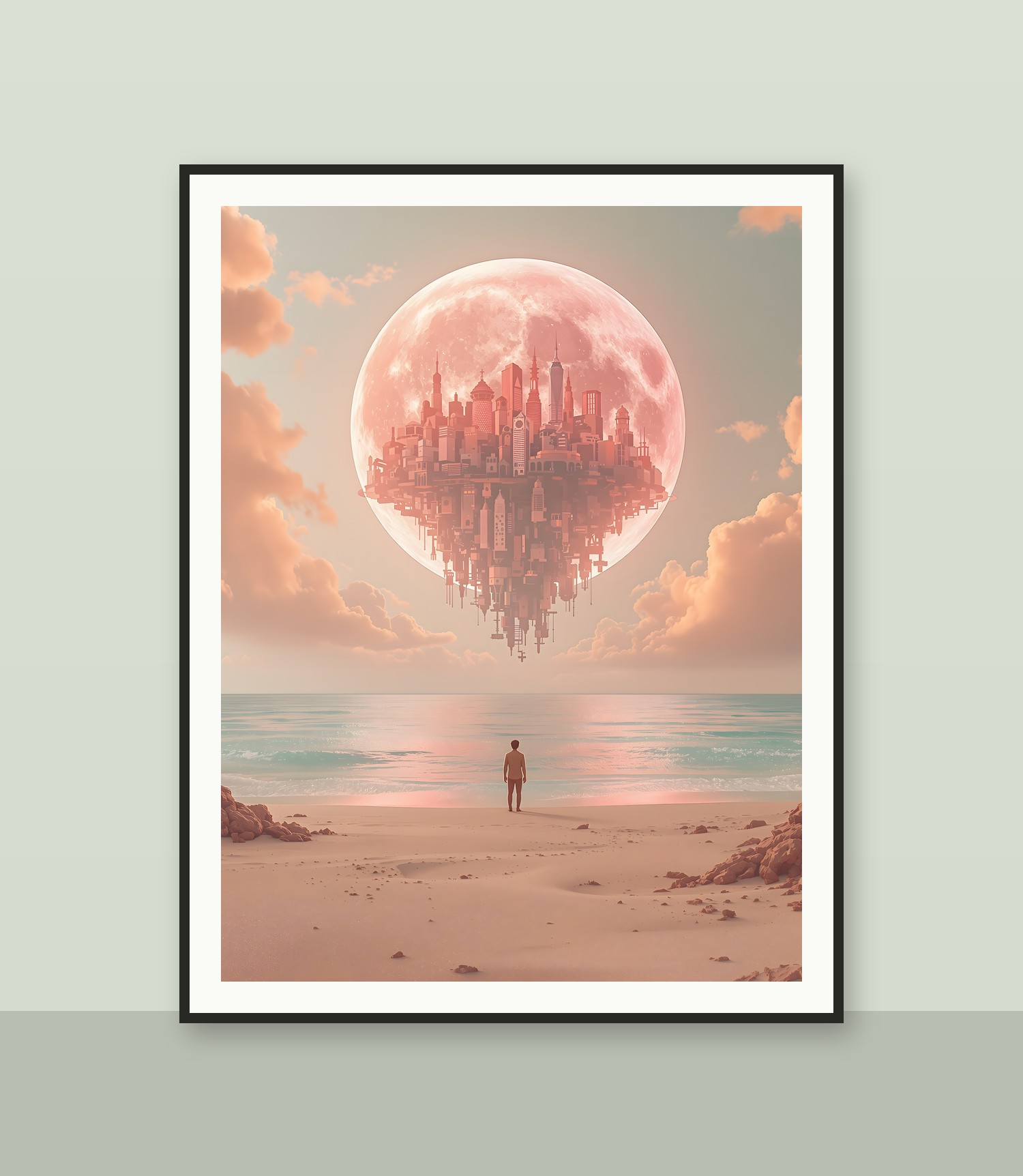
A man stands on a serene beach, gazing at a colossal moon that appears to be a floating city, rendered in a striking coral hue. The atmosphere is tranquil, bathed in soft, ethereal light from the pastel pink and orange clouds overhead. Dominant colors are soft coral, sandy beige, and a gentle seafoam green. This artwork employs a surreal, illustrative style, blending dreamlike elements with urban architectural forms. It is well-suited for a lock screen or home screen, offering a calming and imaginative backdrop.
Color palette — soft pastel, warm and cool tones
Tap a color to copy its hex code.
Wallpaper details
- Aspect ratio
- 3:4
- Format
- JPG
- Best for
- Print / Frame
- License
- CC0 1.0 — public domain, any use, no attribution
How to print & frame
- Download the high-resolution JPG (300 DPI) for the size you need.
- Print it at home or with an online/local print service (glossy or matte paper).
- Frame it in the matching standard size (2:3, 3:4, 4:5, 11×14 …) and hang it.