← Back
Misty Urban Canal Night with Vibrant Neon Glow
100% free AI image Cityscape
6/11/2026, 6:11:16 PM AI 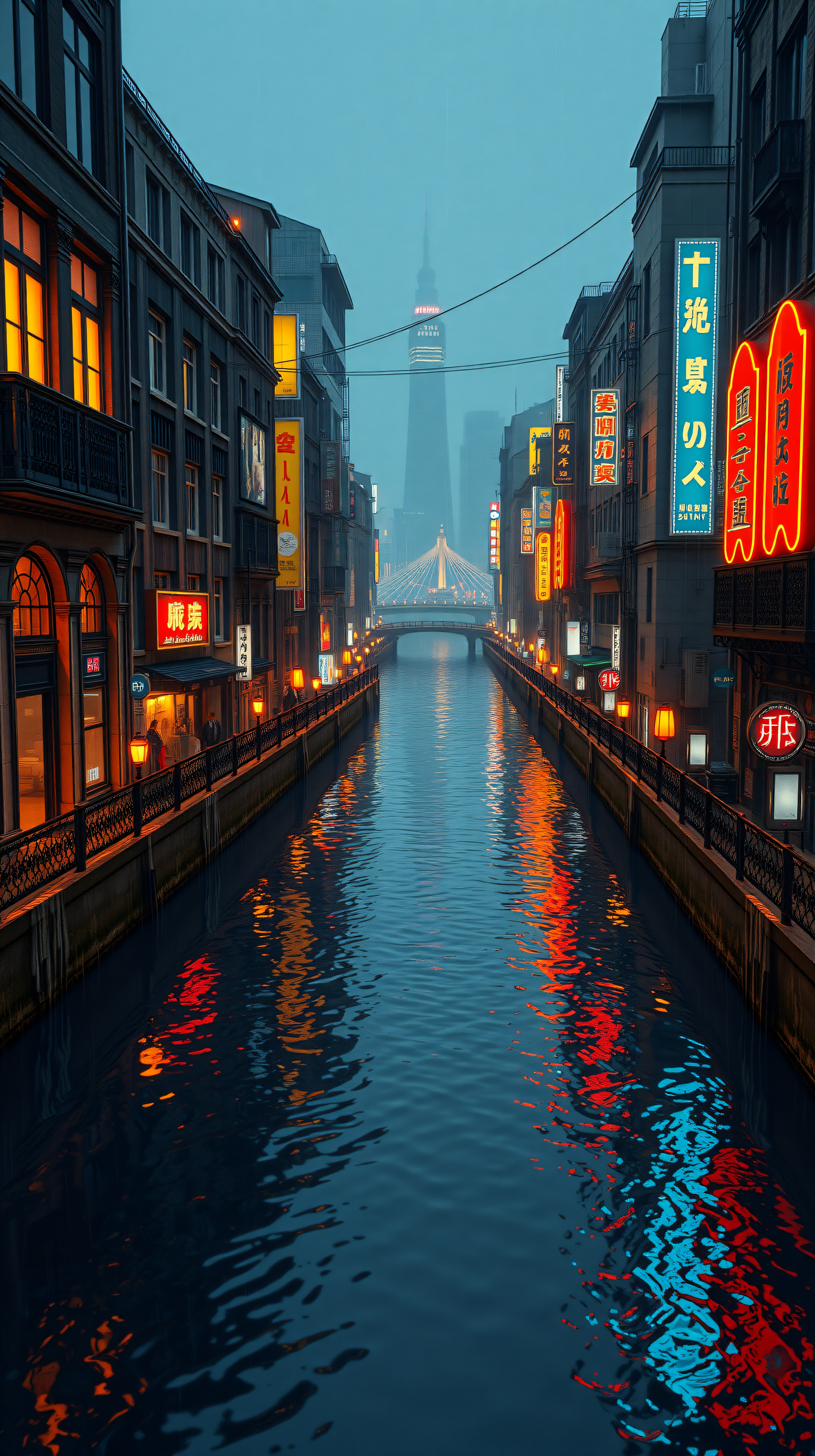
5 0
100% free · personal & commercial use · no attribution required (License)
If the download doesn’t start, press and hold the image to save it.
How to set as wallpaper
- iPhone: open Photos → tap the image → Share → Use as Wallpaper.
- Android: open Gallery → tap the image → menu (⋮) → Set as wallpaper.
About this wallpaper
An urban canal at night forms the core of this composition, its banks defined by structures displaying vibrant neon signs and the warm glow of internal windows. Through an atmospheric mist, a prominent tower rises in the distance, connected by a softly lit bridge. The deep blue surface of the water reflects the city's fiery oranges, brilliant reds, and electric blues, creating a dynamic yet serene visual experience. This piece, well-suited for a phone screen, explores the unique interplay of urban light and shadow within a moody cityscape.
Style: Vibrant Urban Artwork Mood: Atmospheric, Vibrant, Serene Best for: Aesthetic phone background
Color palette — Contrast of cool blues and warm neon lights
Tap a color to copy its hex code.
Wallpaper details
- Aspect ratio
- 9:16 (portrait)
- Format
- JPG
- Best for
- Aesthetic phone background
- License
- Free — personal & commercial, no attribution
Quality & safety reviewed How images are vetted
How to set it as your wallpaper
- Choose a size from the download button and save the image.
- On iPhone or iPad, choose the saved image in Settings → Wallpaper. On Android, use Photos or Gallery to set it as wallpaper.
- Adjust the position and fit for your screen. Edges may be cropped depending on your device’s aspect ratio.


