← Back
Rainy Winter City Night Portrait Wallpaper
100% free AI image Person
9/5/2025, 3:01:20 PM AI 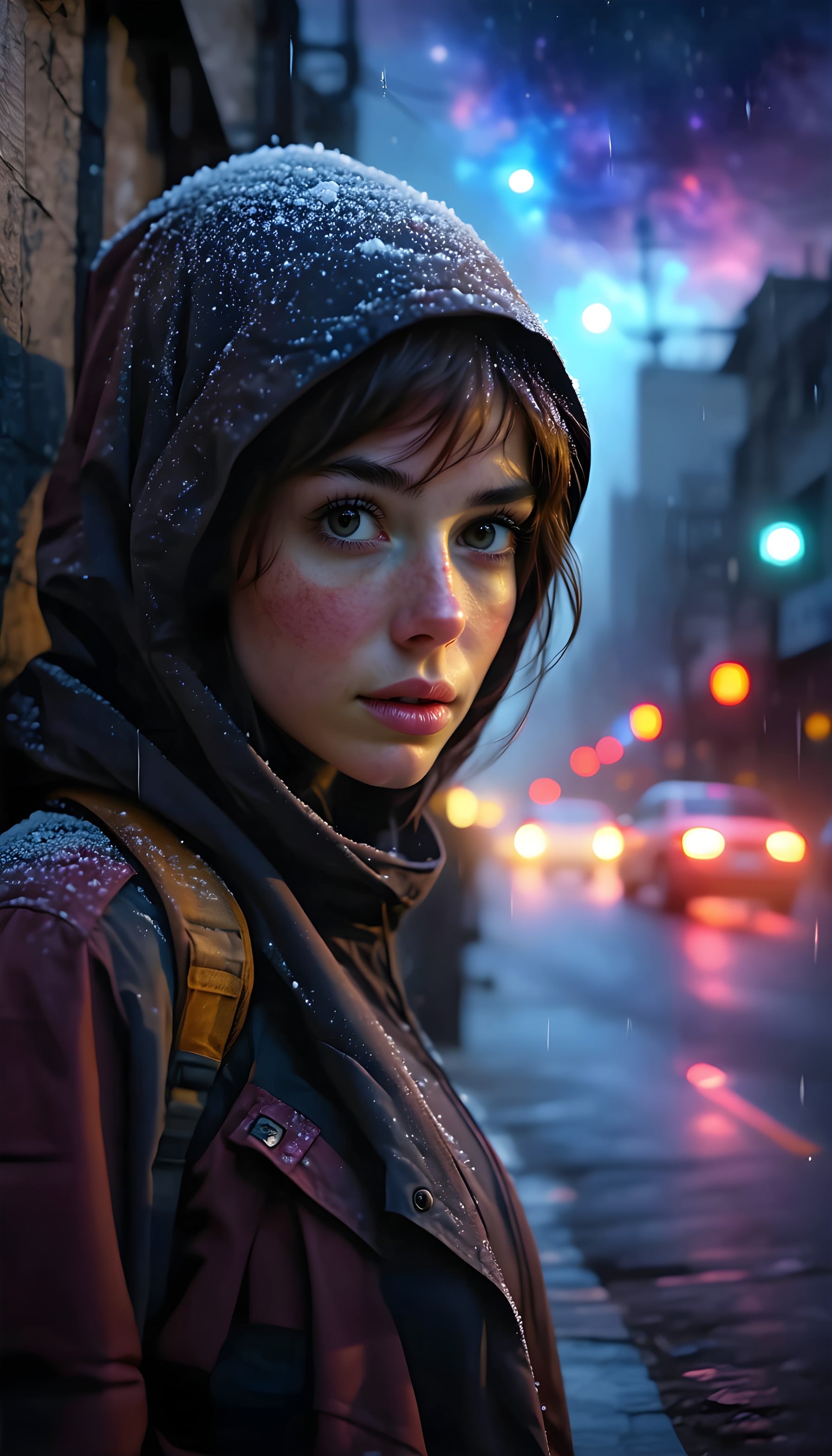
3 0
100% free · personal & commercial use · no attribution required (License)
If the download doesn’t start, press and hold the image to save it.
How to set as wallpaper
- iPhone: open Photos → tap the image → Share → Use as Wallpaper.
- Android: open Gallery → tap the image → menu (⋮) → Set as wallpaper.
About this wallpaper
An evocative close-up captures a figure in a snow-dusted hoodie, their gaze direct and contemplative amidst a blurring cityscape at night. Vibrant, bokeh streetlights and car headlights create a dreamlike backdrop in shades of electric blue, mystic purple, and warm orange, highlighting the cool, damp atmosphere. This cinematic wallpaper is perfect for those who appreciate moody urban aesthetics and would look striking on any smartphone lock or home screen.
Style: Atmospheric digital art Mood: Moody urban mystery Best for: Aesthetic phone background
Color palette — Dark urban palette with vibrant bokeh accents
Tap a color to copy its hex code.
Wallpaper details
- Aspect ratio
- 9:16 (portrait)
- Format
- JPG
- Best for
- Aesthetic phone background
- License
- Free — personal & commercial, no attribution
Quality & safety reviewed How images are vetted
How to set it as your wallpaper
- Choose a size from the download button and save the image.
- On iPhone or iPad, choose the saved image in Settings → Wallpaper. On Android, use Photos or Gallery to set it as wallpaper.
- Adjust the position and fit for your screen. Edges may be cropped depending on your device’s aspect ratio.


