Coastal City Skyline & Beach Road Wallpaper
100% free · personal & commercial use · no attribution required (License)
If the download doesn’t start, press and hold the image to save it.
How to set as wallpaper
- iPhone: open Photos → tap the image → Share → Use as Wallpaper.
- Android: open Gallery → tap the image → menu (⋮) → Set as wallpaper.
About this wallpaper
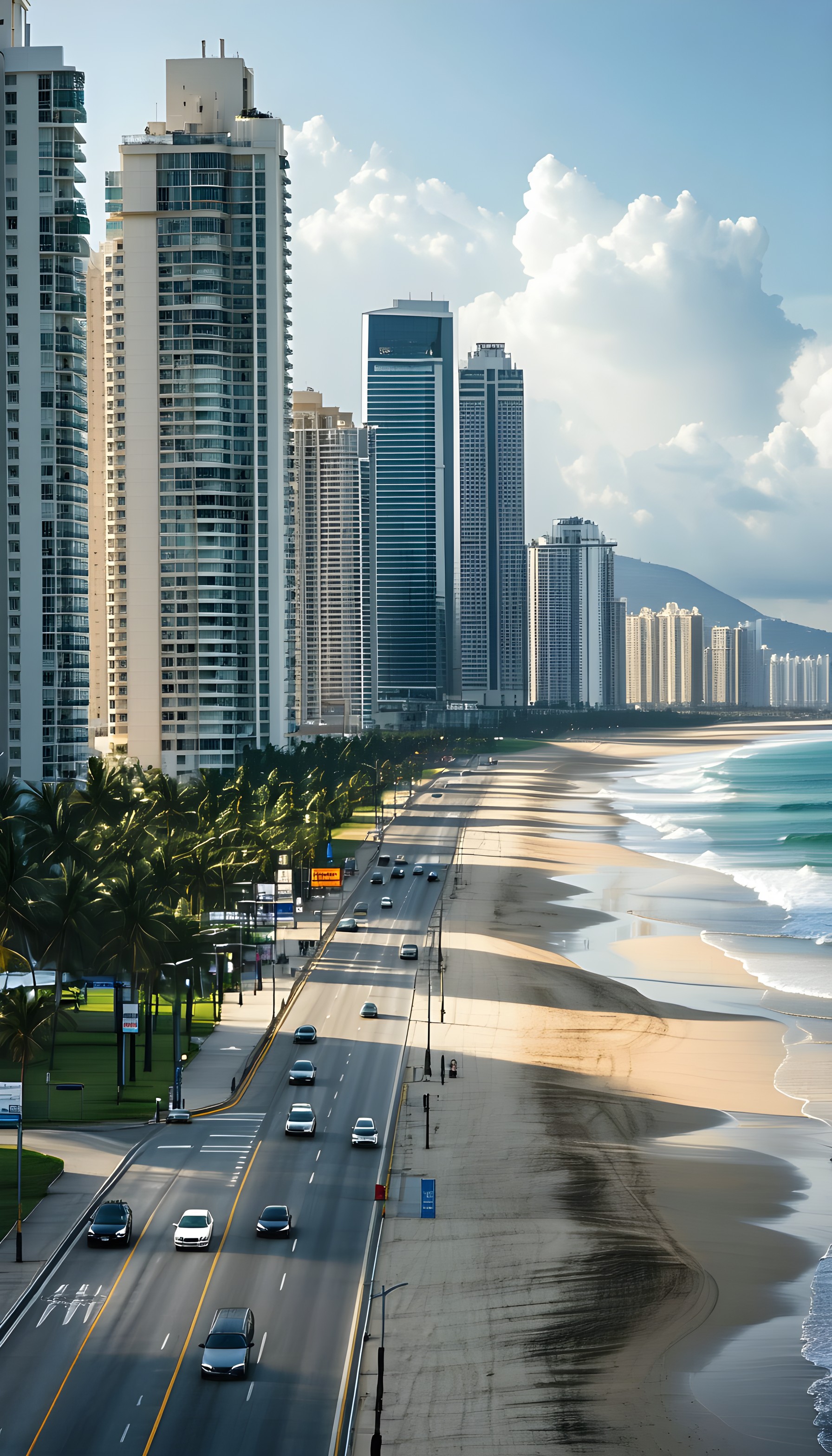
A long, straight coastal road with several cars driving on it runs parallel to a wide sandy beach. On the left, a dense array of modern high-rise apartment buildings and skyscrapers define the city skyline, while the right features the turquoise waves of the ocean gently lapping the shore. The scene is bathed in bright daylight under a partly cloudy sky, with strong shadows cast across the road and beach, highlighting the vibrant blue of the water against the warm sand. This modern, expansive view is well-suited for a phone lock screen or a background for those who appreciate dynamic urban and natural fusion.
Color palette — bright blues, warm sands, and cool greys
Tap a color to copy its hex code.
Wallpaper details
- Aspect ratio
- 9:16 (portrait)
- Format
- JPG
- Best for
- aesthetic phone background
- License
- Free — personal & commercial, no attribution
How to set it as your wallpaper
- Choose a size from the download button and save the image.
- On iPhone or iPad, choose the saved image in Settings → Wallpaper. On Android, use Photos or Gallery to set it as wallpaper.
- Adjust the position and fit for your screen. Edges may be cropped depending on your device’s aspect ratio.


