← Back
Majestic Wolf at Window Golden Hour
100% free AI image Animal
9/17/2025, 3:15:08 PM AI 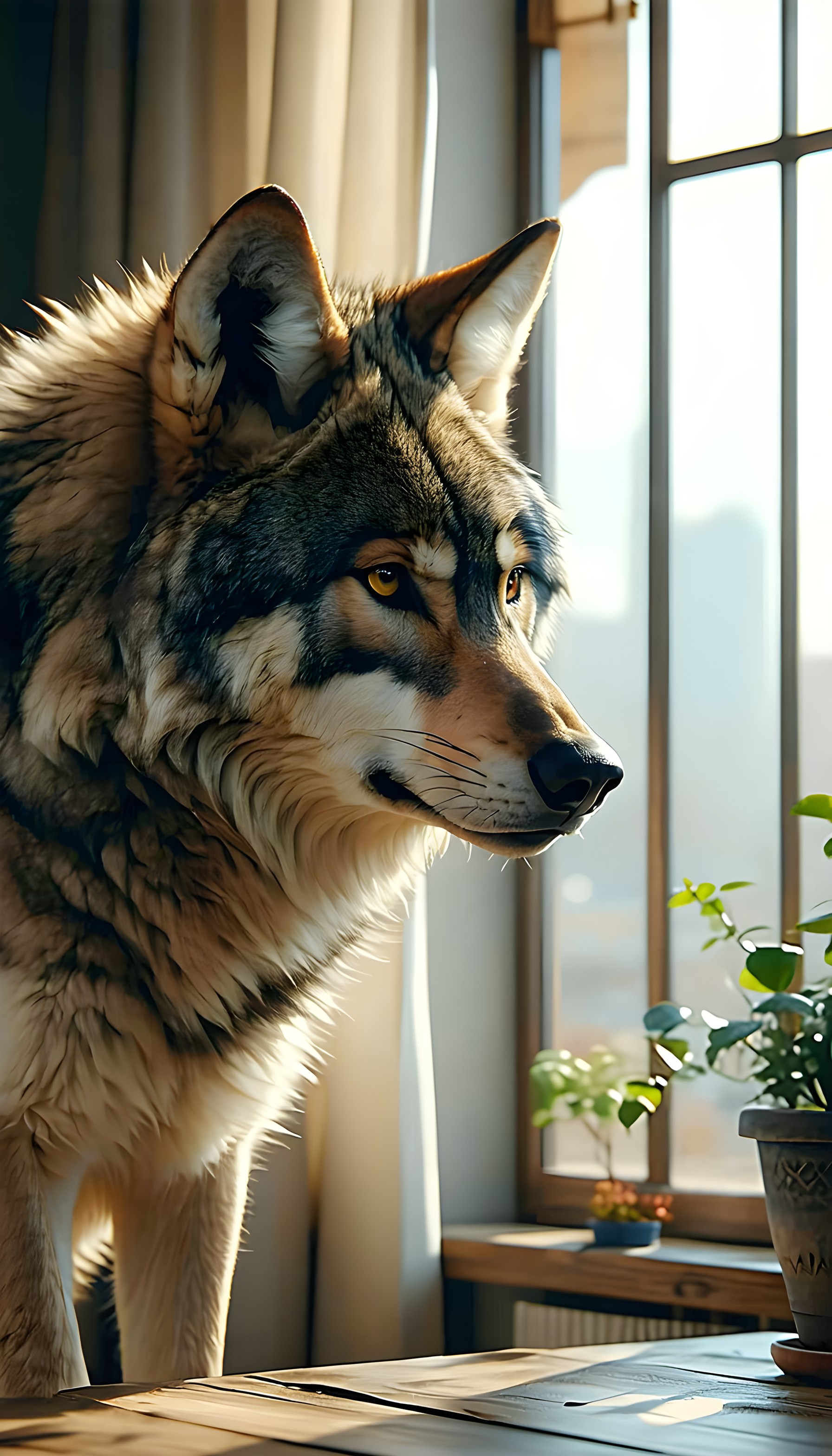
2 0
100% free · personal & commercial use · no attribution required (License)
If the download doesn’t start, press and hold the image to save it.
How to set as wallpaper
- iPhone: open Photos → tap the image → Share → Use as Wallpaper.
- Android: open Gallery → tap the image → menu (⋮) → Set as wallpaper.
About this wallpaper
A majestic wolf stands gracefully by a sunlit window, its fur illuminated by the warm, golden light streaming in. The animal's intense amber eyes gaze thoughtfully into the distance, suggesting a moment of quiet contemplation. The naturalistic rendering captures the textures of its fur and the gentle glow of the room, creating an atmosphere of calm and subtle wildness. This wallpaper is well-suited for a lock screen or a home screen, offering a serene yet powerful presence on a mobile device.
Style: realistic digital painting Mood: calm and thoughtful Best for: aesthetic phone background
Color palette — warm and earthy tones
Tap a color to copy its hex code.
Wallpaper details
- Aspect ratio
- 9:16 (portrait)
- Format
- JPG
- Best for
- aesthetic phone background
- License
- Free — personal & commercial, no attribution
Quality & safety reviewed How images are vetted
How to set it as your wallpaper
- Choose a size from the download button and save the image.
- On iPhone or iPad, choose the saved image in Settings → Wallpaper. On Android, use Photos or Gallery to set it as wallpaper.
- Adjust the position and fit for your screen. Edges may be cropped depending on your device’s aspect ratio.


