← Back
Sakura Cherry Blossom Alley with Girl
100% free AI image Anime
6/20/2026, 12:24:22 AM AI 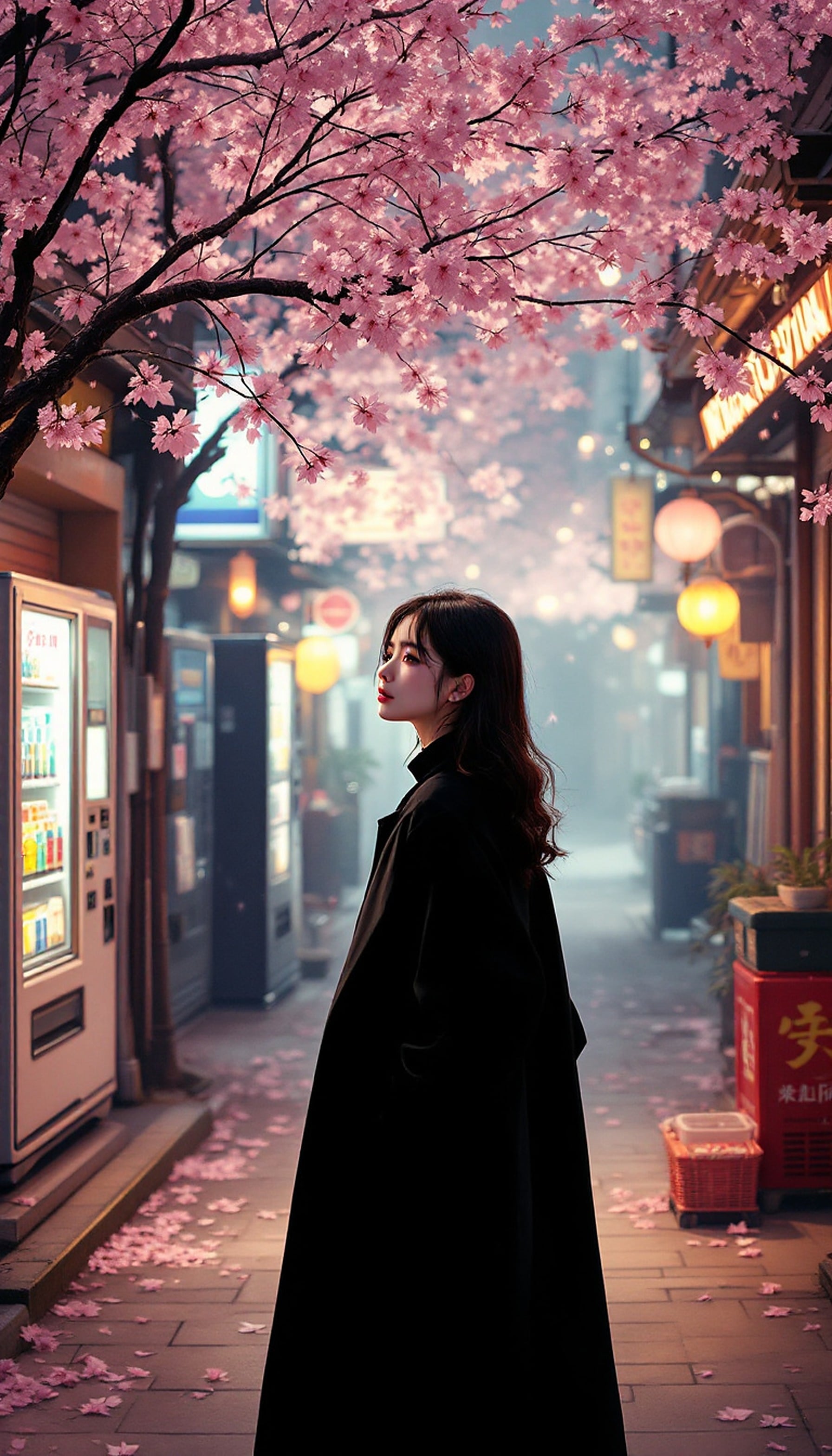
2 0
100% free · personal & commercial use · no attribution required (License)
If the download doesn’t start, press and hold the image to save it.
How to set as wallpaper
- iPhone: open Photos → tap the image → Share → Use as Wallpaper.
- Android: open Gallery → tap the image → menu (⋮) → Set as wallpaper.
About this wallpaper
This depiction of a Japanese street features a young woman in a dark coat, standing amidst falling sakura petals under the soft glow of cherry blossoms. Vibrant pinks from the blossoms are contrasted by the muted blues and warm oranges of distant lanterns and vending machines. The image cultivates a serene, contemplative atmosphere, lending a touch of tranquil elegance and a dreamlike aesthetic to a phone display.
Style: romantic illustration Mood: calm and dreamy Best for: aesthetic phone background
Color palette — soft pinks with muted urban tones
Tap a color to copy its hex code.
Wallpaper details
- Aspect ratio
- 9:16 (portrait)
- Format
- JPG
- Best for
- aesthetic phone background
- License
- Free — personal & commercial, no attribution
Quality & safety reviewed How images are vetted
How to set it as your wallpaper
- Choose a size from the download button and save the image.
- On iPhone or iPad, choose the saved image in Settings → Wallpaper. On Android, use Photos or Gallery to set it as wallpaper.
- Adjust the position and fit for your screen. Edges may be cropped depending on your device’s aspect ratio.


