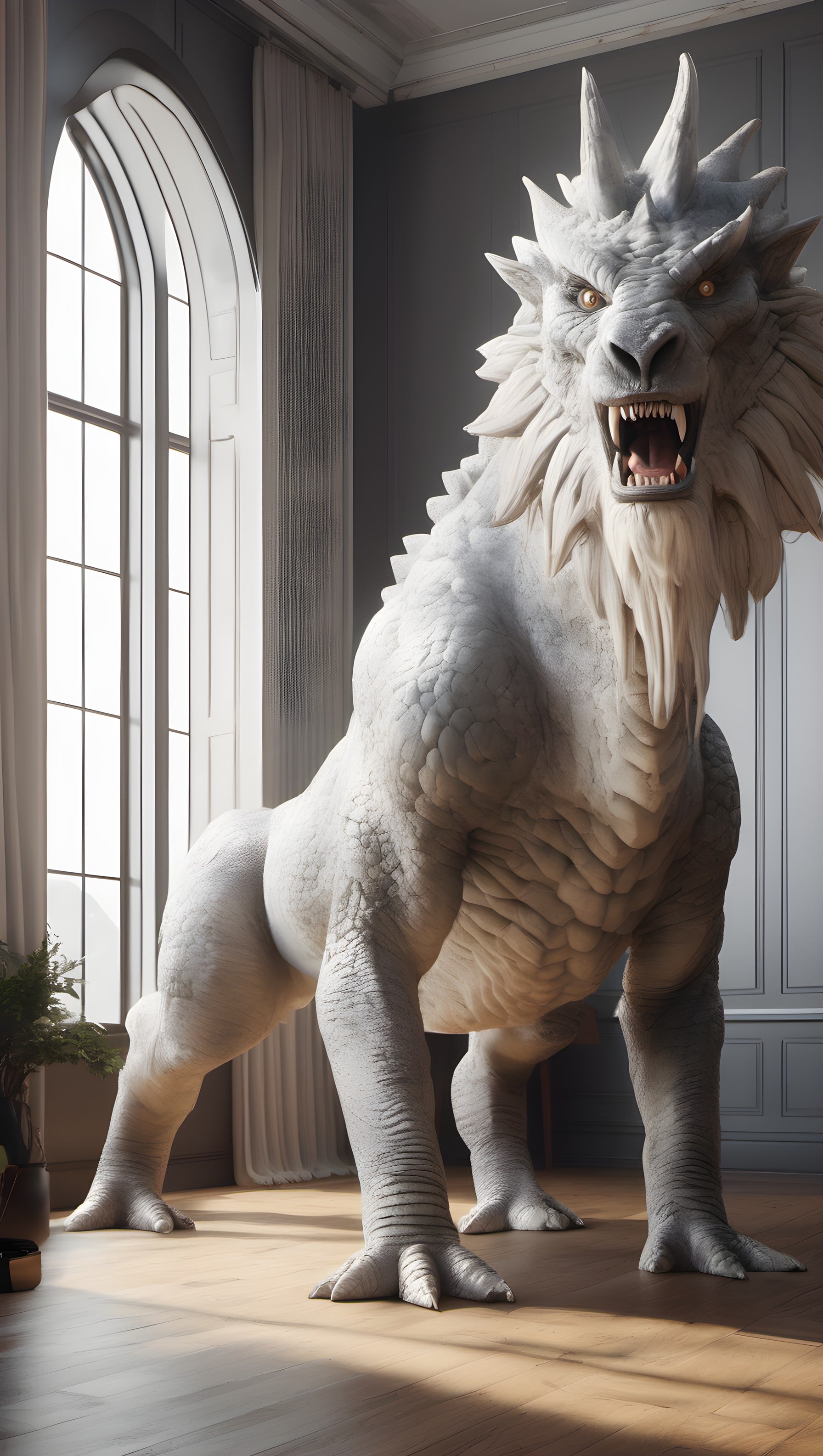
White Dragon Statue in Grand Room Wallpaper
100% free · personal & commercial use · no attribution required (License)
If the download doesn’t start, press and hold the image to save it.
How to set as wallpaper
- iPhone: open Photos → tap the image → Share → Use as Wallpaper.
- Android: open Gallery → tap the image → menu (⋮) → Set as wallpaper.
About this wallpaper
A magnificent white dragon-like creature stands prominently in what appears to be a grand, high-ceilinged room with a large arched window. The lighting is soft and natural, suggesting daylight filtering through the window, highlighting the detailed texture of the creature's scales and mane, which appears almost like carved stone or plaster. Predominantly rendered in cool white and grey tones with warm touches from the wooden floor, the piece possesses a monumental, almost sculptural quality. This wallpaper is suitable for those seeking a unique fantasy element combined with classical interior aesthetics on their phone screen.
Color palette — monochromatic with warm accents
Tap a color to copy its hex code.
Wallpaper details
- Aspect ratio
- 9:16 (portrait)
- Format
- JPG
- Best for
- aesthetic phone background
- License
- Free — personal & commercial, no attribution
How to set it as your wallpaper
- Choose a size from the download button and save the image.
- On iPhone or iPad, choose the saved image in Settings → Wallpaper. On Android, use Photos or Gallery to set it as wallpaper.
- Adjust the position and fit for your screen. Edges may be cropped depending on your device’s aspect ratio.


