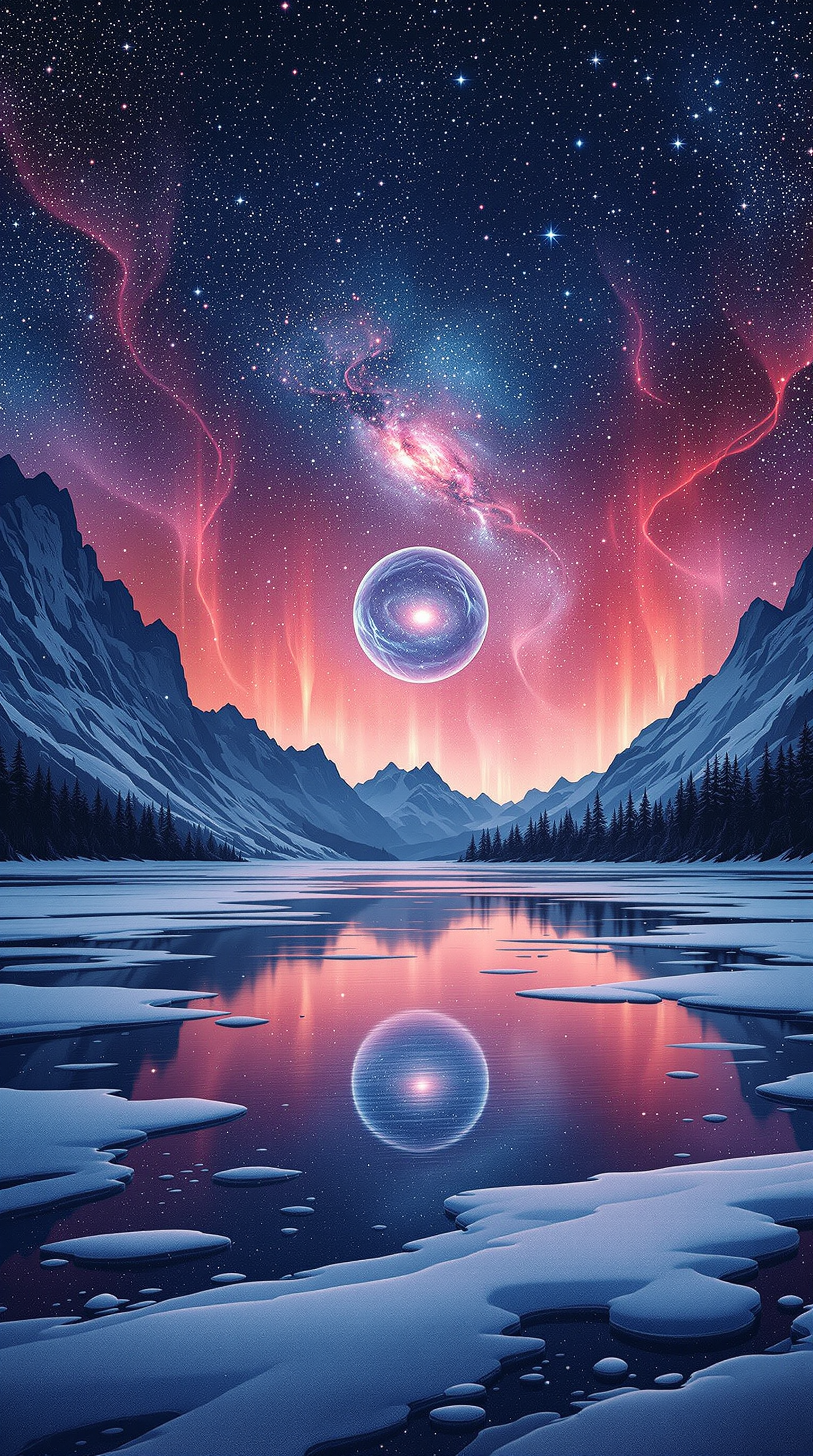
Cosmic Winter Lake with Aurora & Nebula Portal
CC0 1.0 · public domain · any use, no attribution required (License)
Provided as is, with no warranty. AI images can unintentionally resemble existing works, so check your own use — especially anything with logos, trademarks or recognisable people.
If the download doesn’t start, press and hold the image to save it.
How to set as wallpaper
- iPhone: open Photos → tap the image → Share → Use as Wallpaper.
- Android: open Gallery → tap the image → menu (⋮) → Set as wallpaper.
About this wallpaper
This fantastical image features a serene winter lake surrounded by snow-dusted mountains and dark evergreen forests, reflecting a vibrant cosmic sky. The atmosphere is dominated by a brilliant celestial display, including a distant spiral galaxy, flowing aurora-like light, and a glowing ethereal sphere hovering above the water. The primary colors of deep blues and cool purples are dramatically contrasted by the warm, vivid pinks and reds of the celestial phenomena, creating a sense of otherworldliness. This digital illustration, with its clear details and imaginative composition, is ideal for a phone background that evokes wonder and a dreamlike calm.
Color palette — cool blues and purples with vibrant pink and red accents
Tap a color to copy its hex code.
Wallpaper details
- Aspect ratio
- 9:16 (portrait)
- Format
- JPG
- Best for
- aesthetic phone background
- License
- CC0 1.0 — public domain, any use, no attribution
How to set it as your wallpaper
- Choose a size from the download button and save the image.
- On iPhone or iPad, choose the saved image in Settings → Wallpaper. On Android, use Photos or Gallery to set it as wallpaper.
- Adjust the position and fit for your screen. Edges may be cropped depending on your device’s aspect ratio.


