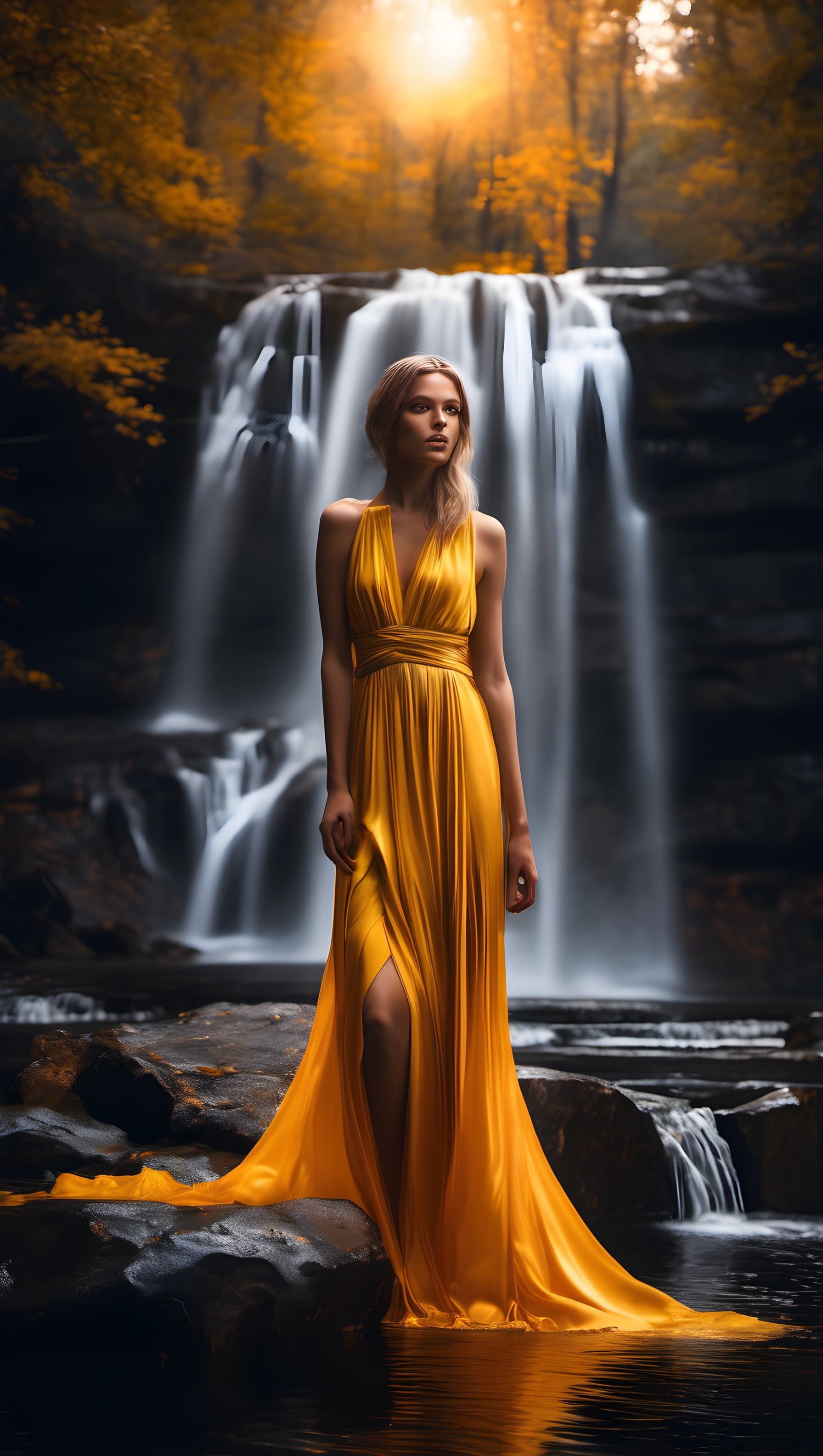
Woman in Gold Dress by Waterfall at Sunset
100% free · personal & commercial use · no attribution required (License)
If the download doesn’t start, press and hold the image to save it.
How to set as wallpaper
- iPhone: open Photos → tap the image → Share → Use as Wallpaper.
- Android: open Gallery → tap the image → menu (⋮) → Set as wallpaper.
About this wallpaper
A woman in a flowing golden gown stands poised on rocks at the base of a multi-tiered waterfall. The scene is illuminated by warm, ethereal sunlight filtering through autumn-colored trees at the top of the image, creating a magical glow. The dominant colors are a vibrant golden yellow from the dress and sunlight, contrasted with the dark, cool tones of the wet rocks and the soft, streaky white of the cascading water. The visual style blends realistic portraiture with a dreamlike, almost painterly landscape, suitable for a phone screen that benefits from a striking central figure and rich, atmospheric lighting.
Color palette — warm golden and dark earthy tones
Tap a color to copy its hex code.
Wallpaper details
- Aspect ratio
- 9:16 (portrait)
- Format
- JPG
- Best for
- aesthetic phone background
- License
- Free — personal & commercial, no attribution
How to set it as your wallpaper
- Choose a size from the download button and save the image.
- On iPhone or iPad, choose the saved image in Settings → Wallpaper. On Android, use Photos or Gallery to set it as wallpaper.
- Adjust the position and fit for your screen. Edges may be cropped depending on your device’s aspect ratio.


