← Back
Cozy Winter Night Market Town Snow Wallpaper
100% free AI image Cityscape
6/20/2026, 9:19:33 PM AI 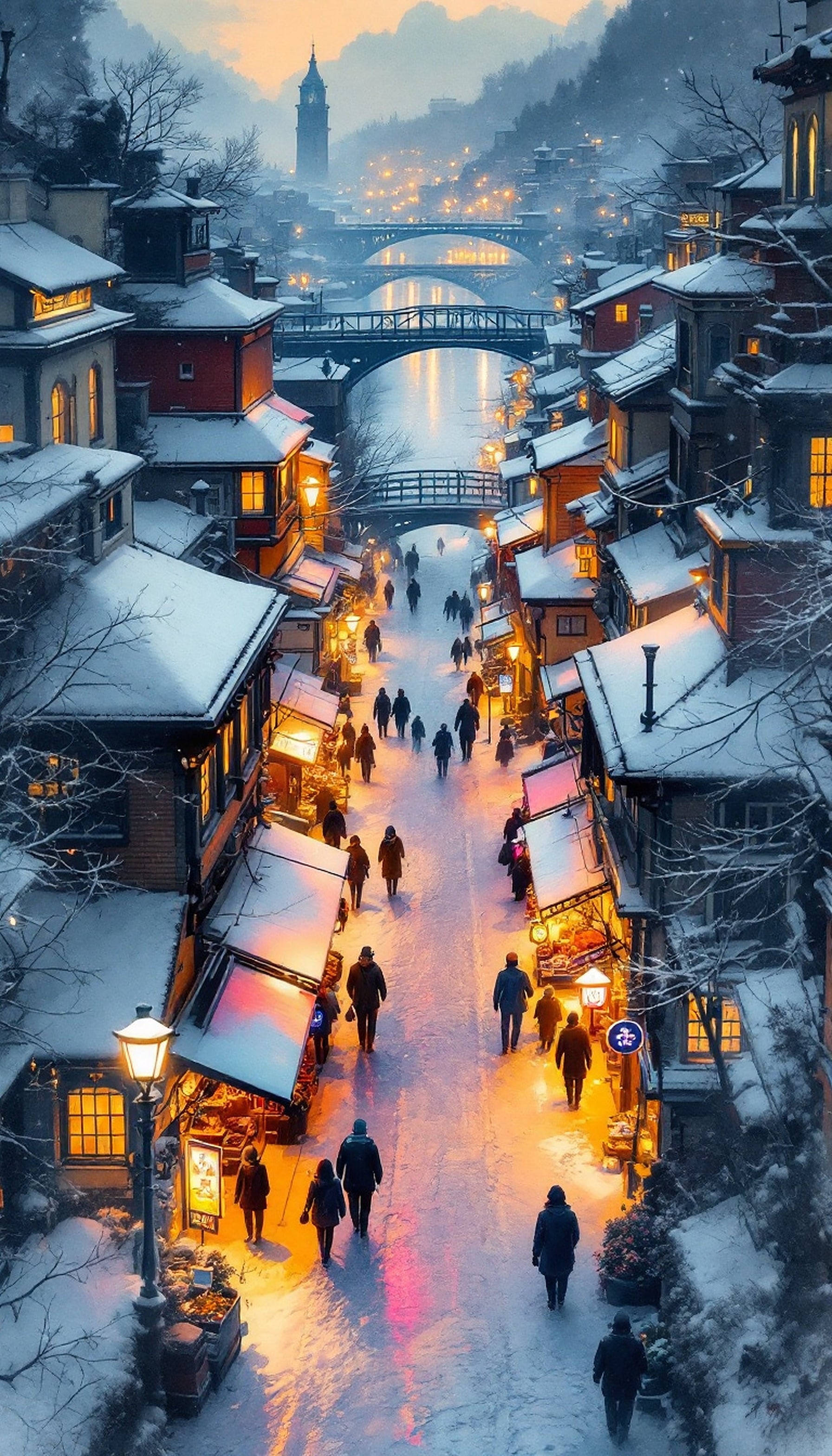
5 0
100% free · personal & commercial use · no attribution required (License)
If the download doesn’t start, press and hold the image to save it.
How to set as wallpaper
- iPhone: open Photos → tap the image → Share → Use as Wallpaper.
- Android: open Gallery → tap the image → menu (⋮) → Set as wallpaper.
About this wallpaper
The scene captures a snow-covered winter town at dusk, bathed in the warm radiance of streetlights and shop windows. Peaceful figures meander along the snowy path, their forms softened by the reflected overhead light, contributing to a serene and inviting atmosphere. The composition is dominated by cool blues and whites of the snow, strikingly contrasted by vibrant warm oranges and pinks. This piece evokes a magical, cozy, and festive ambiance, making it an apt selection for a mobile display.
Style: atmospheric painting Mood: calm and magical Best for: aesthetic phone background
Color palette — cool winter with warm glows
Tap a color to copy its hex code.
Wallpaper details
- Aspect ratio
- 9:16 (portrait)
- Format
- JPG
- Best for
- aesthetic phone background
- License
- Free — personal & commercial, no attribution
Quality & safety reviewed How images are vetted
How to set it as your wallpaper
- Choose a size from the download button and save the image.
- On iPhone or iPad, choose the saved image in Settings → Wallpaper. On Android, use Photos or Gallery to set it as wallpaper.
- Adjust the position and fit for your screen. Edges may be cropped depending on your device’s aspect ratio.


