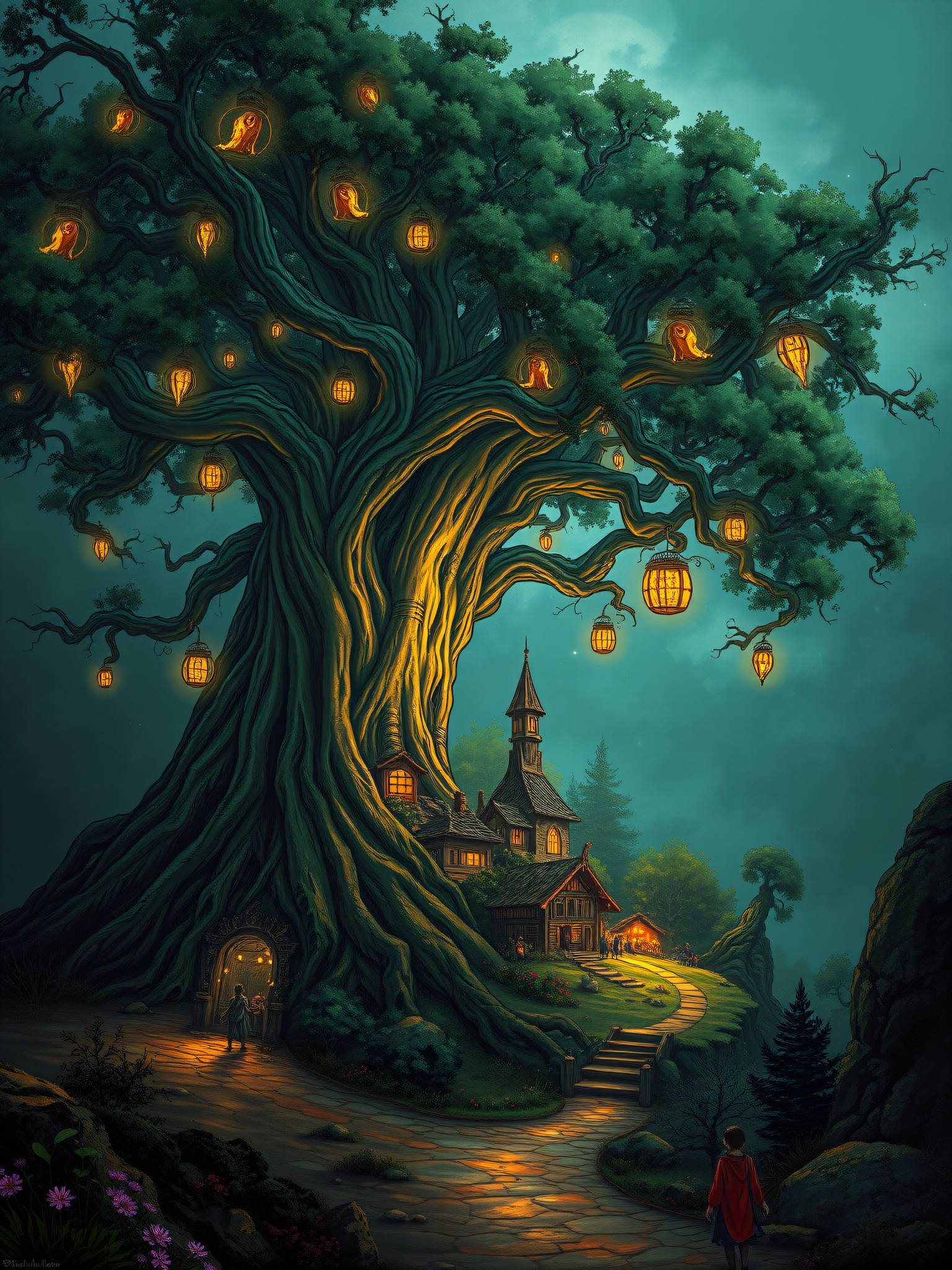
Enchanted Tree Village at Twilight Wallpaper
CC0 1.0 · public domain · any use, no attribution required (License)
Provided as is, with no warranty. AI images can unintentionally resemble existing works, so check your own use — especially anything with logos, trademarks or recognisable people.
If the download doesn’t start, press and hold the image to save it.
How to set as wallpaper
- iPhone: open Photos → tap the image → Share → Use as Wallpaper.
- Android: open Gallery → tap the image → menu (⋮) → Set as wallpaper.
About this wallpaper
A magnificent, ancient tree, its colossal trunk illuminated by numerous glowing lanterns, stands central to a whimsical village scene. Small, quaint houses are built into and around its base, connected by winding paths and steps that glow warmly under the soft, ethereal twilight sky. The dominant colors are deep emerald green for the foliage and trunk, contrasted with vibrant golden yellow from the lanterns and warm orange from the illuminated windows, all set against a tranquil teal-blue sky. This detailed digital painting style creates a magical, storybook atmosphere, making it a fitting aesthetic background for a phone screen that evokes wonder.
Color palette — dark green and teal with warm golden accents
Tap a color to copy its hex code.
Wallpaper details
- Aspect ratio
- 3:4
- Format
- JPG
- Best for
- aesthetic phone background
- License
- CC0 1.0 — public domain, any use, no attribution
How to set it as your wallpaper
- Choose a size from the download button and save the image.
- On iPhone or iPad, choose the saved image in Settings → Wallpaper. On Android, use Photos or Gallery to set it as wallpaper.
- Adjust the position and fit for your screen. Edges may be cropped depending on your device’s aspect ratio.


