← Back
Majestic Mountain River Gorge Wallpaper
100% free AI image Nature
8/23/2025, 12:03:49 AM AI 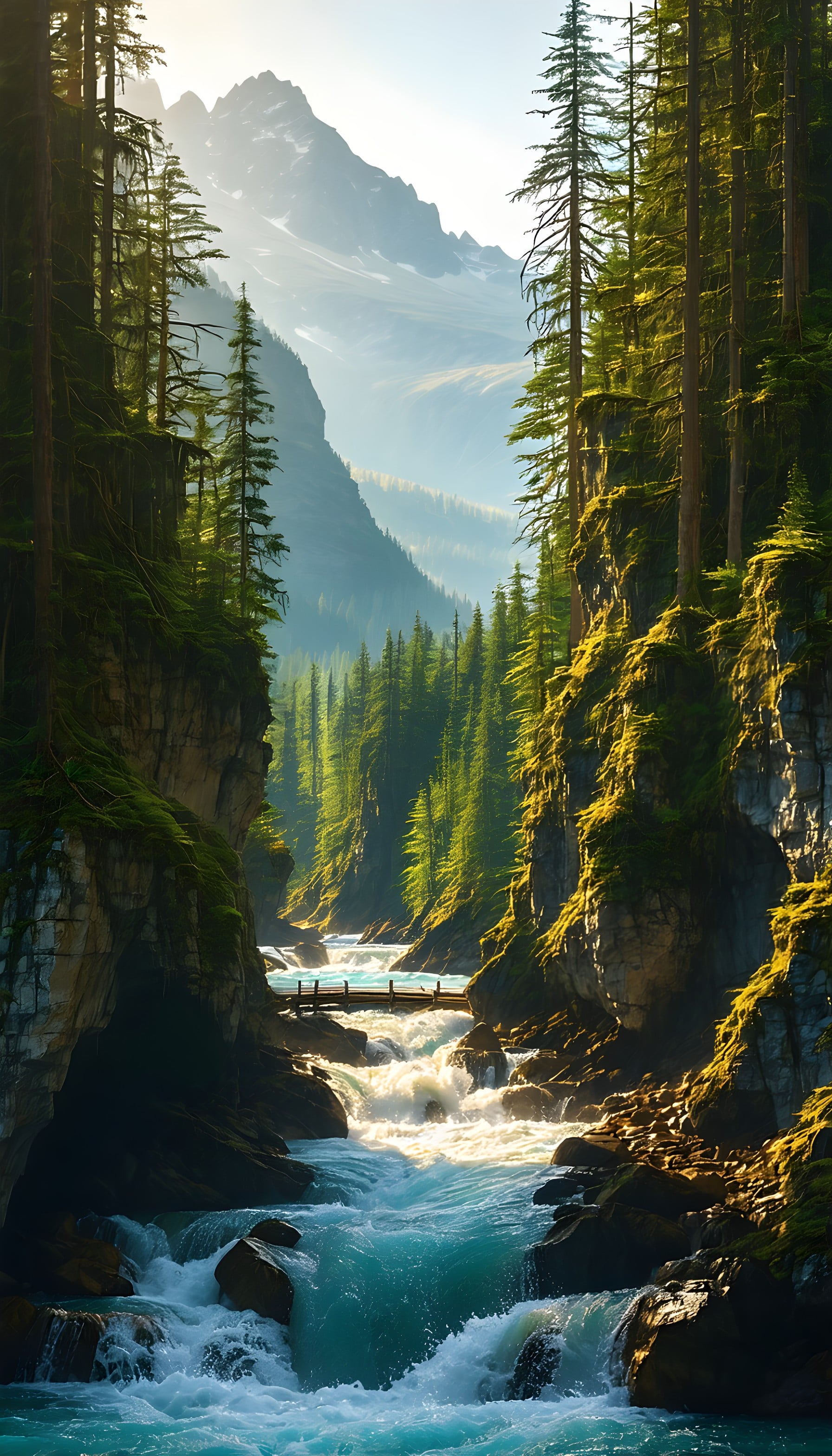
2 0
100% free · personal & commercial use · no attribution required (License)
If the download doesn’t start, press and hold the image to save it.
How to set as wallpaper
- iPhone: open Photos → tap the image → Share → Use as Wallpaper.
- Android: open Gallery → tap the image → menu (⋮) → Set as wallpaper.
About this wallpaper
Within a lush, forested mountain gorge, a vibrant teal river rushes between dramatic rock formations. Golden sunlight streams across the scene, illuminating verdant trees and sparkling rapids, with hazy, majestic peaks defining the distant horizon. This piece presents a serene yet dynamic landscape, ideal as an inspiring and calming mobile backdrop for nature enthusiasts and adventurers.
Style: realistic photography Mood: serene and majestic Best for: aesthetic phone background
Color palette — vibrant nature hues with refreshing blues
Tap a color to copy its hex code.
Wallpaper details
- Aspect ratio
- 9:16 (portrait)
- Format
- JPG
- Best for
- aesthetic phone background
- License
- Free — personal & commercial, no attribution
Quality & safety reviewed How images are vetted
How to set it as your wallpaper
- Choose a size from the download button and save the image.
- On iPhone or iPad, choose the saved image in Settings → Wallpaper. On Android, use Photos or Gallery to set it as wallpaper.
- Adjust the position and fit for your screen. Edges may be cropped depending on your device’s aspect ratio.


