← Back
City Street Sunset Dusk Wallpaper
100% free AI image Cityscape
11/23/2025, 6:16:06 AM AI 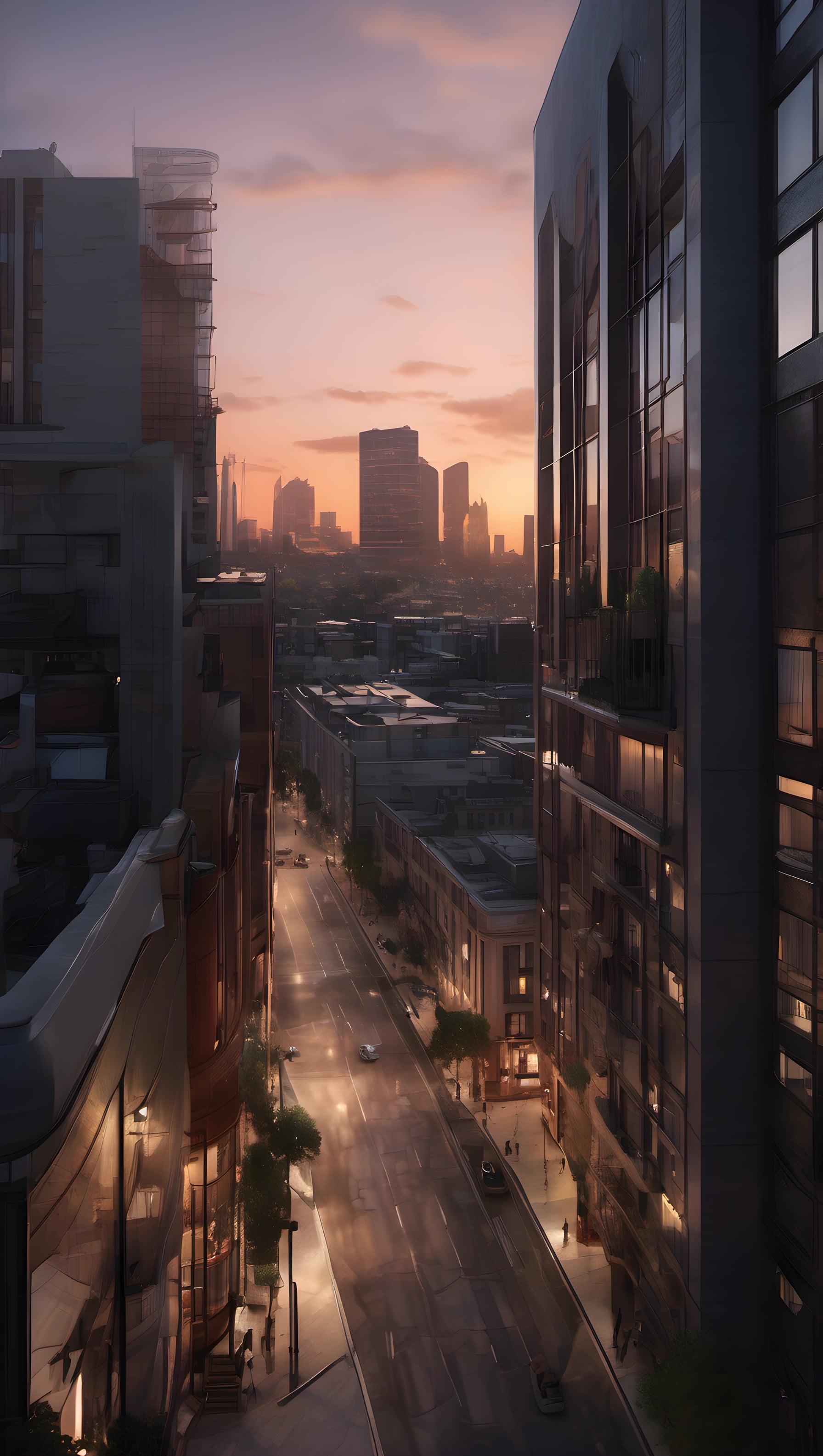
3 0
100% free · personal & commercial use · no attribution required (License)
If the download doesn’t start, press and hold the image to save it.
How to set as wallpaper
- iPhone: open Photos → tap the image → Share → Use as Wallpaper.
- Android: open Gallery → tap the image → menu (⋮) → Set as wallpaper.
About this wallpaper
A bustling city street viewed from a high vantage point at dusk, flanked by modern buildings on either side. The sky is painted with soft hues of orange and pink from the setting sun, casting a warm glow over the urban landscape. Streetlights are beginning to illuminate the wet pavement below, reflecting the amber light and creating a serene, almost cinematic atmosphere. This realistic cityscape is well-suited for a phone lock screen, offering a sophisticated and tranquil urban backdrop.
Style: realistic urban view Mood: calm and sophisticated Best for: aesthetic phone background
Color palette — warm sunset and cool urban tones
Tap a color to copy its hex code.
Wallpaper details
- Aspect ratio
- 9:16 (portrait)
- Format
- JPG
- Best for
- aesthetic phone background
- License
- Free — personal & commercial, no attribution
Quality & safety reviewed How images are vetted
How to set it as your wallpaper
- Choose a size from the download button and save the image.
- On iPhone or iPad, choose the saved image in Settings → Wallpaper. On Android, use Photos or Gallery to set it as wallpaper.
- Adjust the position and fit for your screen. Edges may be cropped depending on your device’s aspect ratio.


