← Back
Enchanting Dark Rose with Dewdrops and Warm Bokeh
100% free AI image Floral
6/7/2026, 5:20:20 PM AI 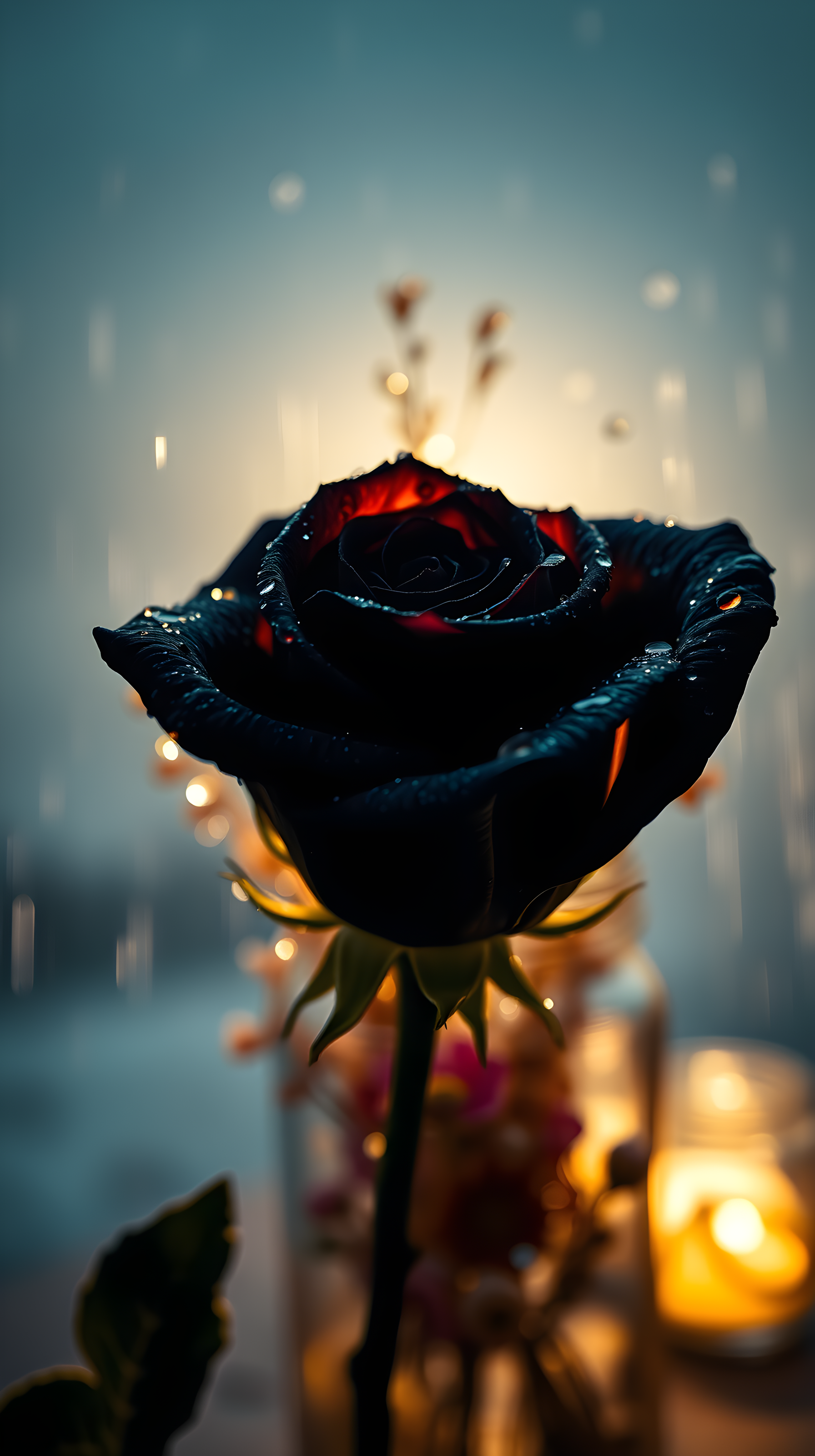
4 0
100% free · personal & commercial use · no attribution required (License)
If the download doesn’t start, press and hold the image to save it.
How to set as wallpaper
- iPhone: open Photos → tap the image → Share → Use as Wallpaper.
- Android: open Gallery → tap the image → menu (⋮) → Set as wallpaper.
About this wallpaper
An intricately detailed dark rose, adorned with sparkling dewdrops, forms the focal point of this image. An ethereal light source from below imbues its petals with a rich, deep red, creating a pronounced contrast against the rose's shadowy form. This central element is framed by a soft, warm bokeh that harmonizes with the cool, blurry blue-grey background, establishing a romantic and mysterious ambiance. Designed for mobile display, it provides a sophisticated, moody aesthetic.
Style: Dramatic macro photography Mood: Romantic and mysterious Best for: aesthetic phone background
Color palette — Deep reds, dark teal, and warm gold against a cool blue-grey
Tap a color to copy its hex code.
Wallpaper details
- Aspect ratio
- 9:16 (portrait)
- Format
- JPG
- Best for
- aesthetic phone background
- License
- Free — personal & commercial, no attribution
Quality & safety reviewed How images are vetted
How to set it as your wallpaper
- Choose a size from the download button and save the image.
- On iPhone or iPad, choose the saved image in Settings → Wallpaper. On Android, use Photos or Gallery to set it as wallpaper.
- Adjust the position and fit for your screen. Edges may be cropped depending on your device’s aspect ratio.


