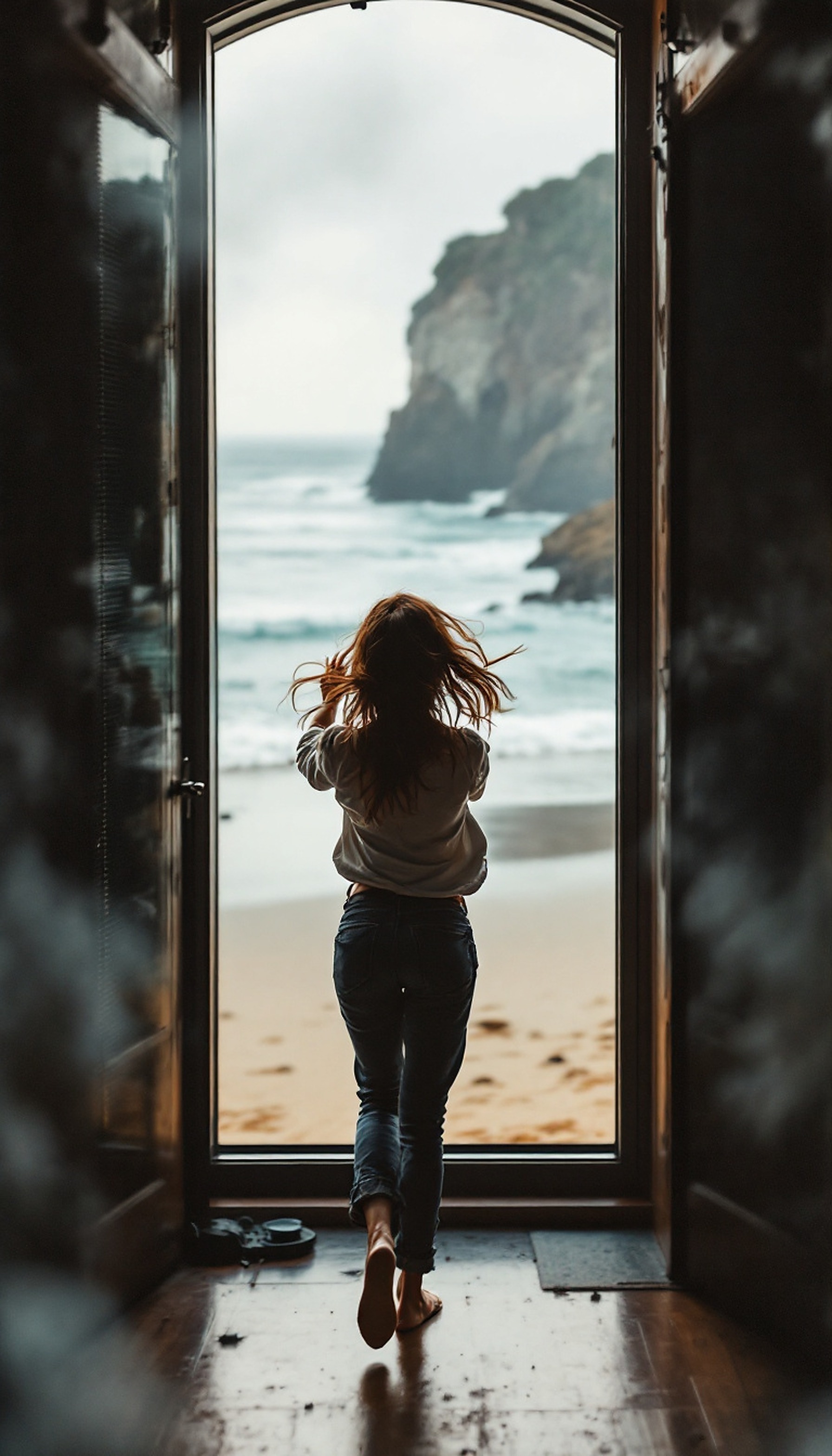
Woman Looking at Moody Beach Cliff Wallpaper
100% free · personal & commercial use · no attribution required (License)
If the download doesn’t start, press and hold the image to save it.
How to set as wallpaper
- iPhone: open Photos → tap the image → Share → Use as Wallpaper.
- Android: open Gallery → tap the image → menu (⋮) → Set as wallpaper.
About this wallpaper
A woman stands silhouetted in a doorway, gazing out at a dramatic coastal scene with a sandy beach, rolling waves, and imposing cliffs under an overcast sky. The muted lighting creates a calm, somewhat contemplative atmosphere, emphasizing the natural beauty of the ocean and rocky shore. Dominant colors are deep earthy browns of the interior, warm sandy beige of the beach, and cool blue-greys of the sea and sky, with a touch of a vibrant auburn in the woman's hair. This photographic style background is suitable for a phone lock screen or a serene home screen to evoke a sense of freedom and natural beauty.
Color palette — muted earthy and cool tones
Tap a color to copy its hex code.
Wallpaper details
- Aspect ratio
- 9:16 (portrait)
- Format
- JPG
- Best for
- aesthetic phone background
- License
- Free — personal & commercial, no attribution
How to set it as your wallpaper
- Choose a size from the download button and save the image.
- On iPhone or iPad, choose the saved image in Settings → Wallpaper. On Android, use Photos or Gallery to set it as wallpaper.
- Adjust the position and fit for your screen. Edges may be cropped depending on your device’s aspect ratio.


