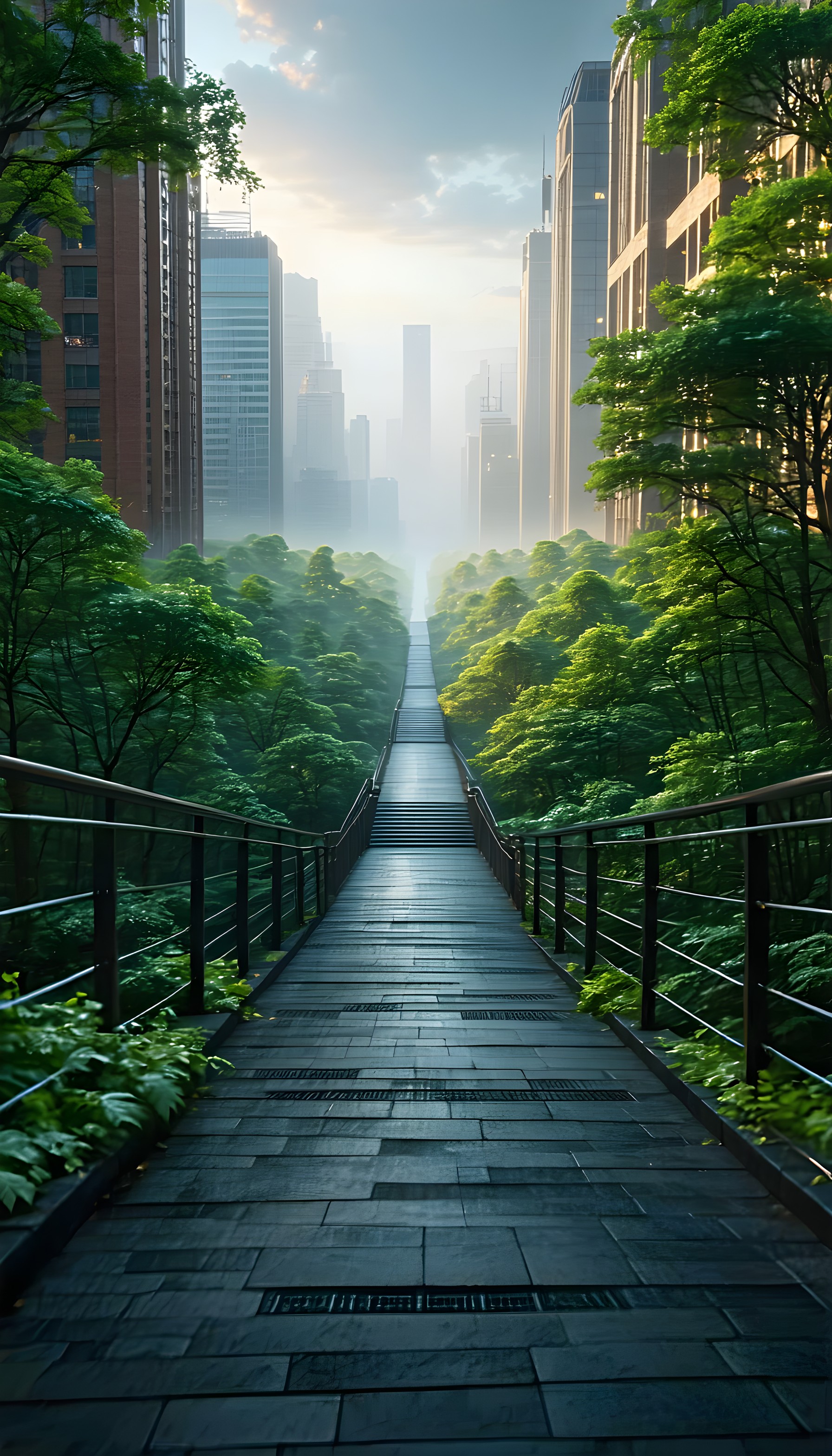
Misty Urban Pathway with Lush Greenery
100% free · personal & commercial use · no attribution required (License)
If the download doesn’t start, press and hold the image to save it.
How to set as wallpaper
- iPhone: open Photos → tap the image → Share → Use as Wallpaper.
- Android: open Gallery → tap the image → menu (⋮) → Set as wallpaper.
About this wallpaper
A long, elevated wooden pathway stretches into a misty urban landscape, flanked by dense, vibrant green foliage and tall city buildings. The scene is bathed in soft, diffused light, creating an ethereal and tranquil atmosphere, with the distant city skyline fading into a gentle haze. The dominant colors are deep forest greens, earthy browns of the buildings, and cool, muted blues of the sky and mist. This digital painting employs a realistic yet slightly stylized approach, making it an excellent aesthetic phone background for those seeking a blend of nature and urban serenity.
Color palette — cool greens and muted urban tones
Tap a color to copy its hex code.
Wallpaper details
- Aspect ratio
- 9:16 (portrait)
- Format
- JPG
- Best for
- aesthetic phone background
- License
- Free — personal & commercial, no attribution
How to set it as your wallpaper
- Choose a size from the download button and save the image.
- On iPhone or iPad, choose the saved image in Settings → Wallpaper. On Android, use Photos or Gallery to set it as wallpaper.
- Adjust the position and fit for your screen. Edges may be cropped depending on your device’s aspect ratio.


