← Back
Futuristic City Sunset Skyscrapers Wallpaper
100% free AI image Cityscape
11/23/2025, 8:22:10 AM AI 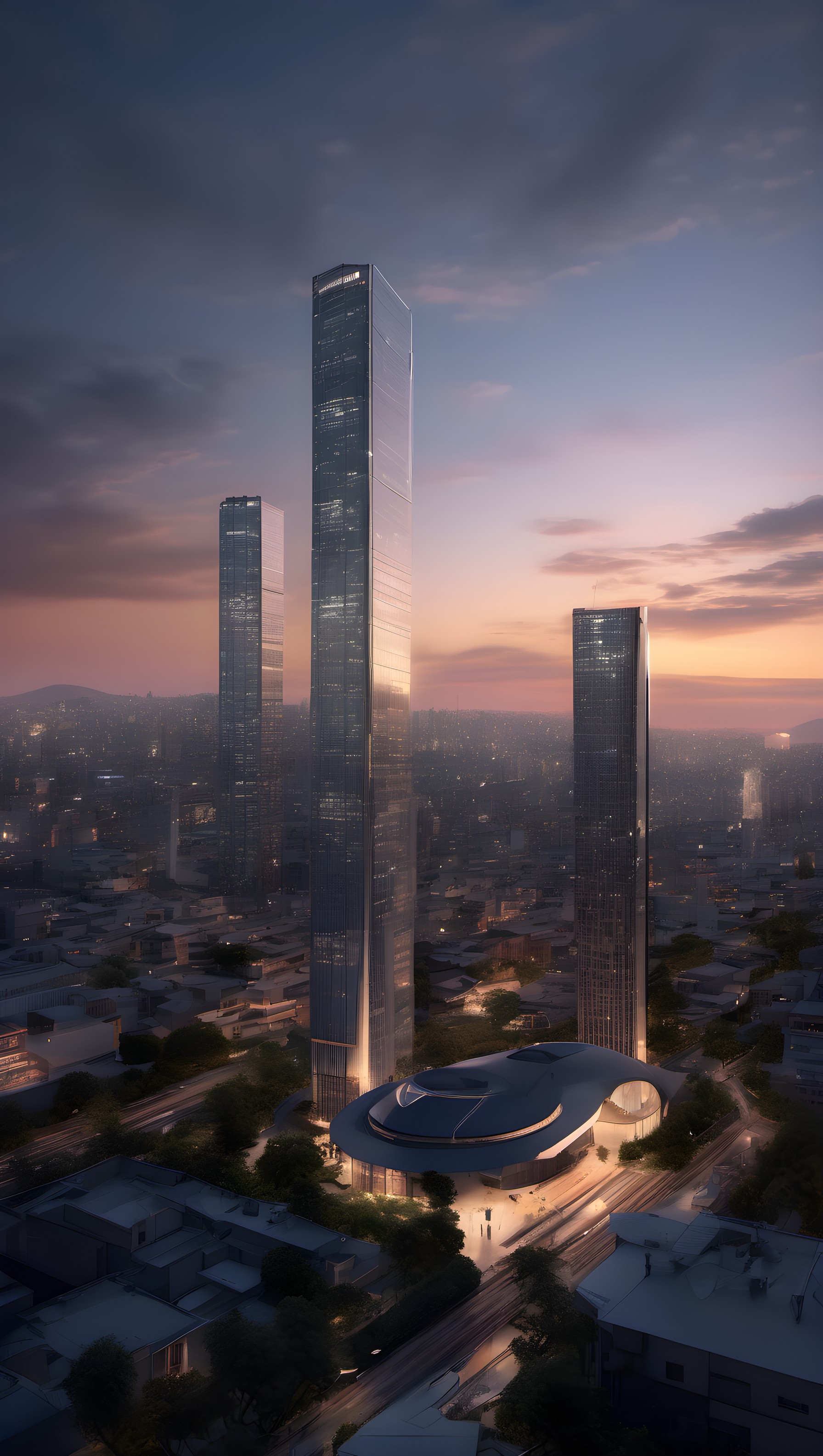
2 0
100% free · personal & commercial use · no attribution required (License)
If the download doesn’t start, press and hold the image to save it.
How to set as wallpaper
- iPhone: open Photos → tap the image → Share → Use as Wallpaper.
- Android: open Gallery → tap the image → menu (⋮) → Set as wallpaper.
About this wallpaper
Tall, gleaming skyscrapers stand prominently against a vivid sunset sky, casting long reflections and shadows across the urban landscape below. The atmosphere is serene yet grand, with the warm hues of the setting sun transitioning into deep blues and purples overhead, highlighting the intricate details of the buildings and surrounding city. This digital render captures a sense of modern aspiration and calm, making it an excellent choice for a phone background that evokes a sophisticated and forward-looking mood.
Style: futuristic render Mood: calm and sophisticated Best for: aesthetic phone background
Color palette — dusky blue and warm sunset tones
Tap a color to copy its hex code.
Wallpaper details
- Aspect ratio
- 9:16 (portrait)
- Format
- JPG
- Best for
- aesthetic phone background
- License
- Free — personal & commercial, no attribution
Quality & safety reviewed How images are vetted
How to set it as your wallpaper
- Choose a size from the download button and save the image.
- On iPhone or iPad, choose the saved image in Settings → Wallpaper. On Android, use Photos or Gallery to set it as wallpaper.
- Adjust the position and fit for your screen. Edges may be cropped depending on your device’s aspect ratio.


