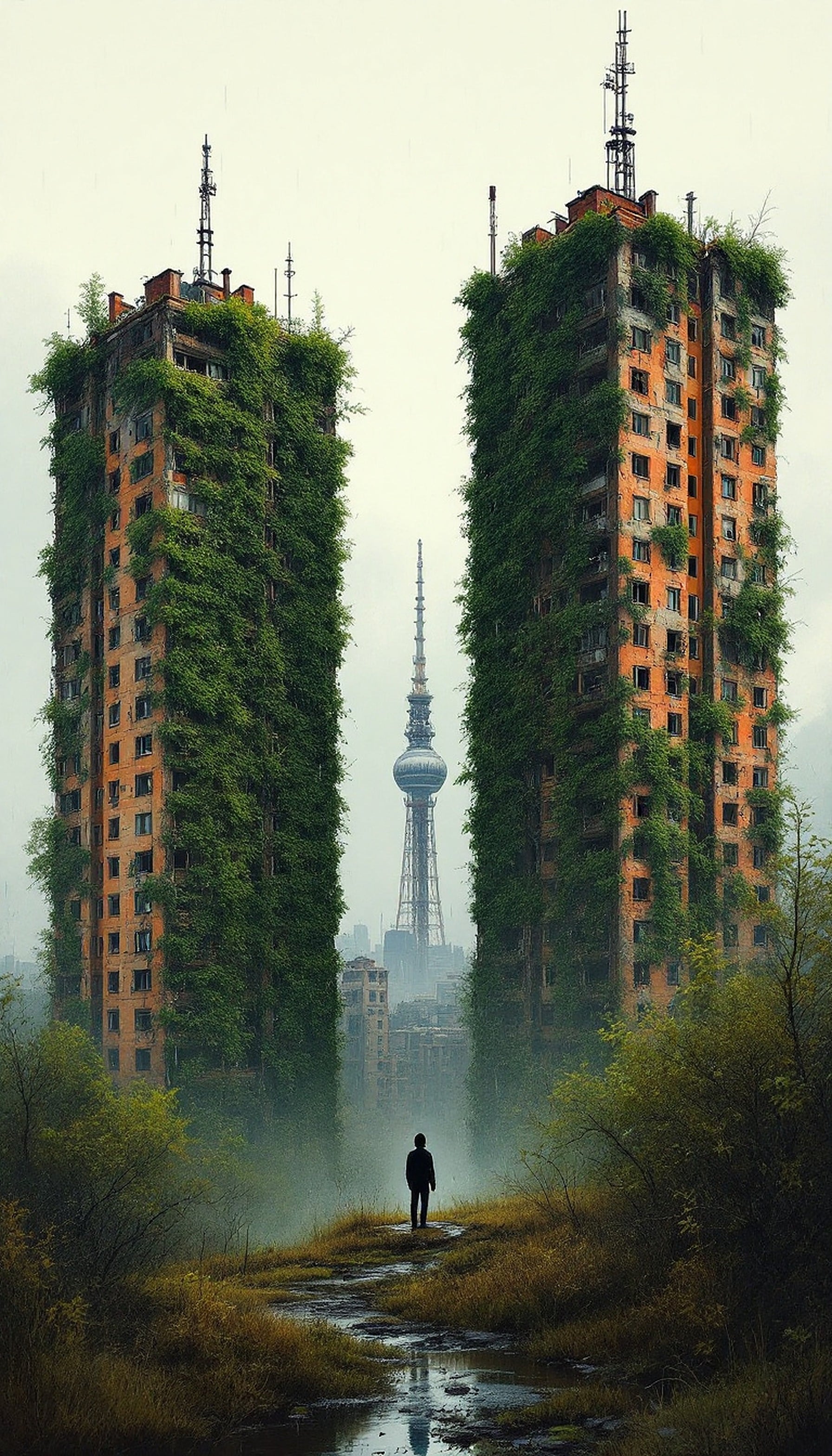
Post-Apocalyptic City Overgrown with Nature
CC0 1.0 · public domain · any use, no attribution required (License)
Provided as is, with no warranty. AI images can unintentionally resemble existing works, so check your own use — especially anything with logos, trademarks or recognisable people.
If the download doesn’t start, press and hold the image to save it.
How to set as wallpaper
- iPhone: open Photos → tap the image → Share → Use as Wallpaper.
- Android: open Gallery → tap the image → menu (⋮) → Set as wallpaper.
About this wallpaper
An evocative vertical wallpaper depicting a solitary figure walking a muddy path towards a dystopian cityscape, where towering, dilapidated buildings are reclaiming their vibrant orange brick facades with lush green vines. A distinctive communications tower looms in the misty background, creating a sense of isolation and a world where nature has triumphed over urban decay. This atmospheric scene, with its muted greens, earthy browns, and faded orange, is perfect for those who appreciate moody, thought-provoking backgrounds on their iPhone or Android devices.
Color palette — muted earthy tones with vibrant greens
Tap a color to copy its hex code.
Wallpaper details
- Aspect ratio
- 9:16 (portrait)
- Format
- JPG
- Best for
- aesthetic phone background
- License
- CC0 1.0 — public domain, any use, no attribution
How to set it as your wallpaper
- Choose a size from the download button and save the image.
- On iPhone or iPad, choose the saved image in Settings → Wallpaper. On Android, use Photos or Gallery to set it as wallpaper.
- Adjust the position and fit for your screen. Edges may be cropped depending on your device’s aspect ratio.


